Vigilant MX1 Operator Manual Document: LT0344
Page 9-10 8 August 2017 Issue 2.4
Remote system has a fault that is signalled to the
monitoring service
The remote system has network faults, such as
network path faults and communication failures.
The remote system has a non-brigade alarm.
The remote system has a disable condition that is
not signalled to the monitoring service.
The remote system has a disabled non- brigade
alarm.
The remote system has a disabled , non-
monitored fault.
The remote system has a fault that is not signalled
to the monitoring service
The remote system is indicating it has one or
more off-normal conditions that can be recalled.
The remote system is indicating that plant outputs
are disabled.
The remote system has one or more power supply
faults (for example, charger low, battery low or
disconnected).
The remote system has a reset in progress.
The remote system has conditions which may
include power supply inadequate, all zones
isolated, or other critical faults or conditions that
could compromise the operation of the system.
The remote system has an unacknowledged test
failure.
Unacknowledged
System Faults Present
The remote system has one or more
unacknowledged AS 4428 System Faults.
The remote system has alarm conditions that
would activate the Warning System.
The remote system has its Warning System
disabled/isolated.
The remote system has its Warning System
outputs operated.
The remote system is signalling that other panels
can silence their Warning System.
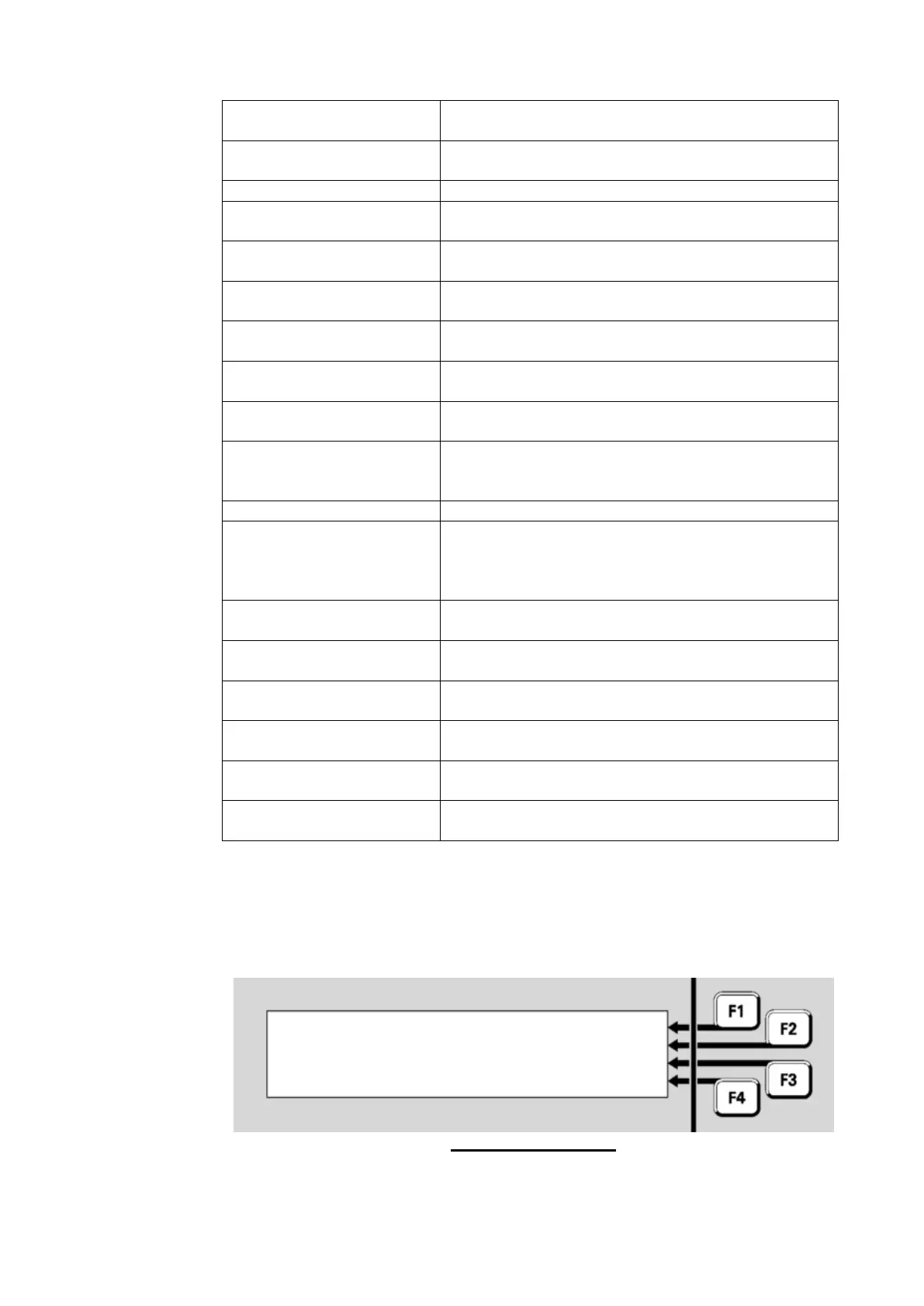
The format of the Network Fault Status display is shown in Figure 9-12.
Fig 9-12 – Fault Status
Fault Status: <fault status> |



 To Next Page