Document: LT0344 Vigilant MX1 Operator Manual
Issue 2.4 8 August 2017 Page 8-7
It can also be used if a foreign device is found (P241/26/5 goes into fault)
by looking through each loop for FRGN devices, or when a loop break is
present to identify those devices on each side (L or R) of the break.
The MX1 will poll every address from 0 to 255 (note addresses 0 and
251-255 are not supported by the MX1 for configured devices) and
attempt to identify the type of device present (this may fail if two or more
devices are present at the same address).
Figure 8-6b shows an example resulting display.
Fig 8-6b – Example
MX
Loop Scan Display
Each screen will show 4 addresses (e.g., 0, 1, 2, 3) plus:
The device type – blank if no device present at that address.
L, R, or LR to indicate the device is visible from the left side, right side
or both left and right side of the loop.
DUP if two or more devices are present at the address.
MISM if the device type does not agree with the type programmed in
the MX1’s datafile.
FRGN if the device is not programmed at all in the MX1’s datafile.
UNDR if the address is 0 (under-addressed).
OVER if the address is 251-255 (over-addressed).
NEXTF3 and PREVF2 can be used to step through the various
addresses.
This function requires Access Level 2.
From the base display press MENU three times then MEMORYF3 to
view the System Memory Status menu.
|
Select memory area to display
status | DATAFILE
| KEYPAD
| PROGRAM
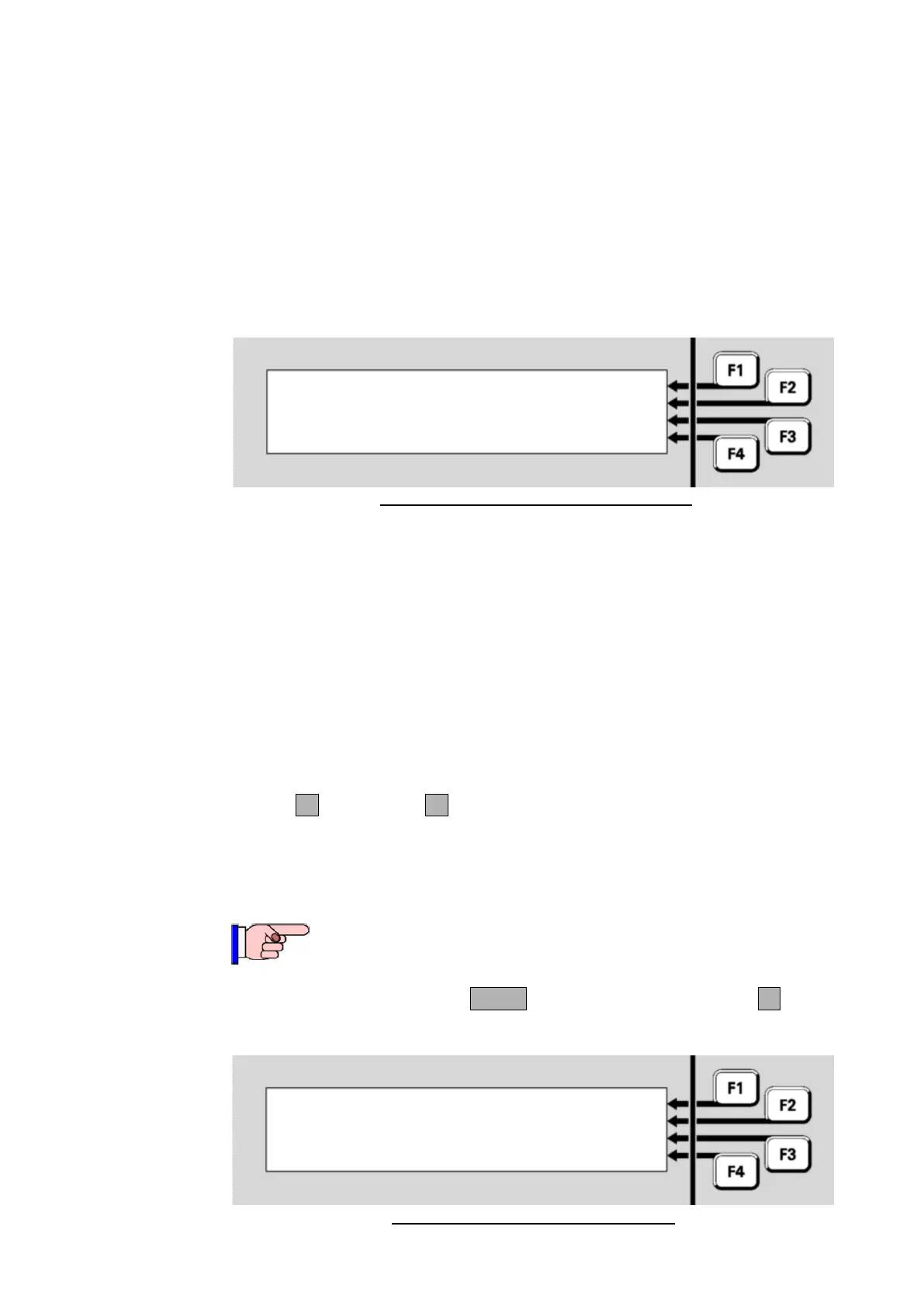
Fig 8-7 – System Memory Status Menu
Viewing
System
Memory
Status
P001:814CH LR
P002:814CH LR
P003:814CH LR



 To Next Page