Vigilant MX1 Operator Manual Document: LT0344
Page 4-6 8 August 2017 Issue 2.4
The point’s HH and HL values have been reset.
The point’s TV value has been reset (to the CV).
An input or output has an short circuit in the wiring connected to it.
This output point has been switched into or out of an operated
condition as part of a point test.
This point is not Normal at the start of a self test, for example type
mismatch, device fail.
There is a device at this address which is not in the system data file.
This flame detector has a dirty window.
F1
F2
F4
F3
<time> <date> OLDEST
Local event PREV
<event text> NEXT
NEWEST
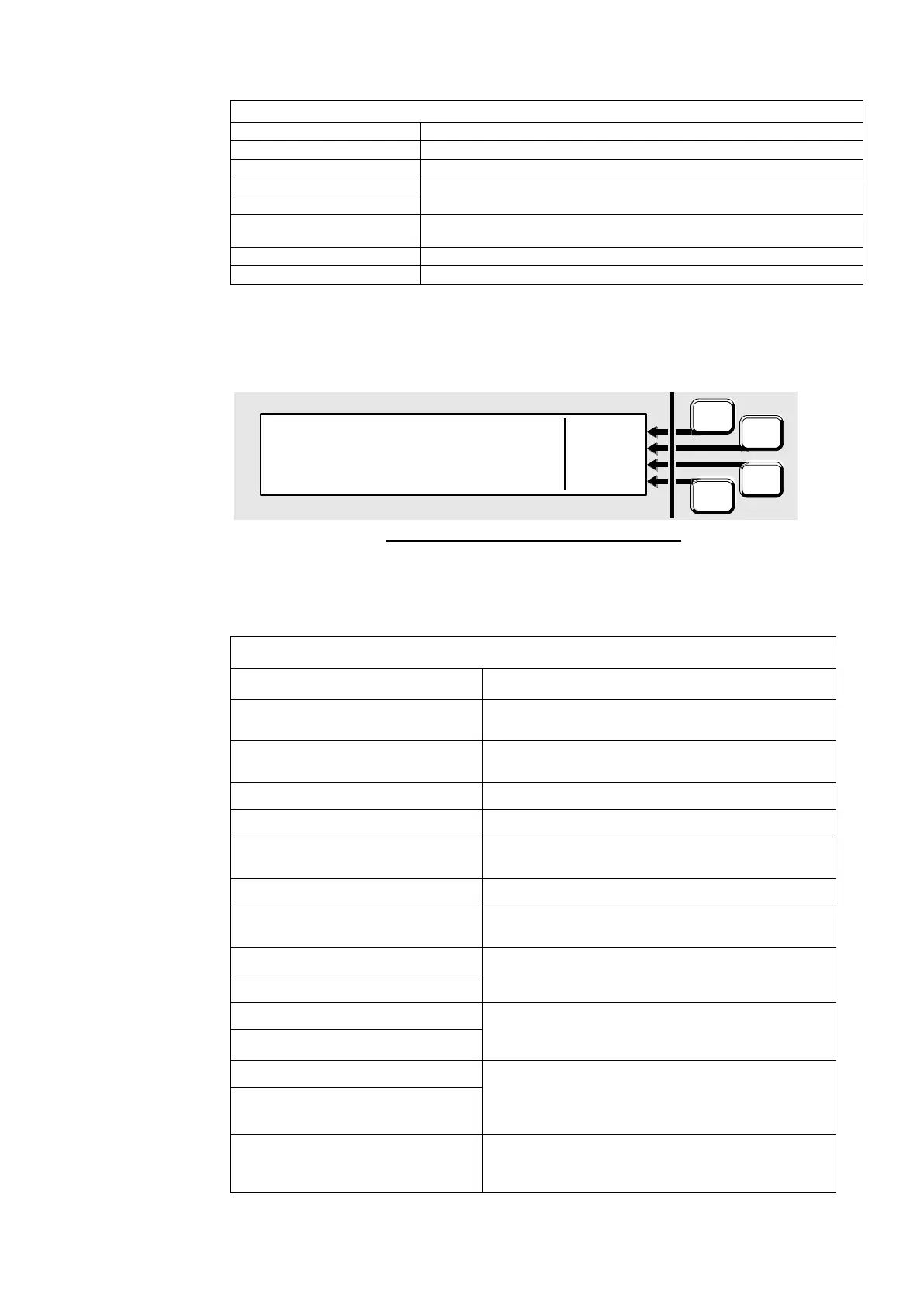
Fig 4-8 – System Event Message Format
The <event text> is one of the following:
The alarm devices were silenced after an alarm
occurred.
The alarm devices were resounded after being
silenced.
The event code was not recognised by the panel.
The MX1 has been powered up.
A zone or point command has been received on the
network from the specified SID.
Commissioning mode has been started/stopped.
The system date has been changed. The new date is
used for the event.
Daylight Saving Time adjustment to the system clock
has been started or stopped, respectively.
A user able to change the system datafile logged on
or logged off the programming port, respectively. ID is
user ID, user name shows the user’s name.
Diag logon (ID) User Name
A user able to use diagnostic functions logged on or
logged off the diagnostic/programming port,
respectively. ID is user ID, user name shows the
user’s name.
Non-volatile event messages were all cleared (usually
following a restore failure). All previous history events
will have been lost.



 To Next Page