Vigilant MX1 Operator Manual Document: LT0344
Page 5-8 8 August 2017 Issue 2.4
“002” is the number of the zone. “Std Detection G1” is the name of the
operating profile that has been programmed for the zone.
“Factory” is the description given to the zone to associate it with its
general physical location.
“Normal” indicates that no alarms, faults or other conditions are current
for this zone.
Press NEXTF3 to navigate forward to the next zone, and PREVF2 to
move back to the previous zone.
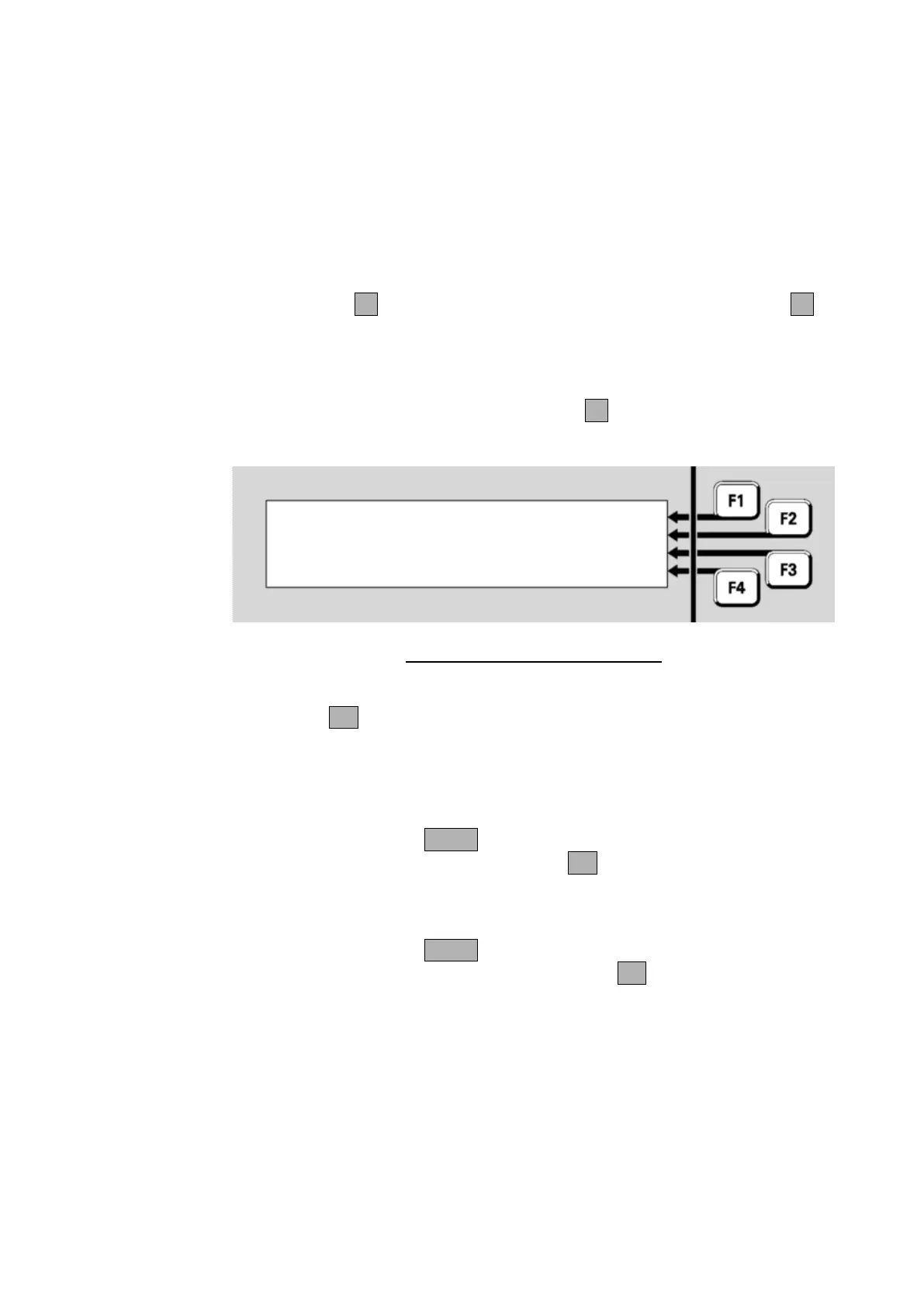
From the All Zones status display, you can directly enter the number of a
new zone to be displayed. Press ENTERF1 to show the zone number
entry display:
Fig 5-14 – Entering a Zone Number
Enter the number of the zone to be viewed using the numeric keypad,
followed by OK.
To recall a zone, press ZONE from the base display or Alarm List. Enter
the required zone number and press the OK key. This will show the
recall status display for that zone. See chapter 6 for the commands
available on a zone status display.
To recall a point, press ZONE twice from the base display or Alarm List.
Enter the required point number and press the OK key. This will show
the recall status display for that point. See chapter 6 for the commands
available on a point status display.
Using the Zone Button to Recall Points and Zones



 To Next Page