Vigilant MX1 Operator Manual Document: LT0344
Page 8-2 8 August 2017 Issue 2.4
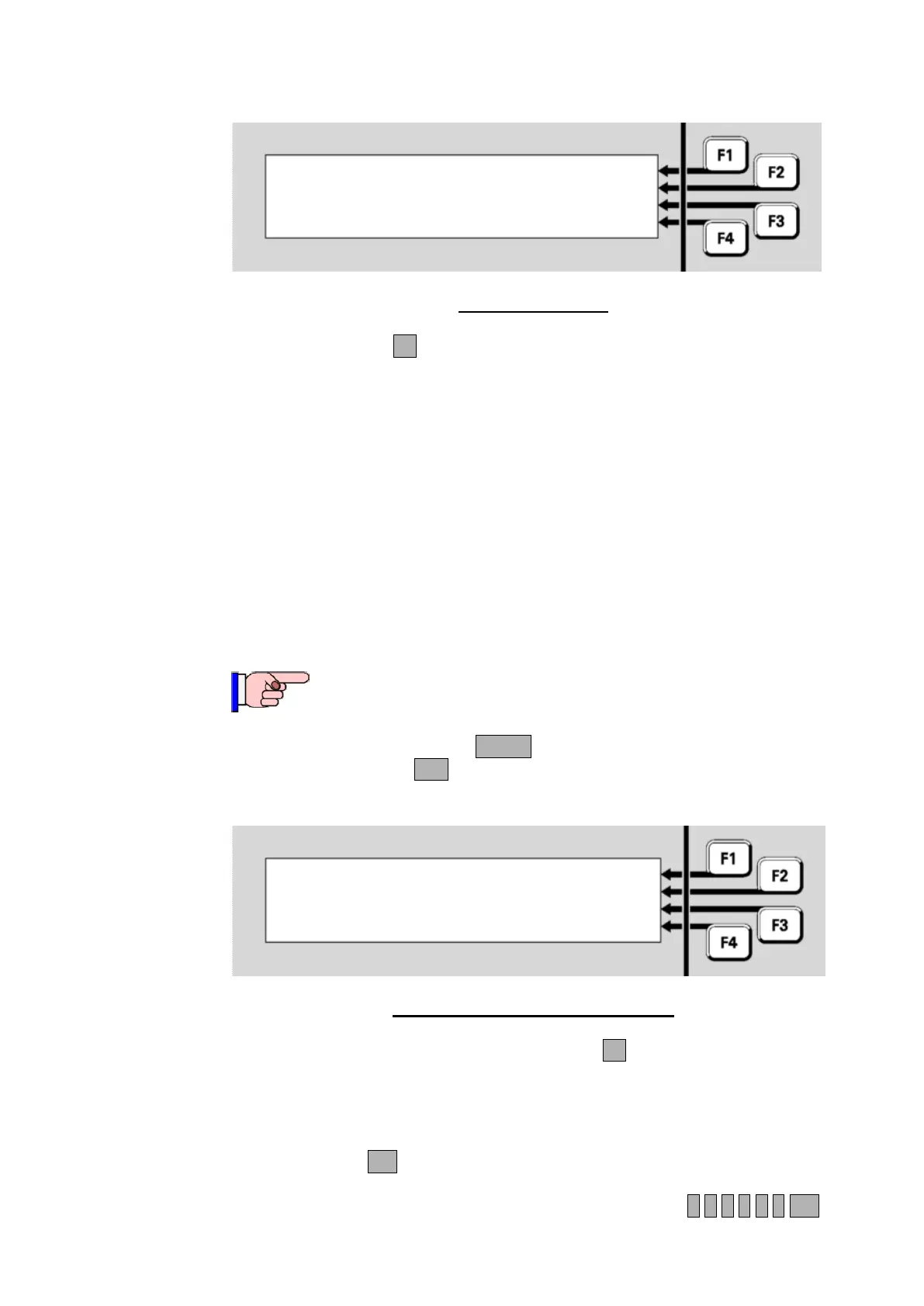
|DISP TST
| RECALL
| HISTORY
Press MENU for more options | POWER
Fig 8-1 – Base Menu
Press DISP TSTF1 to start the display test:
All the keypad indicators apart from the zone indicators will light
steadily for the entire test.
Each column of each set of 16 zone indicators will light in sequence,
followed by each row of each set of zone indicators lighting in
sequence.
The LCD will go blank and a solid black horizontal bar will step from
the top row to the bottom of the display.
The buzzer will beep at its quiet and loud volume settings.
At the end of the test, the above menu will be shown again.
This function requires Access Level 2.
From the base display, press MENU twice to see a menu with a Date
option. Press DATEF2 to select the Date/Time menu:
Current time is 21:50:13 | CHANGE
Current date is 13/07/07 | CHANGE
daylight saving is Off |
|
Fig 8-2 – Date And Time Change Menu
To change the system time, press CHANGEF1. All the digits are set to
zeroes.
Enter the current time in 24-hour format as HHMMSS. Separators
between the hours and minutes, and minutes and seconds, are not
required. Press OK to store the new time and start the clock.
For example, a time of 1:35:00pm would be entered as 1 3 3 5 0 0 OK
Setting System Time and Date
Setting the
Time and Date



 To Next Page