Vigilant MX1 Operator Manual Document: LT0344
Page 3-6 8 August 2017 Issue 2.4
This function requires Access Level 2.
To enable a disabled item:
Press DISABLES to display the Disables list.
Step through the Disables list with NEXTF3 or PREVF2 to the
zone or point to be enabled.
Press DISABLE or ENABLEF1 and then OK to confirm the enabling.
If the disabled zone or point is in Alarm, enabling it may
cause the system to enter the Alarm state.
From the Disables List other options are available by pressing the MENU
key. These are described in the next section.
This function requires Access Level 2.
There are commands available from the Disable menu to disable or
enable whole blocks of zones or points as well as individual zones or
points.
Press the DISABLE key from the base display. Alternatively, from the
Disables List, press the MENU F4 option. This gives a menu of what to
disable or enable.
Do not press the f.b.p DISABLE key when the Alarm List is
being shown unless the intent is to disable the displayed
zone in alarm.
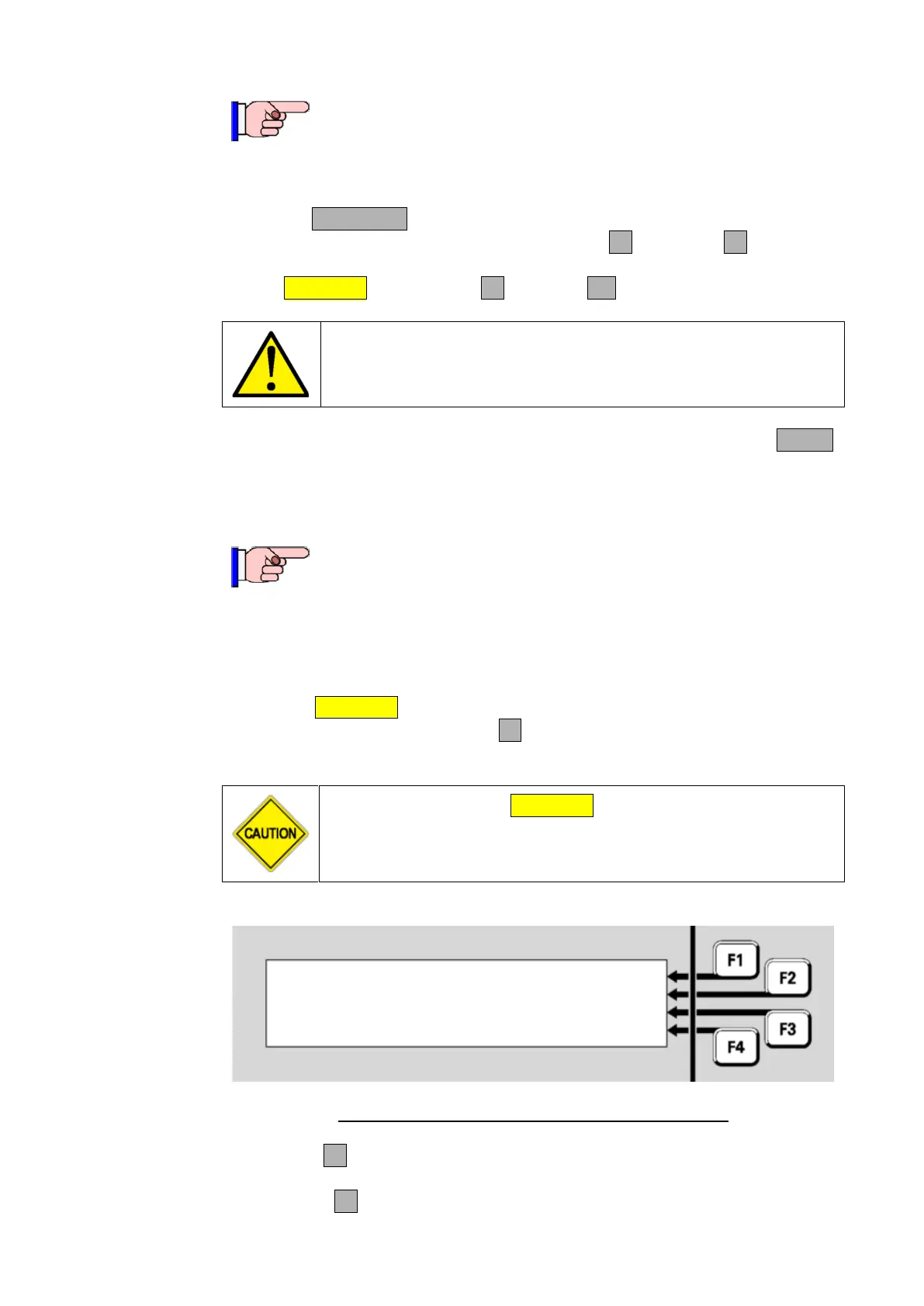
Select item to disable or | ZONE
enable | POINT
|ALRM DEV
| ANCILS
Fig 3-5 – Selecting an Item to be Disabled or Enabled
ZONEF1 allows a zone or range of zones to be enabled/disabled.
Refer to Disabling or Enabling a Zone (page 6-10).
POINTF2 allows a point or range of points to be enabled/disabled.



 To Next Page