Vigilant MX1 Operator Manual Document: LT0344
Page 8-14 8 August 2017 Issue 2.4
The Multiple addressing method allows multiple devices to be disabled,
and then in a single trip away from the MX1 panel, replace each device
(one at a time) and have the replacement automatically re-addressed to
match the removed one. Press MULTIPLEF2 from the AutoAdd menu.
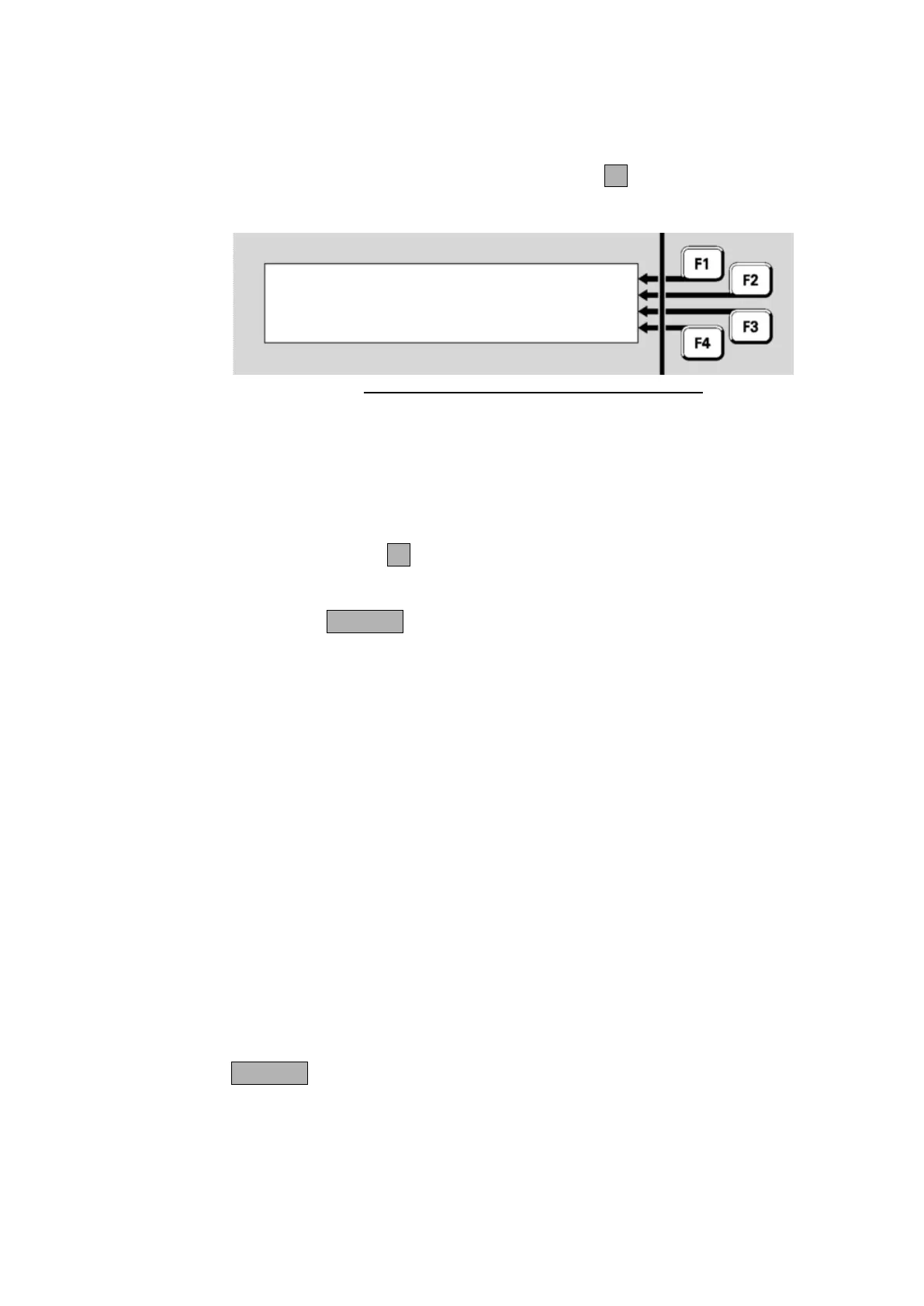
This will show a screen like Figure 8-19.
Fig 8-19 – Multiple Device Re-Address Display
This screen will show the total number of MX Devices that have been
disabled (at least sub point 0 must be disabled for the device to be
included in this count). It will also show the number of devices that have
been re-addressed, incrementing as each device is removed and a
replacement re-addressed.
Use the SELECTF1 command to select those devices to be disabled
and thus allow re-addressing. This command operates the same as
Disabling or Enabling a point from a Recall Point Status display – Page
6-9. Press CANCEL to return to the Multiple Device Re-Address screen
Fig 8-19.
Then proceed around the premises, replacing each selected device with
a new device of the same type. When the new device is re-addressed its
LED will turn on for 5 seconds and then start normal polling. Note this
will not work if:
- the replacement device is not the correct type.
- the replacement device is not address 255.
- more than one device is not present on the loop (Device Fail).
- or the original device had not been disabled.
After all required devices have been replaced, recall each one (e.g., use
the Disables command) and check that no device fail condition is
present, then re-enable it. Also reset any zone faults, then check that
point 241.26.5 is not in fault. This could happen if a replacement device
is not re-addressed and so is seen as a foreign device.
Note this screen will not revert to the base display on a timeout or if the
outer door is closed (allowing the cabinet door to be locked while
replacing devices) or keyboard disabled, so it is necessary to press
CANCEL to exit this re-addressing mode.
Two commands are available to stop the alarm and fault buzzer from
sounding - for example, during commissioning, annual surveys, or fault
Multiple Device
Re-Addressing
Disable pts for readdressing



 To Next Page