Vigilant MX1 Operator Manual Document: LT0344
Page 5-2 8 August 2017 Issue 2.4
This function requires Access Level 2.
If the MX1 display is not showing one of the base displays, i.e., Normal,
Off-Normal, Fault or the Alarm List, press and hold CANCEL until the
base display is reached.
Press MENU (or from the Alarm List press TECHMENU-F4) to see a set
of options:
|DISP TST
| RECALL
| HISTORY
Press MENU for more options | POWER
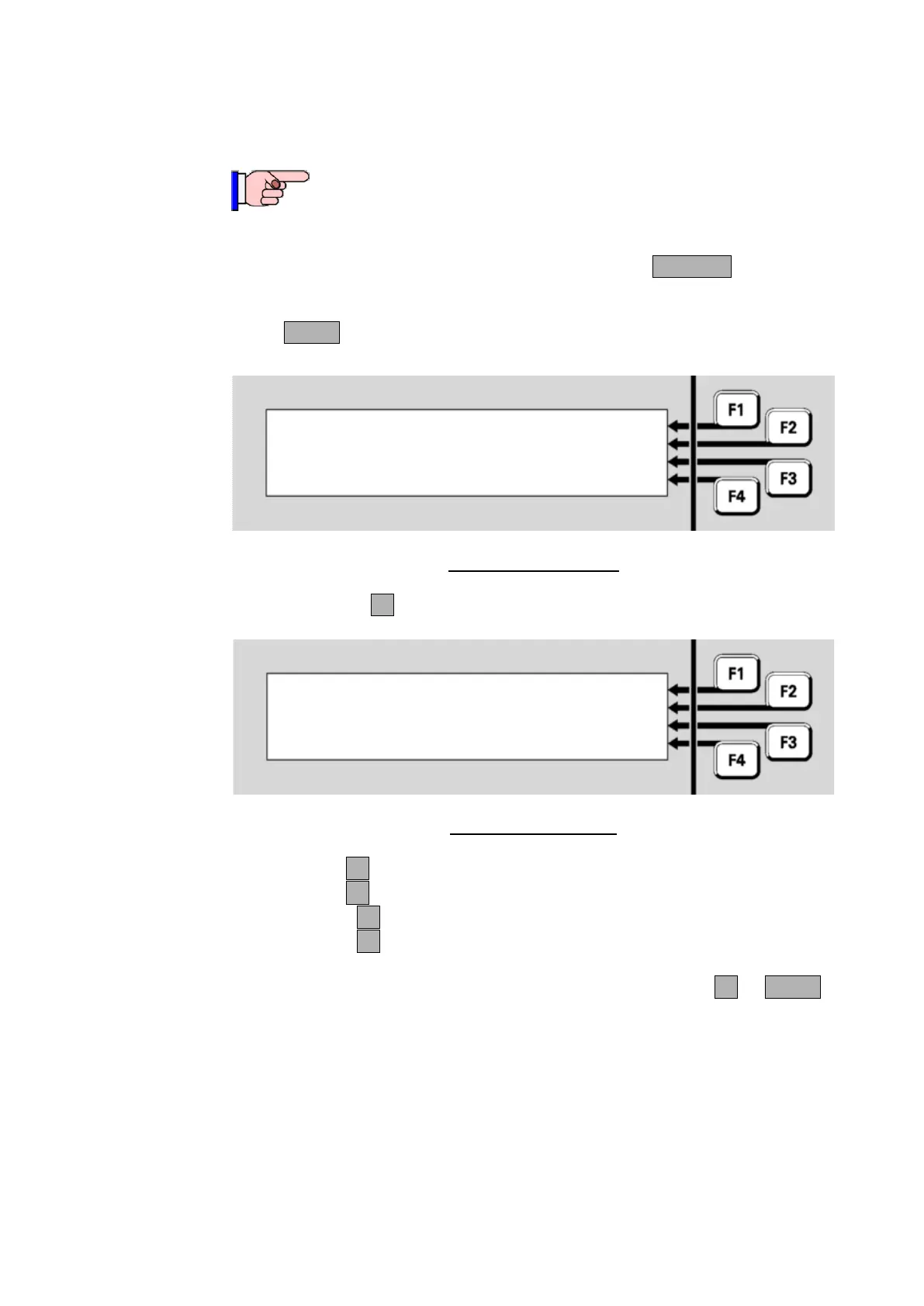
Fig 5-1 – Menu Options
Press RECALLF2 to select what to recall.
Fig 5-2 – Recalls Menu
Press:
POINTSF1 to show the off-normal points recall options
ZONES F2 to show the off-normal zones recall options
ALL PTSF3 to show the state of all points
ALL ZNSF4 to show the state of all zones.
In the subsequent point or zone displays, pressing MENUF4 or MENU
displays a menu of commands that may be applied to the zone or point.
These are described in Chapter 6, ”Zone and Point Functions”.
Note: some points may be programmed to be excluded from off-normal
or fault displays because they are not used in a particular MX1
installation. Therefore, these will never appear in the Faults list or the
Off-Normal Points list. However, they may be programmed to appear in
the All Points list, and may show a state other than Normal. Some points
may be programmed to never be displayed, and these points will not
appear in any of the lists.



 To Next Page