Document: LT0344 Vigilant MX1 Operator Manual
Issue 2.4 8 August 2017 Page 7-1
Most service functions are available at Access Level 2. See Access
Levels on Page 1-11.
Critical service functions are available at Access Level 3 which is entered
on the keypad using a User Code and PIN at Access Level 2.
This chapter describes logging on to Access Level 3.
Refer to the page number listed in this table for information on a specific
topic.
Logging On to Access Level 3
This function requires Access Level 2.
If the MX1 display is not showing one of the base displays (Normal, Off-
Normal, Fault or the Alarm List), press CANCEL until the base display is
reached.
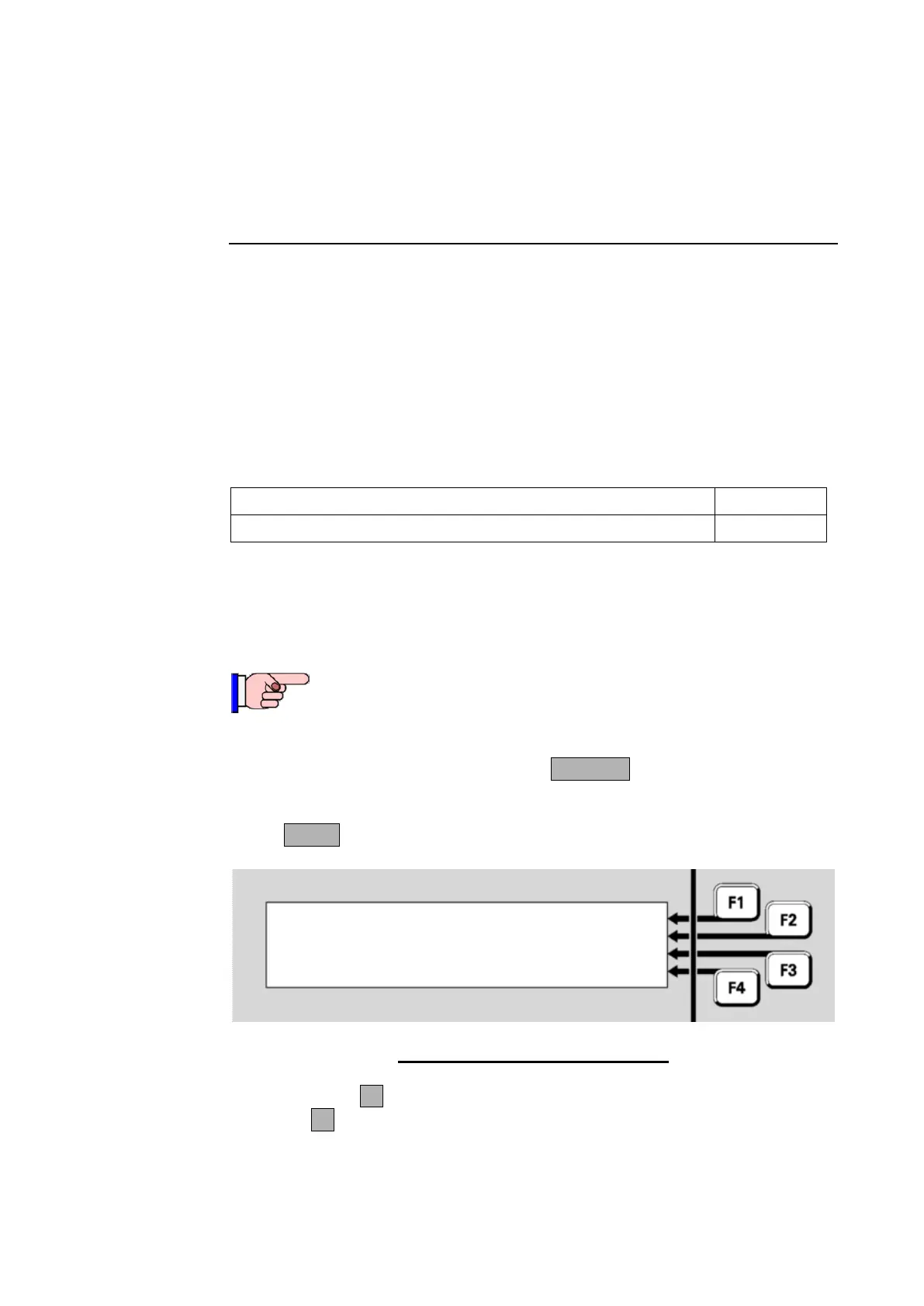
Press MENU three times to reach the logon option.
| LOGON
| MX LOOP
| MEMORY
Press MENU for more options |
Fig 7-1 – Menu Options-Third Screen
Press LOGONF1 to see the logon display. Note that if no option is
shown at F1, the MX1 is already at Access Level 3.
Chapter 7
Logging On to Access Level 3
Logging On to Access Level 3



 To Next Page