Vigilant MX1 Operator Manual Document: LT0344
Page 7-2 8 August 2017 Issue 2.4
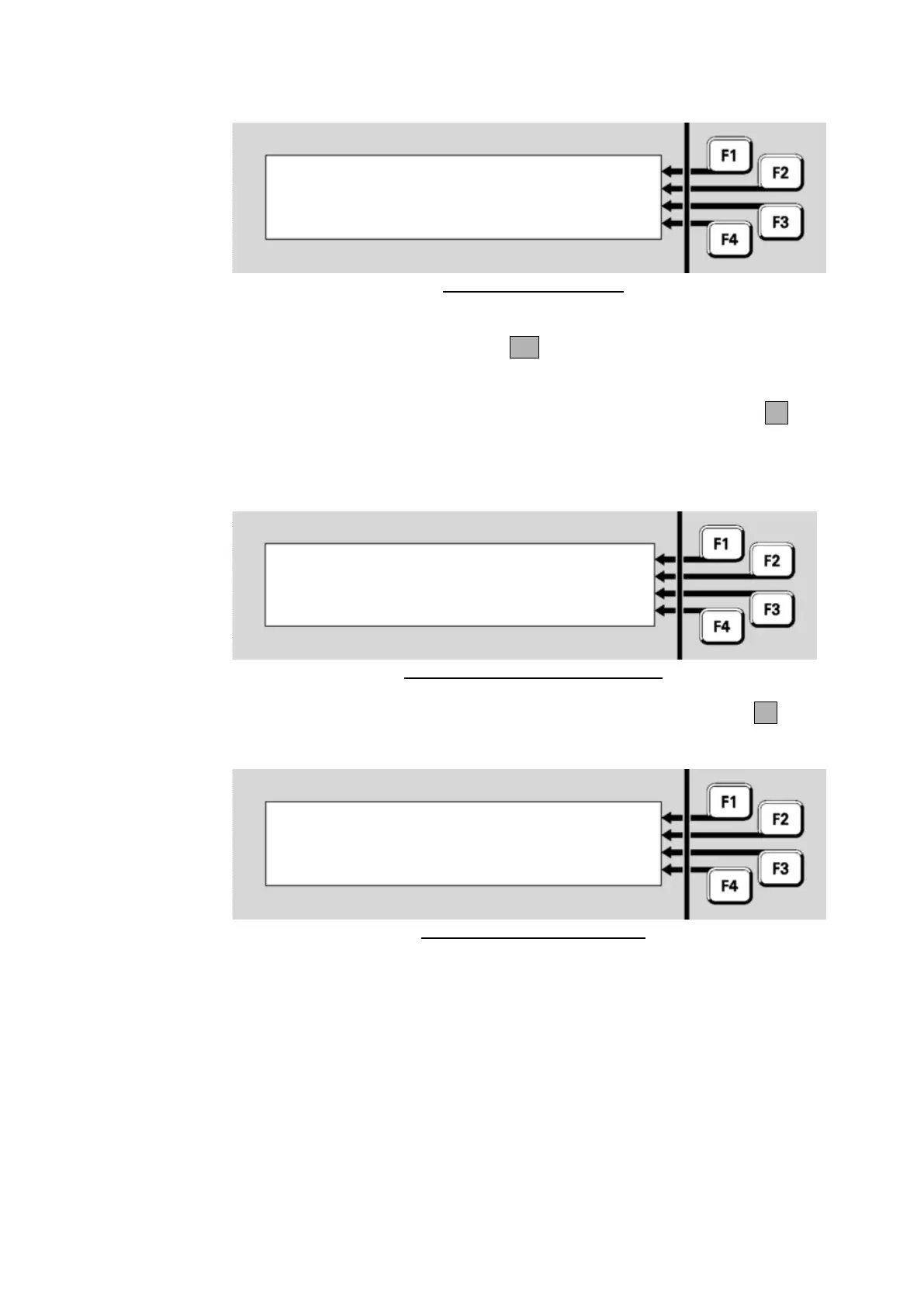
Enter user code and pin: |
Code: |
Pin : |
F4 to backspace, OK to finish | <-
Fig 7-2 – Log On Display
Using the numeric keypad, enter the single digit user code followed by
the PIN for this user code. Press OK after the PIN is entered.
Each digit of the user code and PIN are represented on the display by an
‘*’ symbol when you enter them. If you mis-key a number, press F4 to
backspace over it, then re-enter the correct number.
If the user code and PIN match, a “verified” display will show briefly:
Enter user code and pin: |
Code: - Verified - |
Pin : - Verified - |
| <-
Fig 7-3 – Successful Level 3 Logon
This will be followed by the Menu display, but with the LOGONF4 option
removed.
|
| MX LOOP
| MEMORY
Press MENU for more options |
Fig 7-4 – Level 3 Menu Display
You will remain logged on to Level 3 until one of the following happens:
The cabinet door is closed and locked (which operates the door
switch) or the keyboard-enabling keyswitch is switched off.
The door switch is operated manually.
The system is restarted as part of loading a new configuration data
file.
The system is powered down and powered up again.
Ten minutes elapse since the last key is pressed.



 To Next Page