Document: LT0344 Vigilant MX1 Operator Manual
Issue 2.4 8 August 2017 Page 8-17
4. If the message “Commission Mode is Stopped” appears, press
STARTF1 to start Commissioning Mode again.
5. To extend Commissioning Mode by returning the countdown to
120, press EXTENDF3.
6. To end Commissioning Mode, press STOPF4.
You cannot stop the test by pressing TESTS and then
attempting to Reset or Disable the point (241.27.10)
indicating that Commissioning Mode is active. You need to
repeat the steps above and press STOPF4.
This function requires Access Level 3.
Do not press the f.b.p. RESET control when the Alarm List is
showing unless the intent is to reset all zones in alarm.
The MX1 operation can be restarted from the LCD. This function requires
Access Level 3. Refer to Section 7 to log on to level 3. From the base
display, press the RESET key.
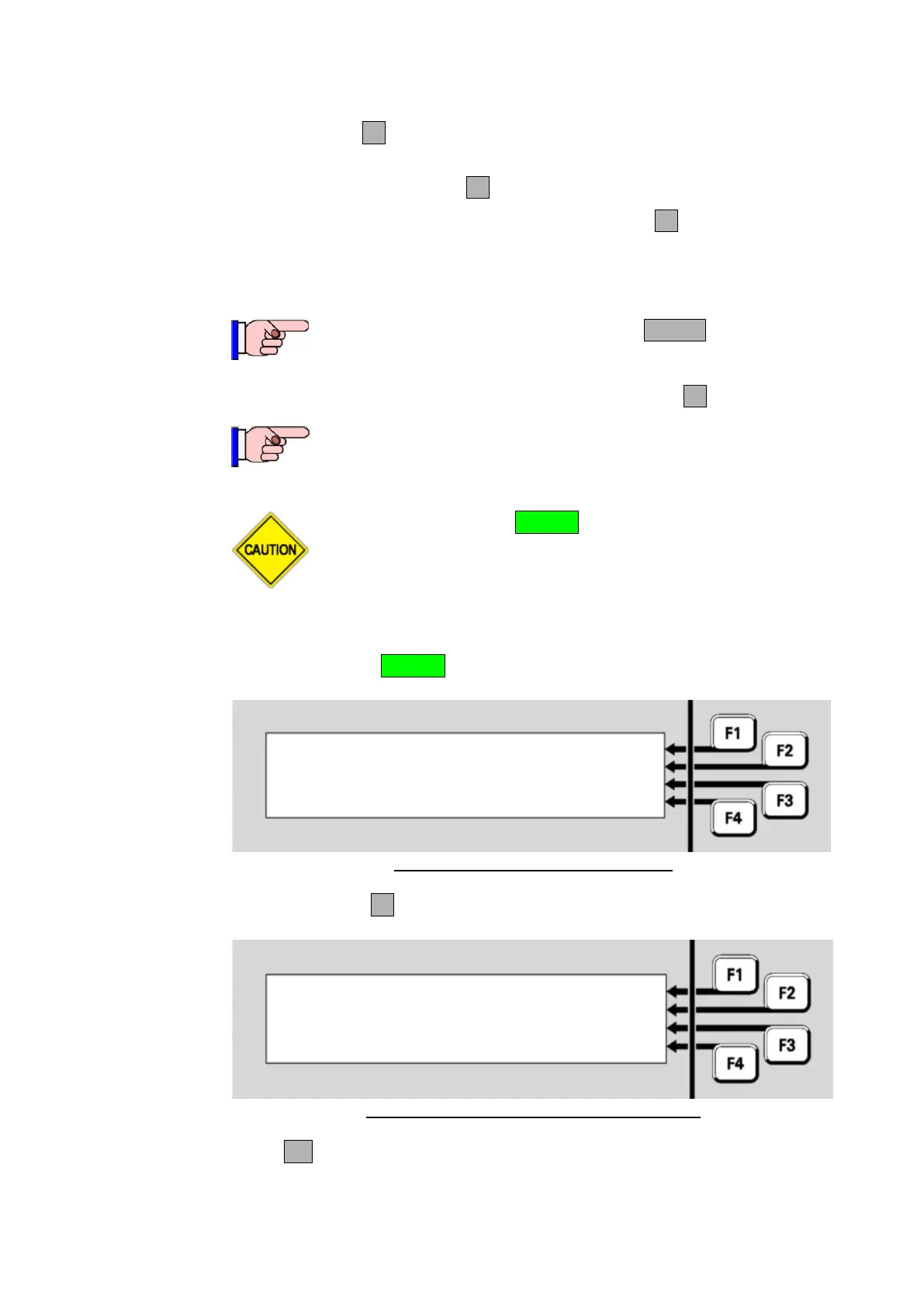
Select an item to reset | ZONE
| POINT
| SYSTEM
|
Fig 8-23 – Access Level 3 Reset Menu
Press SYSTEMF3 to see the following prompt;
Reset system?
Press OK to confirm
or CANCEL for no action
Fig 8-24 – System Reset Confirmation Screen
Press OK to restart the MX1 panel as if power had been removed and
re-applied.
Resetting the System (Access Level 3)



 To Next Page