Document: LT0344 Vigilant MX1 Operator Manual
Issue 2.4 8 August 2017 Page 9-7
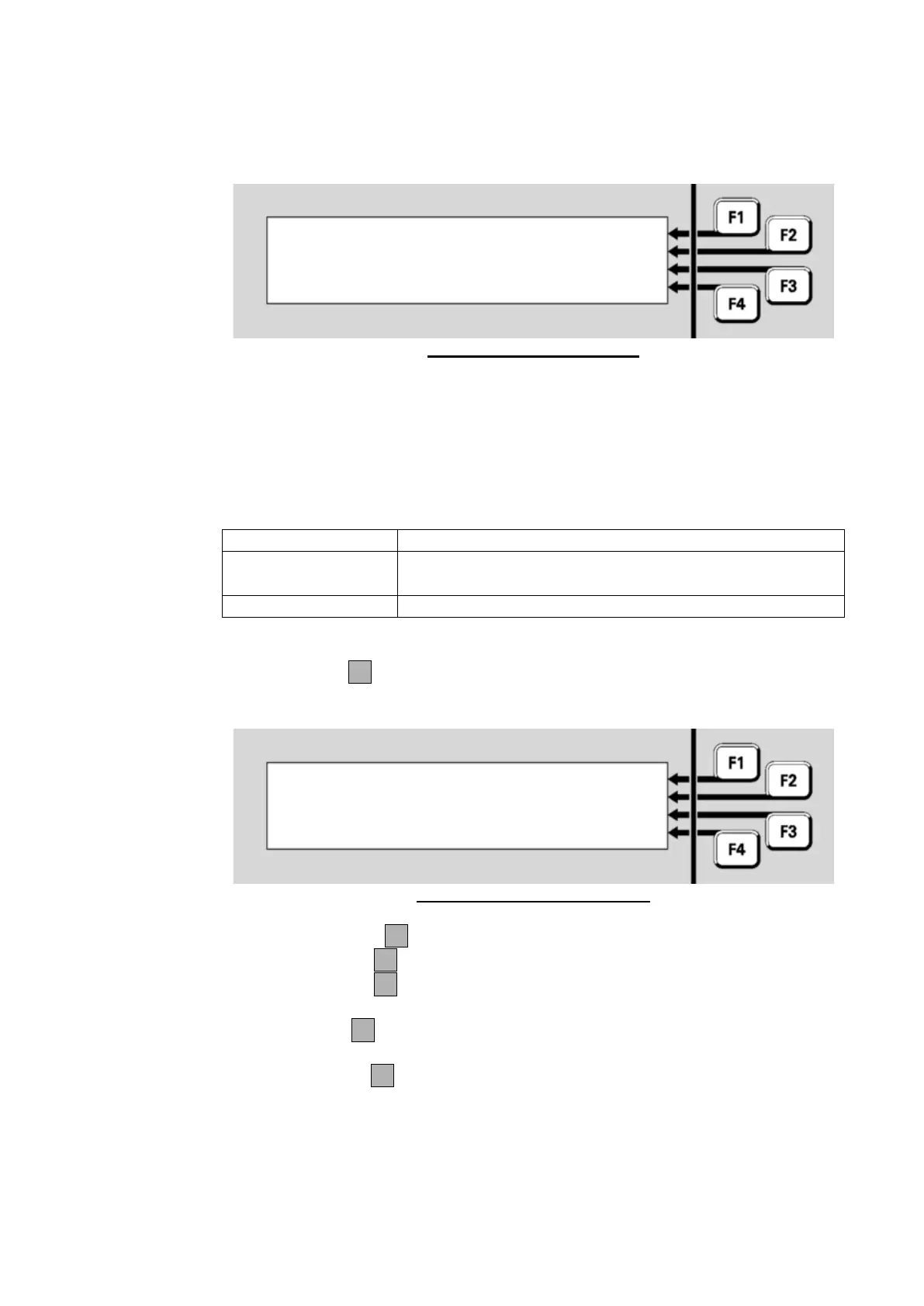
The format of the MAF Status display is shown in Figure 9-8.
Fig 9-8 – MAF Status Display
The <point> is the point number and <SID> and <site name> are the
SID and name of the remote panel or device.
<x> is either ‘No’ or the number of off normals present.
The <points status> is one of the following:
There are no off normals.
There are 1 or more off normals that map to a fault
condition present.
The point has been disabled.
Press MENUF4 to display additional menu items as shown in Figure
9.9.
Fig 9-9 – Additional Menu Items
Press:
DISABLEF1 to disable the point
TANDEMF2 to remotely control that remote panel
DETAILF3 to display the MAF totals and status from the remote
panel
MENUF4 to display the default menu (as per Figure 9.8).
Press DETAILF3 to display the MAF totals and status as shown in the
example in Figure 9.10.
MAF Status : No Off Normals |
MAF Status : <x> Off Normals |



 To Next Page