Vigilant MX1 Operator Manual Document: LT0344
Page 8-10 8 August 2017 Issue 2.4
The following information is displayed:
Version: is the version of the controller firmware. This is also shown
in the base display when the system is normal.
CRC: the most recently calculated integrity checksum for the controller
firmware and the correctness of the result. This checksum status
controls a system point (241.27.3 Firmware CRC), which will produce
a fault indication if the checksum is not correct.
From the Memory Status menu, press KEYPADF4 to show the status of
the LCD/keyboard firmware.
Keypad |
Version: n.nn |DATAFILE
Expected CRC: nnnn | PROGRAM
Actual CRC: nnnn |
Fig 8-10 – LCD/Keyboard Firmware Status
The following information is displayed:
Version: is the version of the keyboard firmware. This is also shown
briefly on the LCD when the system powers up.
Expected CRC: the correct value for the integrity checksum for the
keyboard firmware.
Actual CRC: the actual calculated checksum for the keyboard
firmware. This checksum status controls a system point (243.1.6
Keypad Firmware CRC), which will produce a fault indication if the
actual checksum does not match the expected value.
This function requires Access Level 2.
The Test System command allows the MX1 firmware version, firmware
CRC, and the two configuration datafile CRCs, to be viewed on one
screen. This allows easy recording and checking.
From the base display press TESTS, which will show the following
screen.
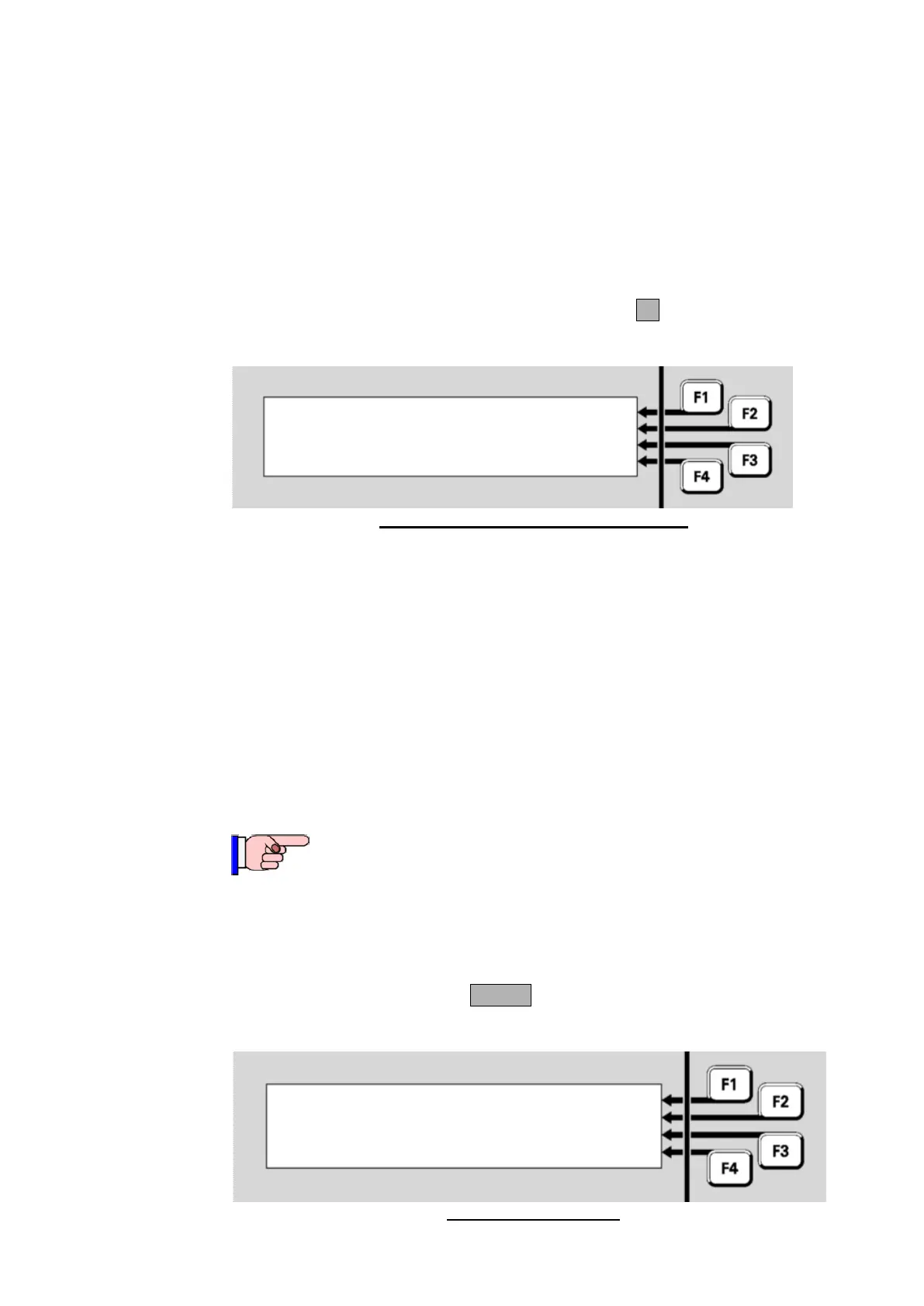
Fig 8-11 – Tests Screen
Viewing
Keyboard
Firmware
Status
Press F1 to search for |SEARCH
Press F4 to initiate a test |INITIATE



 To Next Page