Vigilant MX1 Operator Manual Document: LT0344
Page 6-16 8 August 2017 Issue 2.4
The Auto-Reset test will automatically cancel if no new
alarm is received for two hours. In this case, the zone will
revert to the state it was in (enabled or disabled) when the
test was started.
On exiting the test (whether stopped, reset, or timeout) if
an alarm is still present (e.g., call point left operated) the
alarm will be treated normally and may generate a
nuisance alarm. Therefore it is recommended the zone
be disabled before the test, and enabled again only after
confirming 1-2 minutes after the test is exited that the
state of the zone is normal.
This test generates a fault condition for the zone. You will be asked to
confirm or cancel the test. The following display will be shown during the
test.
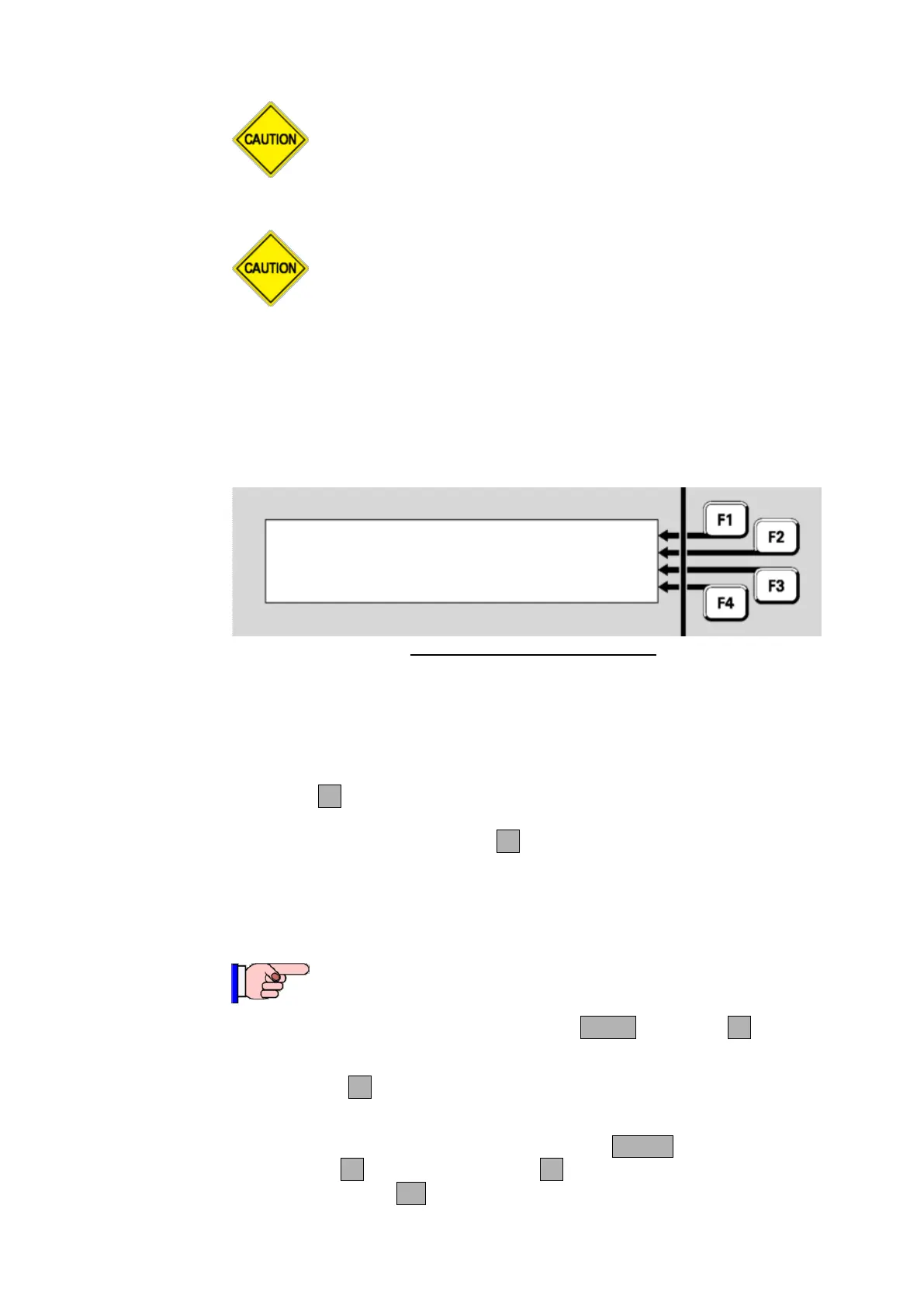
Zone 001 Std Detection G1 |
Office | ENABLE
| RESET
Fault Disabled FltTest |
Fig 6-24 – Fault Test Status Menu
If the zone does not go into fault, the test fails.
Note that the test will disable the zone being tested, and the fault is
simulated. If it is required to test how the system is affected by the zone
fault, the zone can be manually enabled during the test by pressing
ENABLEF2.
To stop the test, press RESETF3. This will also restore the zone’s
enable/disable status to what it was before the test was started.
This function requires Access Level 2.
From the recall point status display, press MENU or MENUF4 to display
the menu options.
Press TESTF3 to display the test options for the point, which will
depend on the point type, as described in the following sections.
Alternatively, from the base display, press the TESTS key,
INITIATEF4 and select POINTF2. Enter the required point
number, then press OK.



 To Next Page