Document: LT0344 Vigilant MX1 Operator Manual
Issue 2.4 8 August 2017 Page 6-15
only if the alarm devices are enabled. As additional points are tested, the
alarm devices will operate as noted.
Once the point has gone into alarm (or into Active Input) and been
processed by the zone the point is then ignored until it returns to normal
(for at least 60 seconds). This allows devices to be tested quickly in
succession, without waiting for smoke to clear or temperature to drop, for
example. The zone status display and alarm LED continue indicating
alarm even though the point alarms clears.
The Alarm (or Active Input) event for each point will be recorded in the
event history, if event logging has been configured for the point. See
Chapter 4 for more about viewing the event history.
The zone is automatically disabled during Auto-Reset test to prevent
operation of mapped outputs, the alarm devices and alarm routing.
However outputs activated directly from the point states will continue to
work during Auto-Reset test unless the points or outputs are disabled.
If the zone is manually enabled during the Auto-Reset test all
outputs controlled by the zone (including, for example, alarm
routing) will operate.
If the zone is configured so that it cannot be disabled,
Auto-Reset test cannot be used.
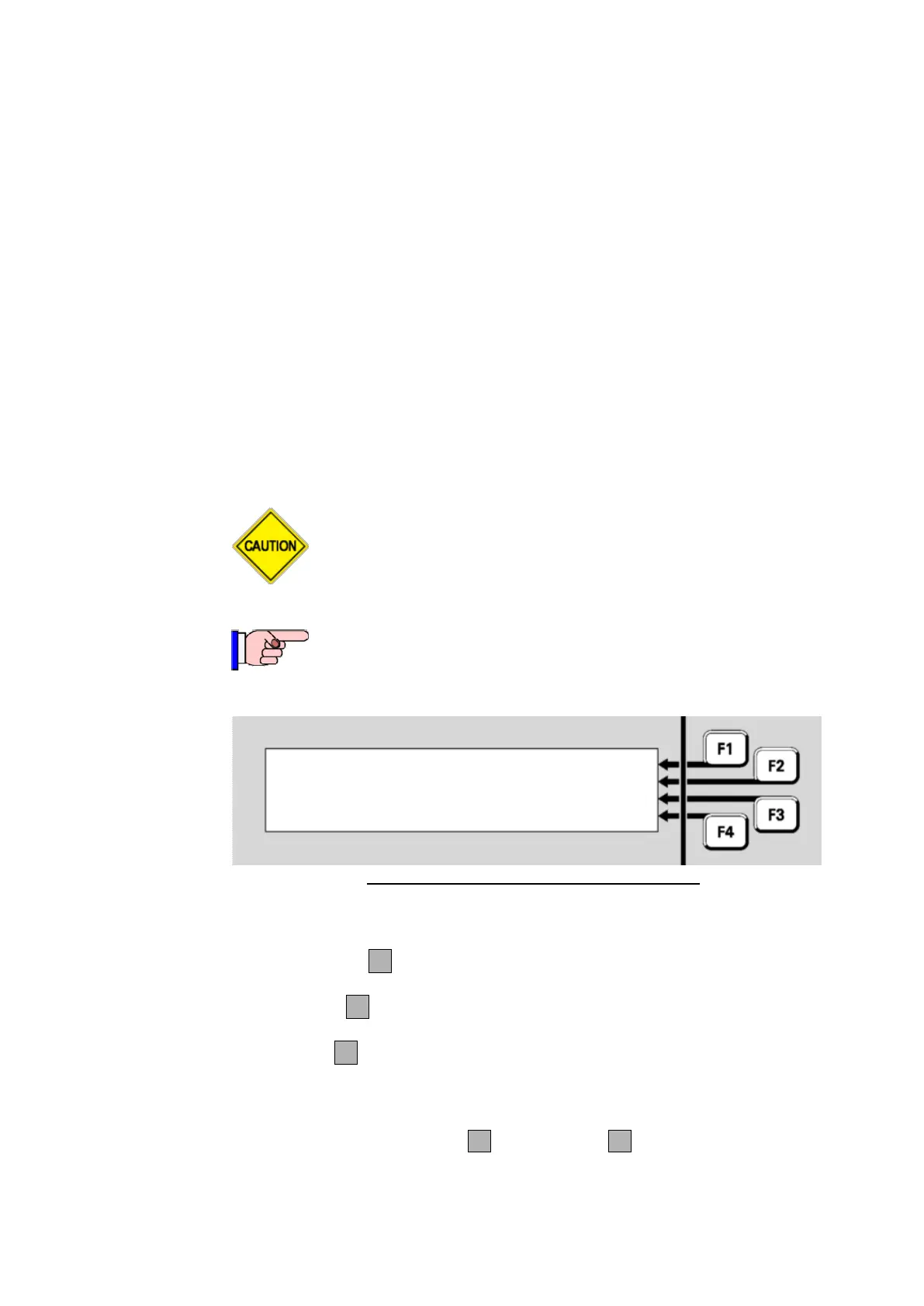
Zone 001 Std Detection G1 |STOP TST
Office | ENABLE
| RESET
Disabled AutoReset |
Fig 6-23 – Zone Auto-Reset Test Status Menu
During the test, the menu options are:
STOP TSTF1 – stops the Auto-Reset test on this zone and then
enables the zone.
ENABLEF2 – will enable the zone in order to allow the mapped
output points to be operated.
RESETF3 – stops the Auto-Reset test and also resets any latched
indications (e.g. fault) for this zone. The zone will revert to its original
Disabled state (unless this was changed during the test).
Note that both STOP TST F1 and RESETF3 will also restore the
zone’s enable/disable status to what it was before the test was started.



 To Next Page