Document: LT0344 Vigilant MX1 Operator Manual
Issue 2.4 8 August 2017 Page 9-5
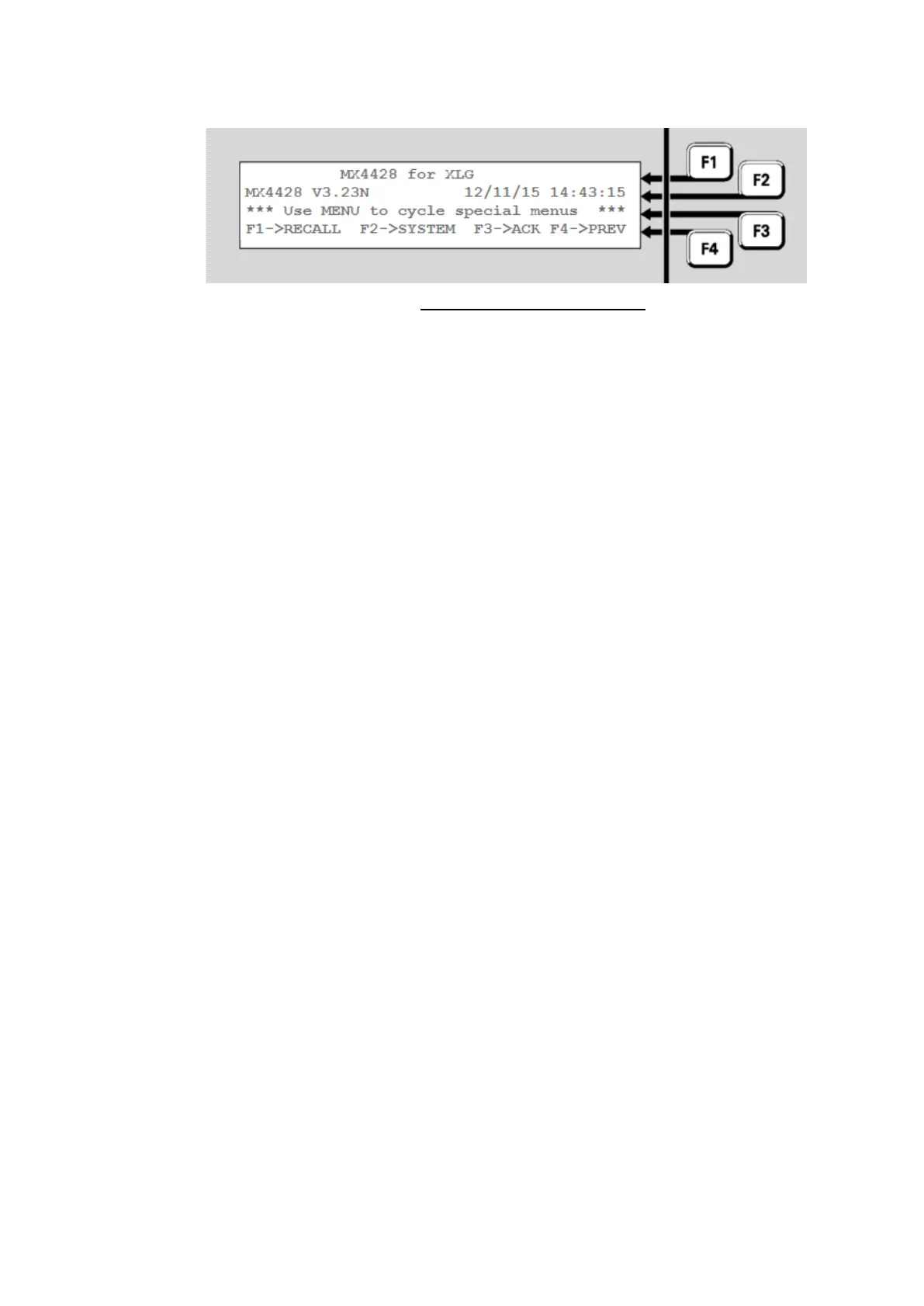
that are present on the AS4428 panel but not on MX1, to be used.
Fig 9-5 – Tandem Mode Menus
The MENU key can be used to cycle through the sets of extra keys.
The MX1 Controller points 241.32 to 241.34 are used to display the
status of the network interface device used to connect the MX1 to the
network.
Points 241.32.x are used to display I-HUB status information
241.33.x are used to display PIB status information
241.34.x are used to display the status of other network interface
devices.
Refer to Equipment 241 – MX1 Controller in Chapter 11 for descriptions
of these points.
Each panel on the network has a number of points associated with it to
display status information. The point numbers have the form
247.SID.Sub, which consists of three parts:
247 is the equipment number used for network status points
SID is the SID number of the remote panel or device
Sub is the sub-point number, which indicates the type of status
information.
All panels and devices have the following points:
247.SID.0 to display the Network Comms Status - see Fig 9-7
247.SID.1 to display the MAF Status – See Fig 9-8
Some devices may also include the following points:
247.SID.2 to display the Fault Status – See Fig 9-12
247.SID.3 to display the Warning Status – See Fig 9-13
These points are described in the following sections.
The example shown in Figure 9.5 shows the entry of the point number for
requesting the Comms Status of an MX1 with a SID of 23.
Network Interface Device Points



 To Next Page