Vigilant MX1 Operator Manual Document: LT0344
Page 9-6 8 August 2017 Issue 2.4
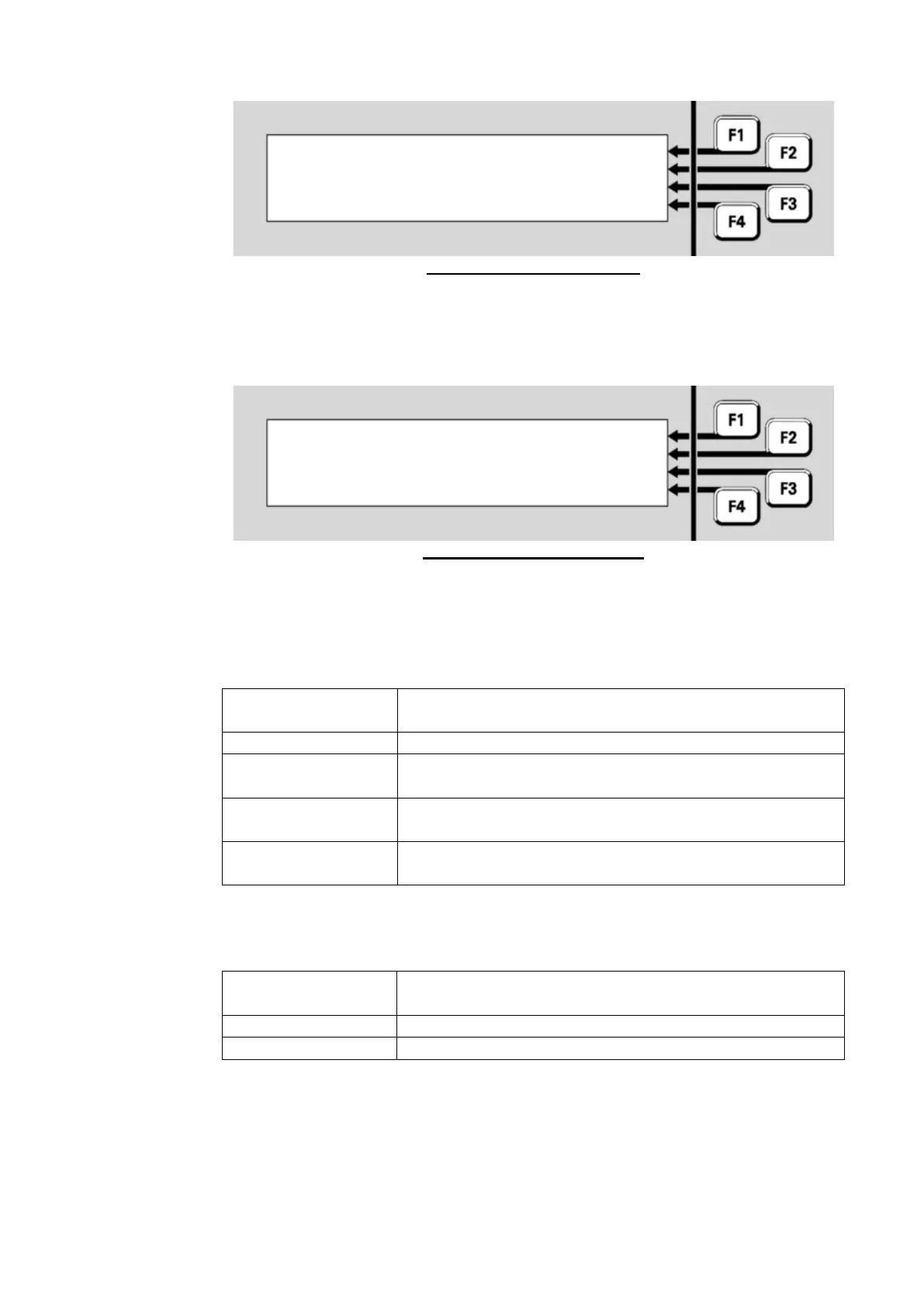
Fig 9-6 – Enter Point Number
The format of the Comms Status display is shown in Figure 9-7.
Fig 9-7 – Comms Status Menu
The <point> is the point number and, <SID> and <site name> are the
SID and name of the remote panel or device.
The <comms status> will be one of the following:
The local panel is configured to not monitor the
network communication links to the remote panel.
The communication links are functioning normally.
One of the two communication links (A) has failed,
the other link is still operational.
One of the two communication links (B) has failed,
the other link is still operational.
All communication links between the local and
remote panel have failed.
The <points status> is one of the following:
The current network communication status is
Normal or Not Monitored.
One or more of the communication links is in fail.
The point has been disabled.
Comms Status: <comms status> |
enter Equip.Device.Subpoint



 To Next Page