Vigilant MX1 Operator Manual Document: LT0344
Page 4-2 8 August 2017 Issue 2.4
This function requires Access Level 2.
If the MX1 display is not showing one of the base displays, i.e., Normal,
Off-Normal, Fault or the Alarm list, press and hold CANCEL until the
current base display is shown.
Press MENU to see a set of options:
|DISP TST
| RECALL
| HISTORY
Press MENU for more options | POWER
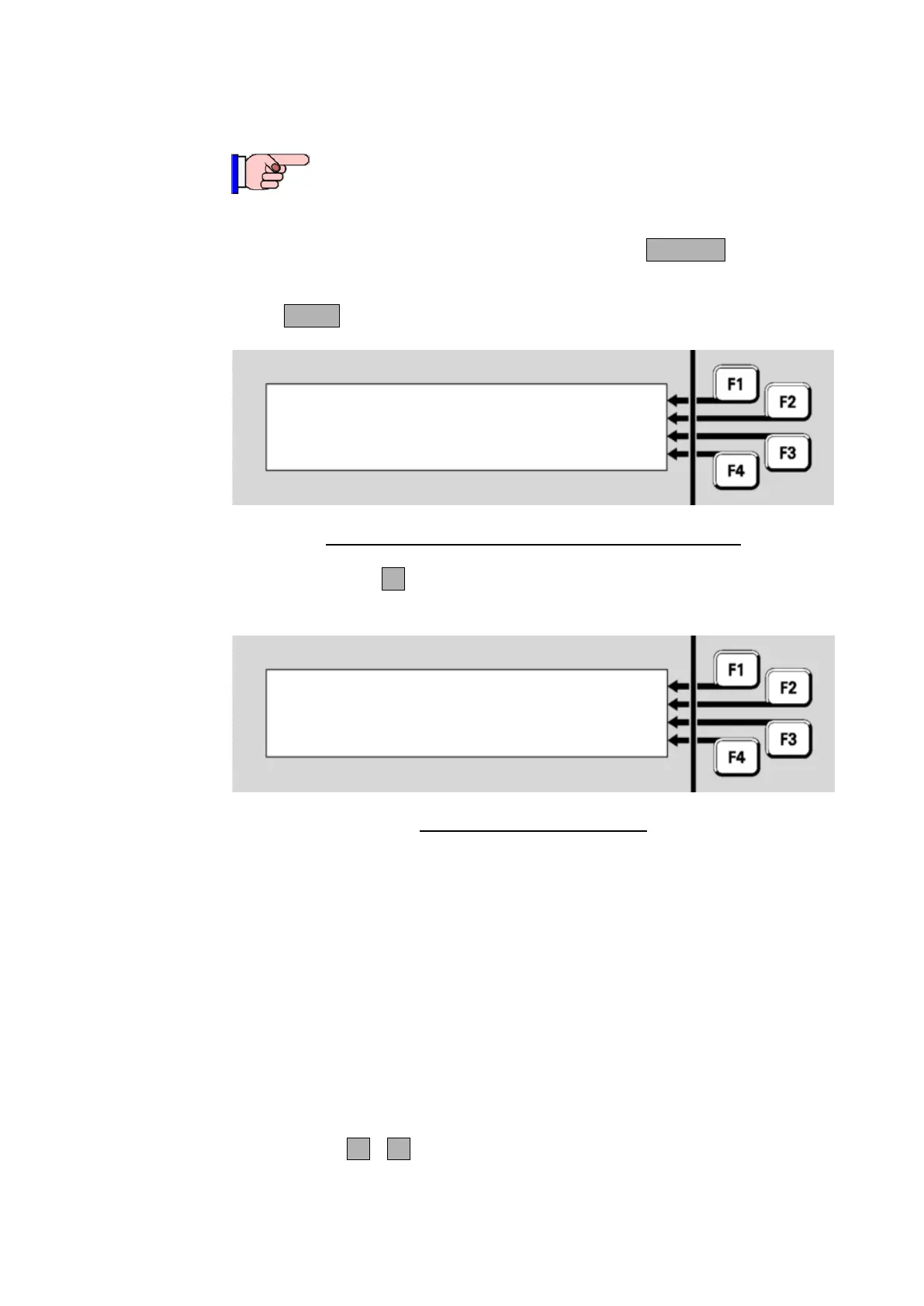
Fig 4-2 – Options Resulting from Pressing the Menu Key
Press HISTORYF3 to display the event history. The most recent event
will be displayed first.
06:35:42 07/07/07 | OLDEST
Point 241.1.0 | PREV
Enable | NEXT
Alarm Devices | NEWEST
Fig 4-3 – Event History Display
The display shows:
the time and date of the event,
the number of the zone or point, or “Local Event” for system events,
the type of event, e.g., Disable, Enable, Alarm, Fault, or a description
of the local event,
the text description of the zone or point involved.
Explanations of the event messages are given below.
Descriptions of the MX1 controller and other equipment points are in
Section 11.
The soft keys F1 - F4 are used to step forward and backward through
the event log:



 To Next Page