Document: LT0344 Vigilant MX1 Operator Manual
Issue 2.4 8 August 2017 Page 8-15
finding. Using these at either the MX1 panel or the remote FBP will
disable/mute the buzzers at both units, except for keypress beeps.
Buzzer Mute: This is a temporary buzzer mute function and lasts for
24 hours or until the mute is cancelled – manually or by power down
or restart of the MX1. Note that this will stop the buzzer from
sounding for any alarms and fault conditions.
Buzzer Disable: This function is an Access Level 3 command and
lasts for as long as the buzzer is disabled.
This function requires Access Level 2.
From the base display press TESTS then select INITIATEF4 option
and MENU to show the BUZR DISF1 option. Press this to display the
Buzzer status screen.
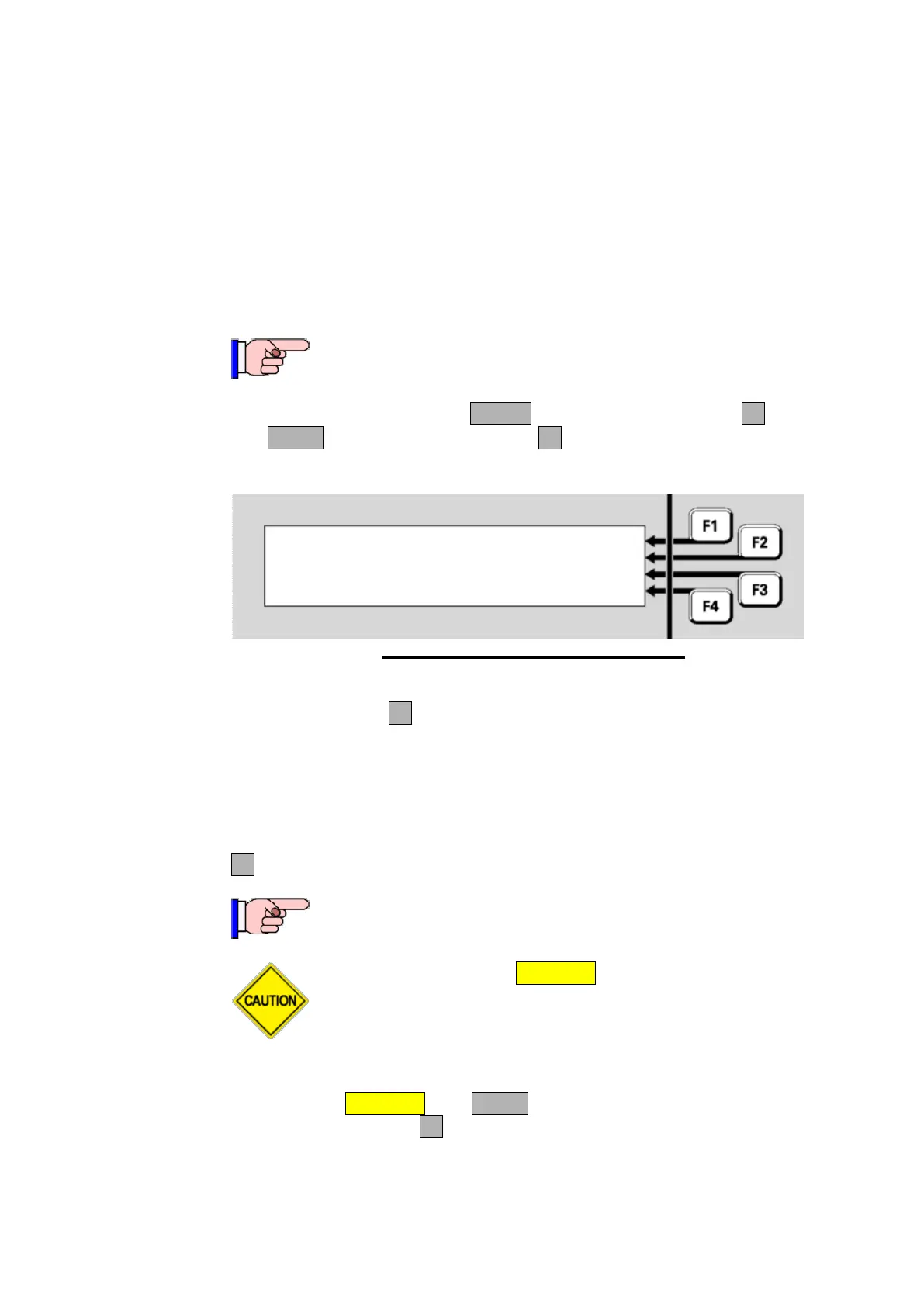
Buzzer status:
Enabled
Press F4 to temporarily mute buzzer
Fig 8-20 – Temporary Buzzer Mute Status
This will show the Buzzer status as Enabled, Muted or Disabled. When
it’s Enabled, press F4 to temporarily mute the buzzer for 24 hours, or
until earlier cancelled.
Once the buzzer has been temporarily muted it will appear in the tests
recall as Point 243.1.14 in a TestOp status, which can be cancelled by
resetting this point.
F4 can be used to enable the buzzer if it is disabled or muted.
This function requires Access Level 3.
Do not press the f.b.p. DISABLE control when the Alarm List is
being shown unless the intent is to disable the displayed zone
in alarm.
Log on to Access Level 3 if not already (see Section 7). From the base
display press DISABLE then MENU (twice if any Disables are present) to
show the BUZR DISF1 option. Press this to show the buzzer status
screen.
Buzzer Disable
(Access
Level 3)



 To Next Page