Vigilant MX1 Operator Manual Document: LT0344
Page 6-10 8 August 2017 Issue 2.4
Zone 001 Std Detection G1
Office
Press OK to confirm Disable
or CANCEL for no action
Fig 6-14 – Confirming Zone Disable
When a zone is disabled, the corresponding zone indicator will light
yellow.
If this zone is configured so that it cannot be disabled, a message,
“This zone cannot be disabled”, will be displayed briefly.
Do not press the f.b.p. DISABLE control when the Alarm List
is being shown unless the intent is to disable the displayed
zone in alarm.
This function requires Access Level 2.
From the base display press DISABLE, then ZONEF1. A single zone
or a range of zone numbers can be entered in this display:
Disable zone: | -to-
Enter nnn for single zone |
or nnn F1 nnn for a range |
F4 to backspace | <-
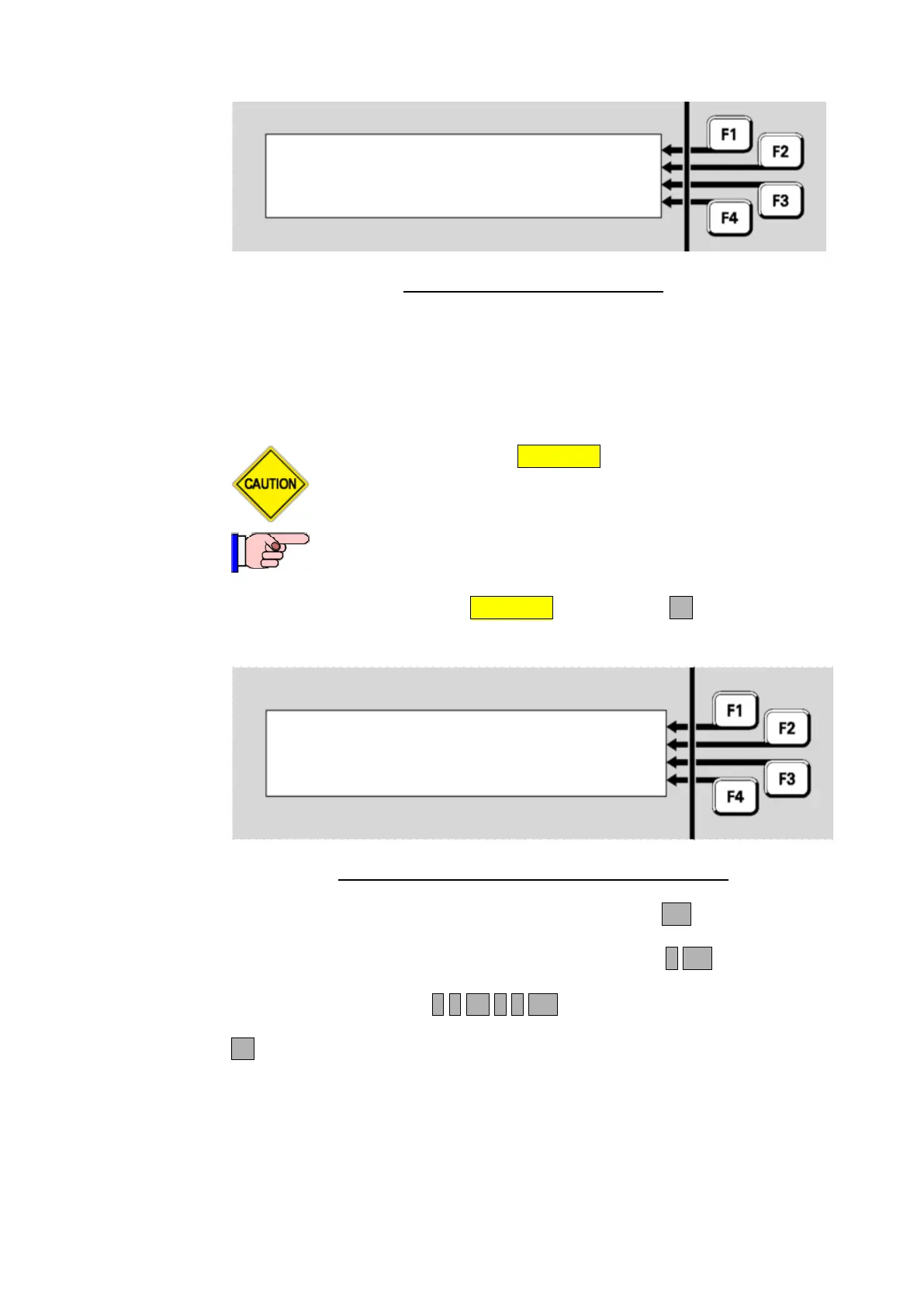
Fig 6-15 – Entering Zones To Be Disabled or Enabled
Enter a single zone or the required range and press OK. For example:
If only zone 2 is to be disabled, this is entered as 2 OK.
If the zone range 23 to 38 inclusive is to be enabled or disabled, this
would be entered as 2 3 F1 3 8 OK.
F4 can be used as a backspace key to correct entry mistakes.
If a single zone has been entered, this display results;
Disabling or
Enabling a
Zone or a Zone
Range



 To Next Page