Document: LT0344 Vigilant MX1 Operator Manual
Issue 2.4 8 August 2017 Page 2-3
To silence the internal alarm buzzer in the MX1 cabinet, press the
SILENCE BUZZER key. This can be done at Access Level 1.
To acknowledge an alarm press ACKF4. If more than one device is in
alarm, press NEXTF3 or PREVF2, as described above, to step to the
next or previous alarm.
Acknowledging an alarm has the effect of indicating acknowledgement
on the LCD, may make any associated flashing zone alarm indicator go
on-steady and may also acknowledge the corresponding indication at a
remote display.
This function requires Access Level 1.
Pressing MORE INFO F1 will show the Alarm Additional Information
display for the particular alarm. NOTE if the panel sending the alarm is
not an MX1 panel then the information shown depends on the
configuration of the sending panel.
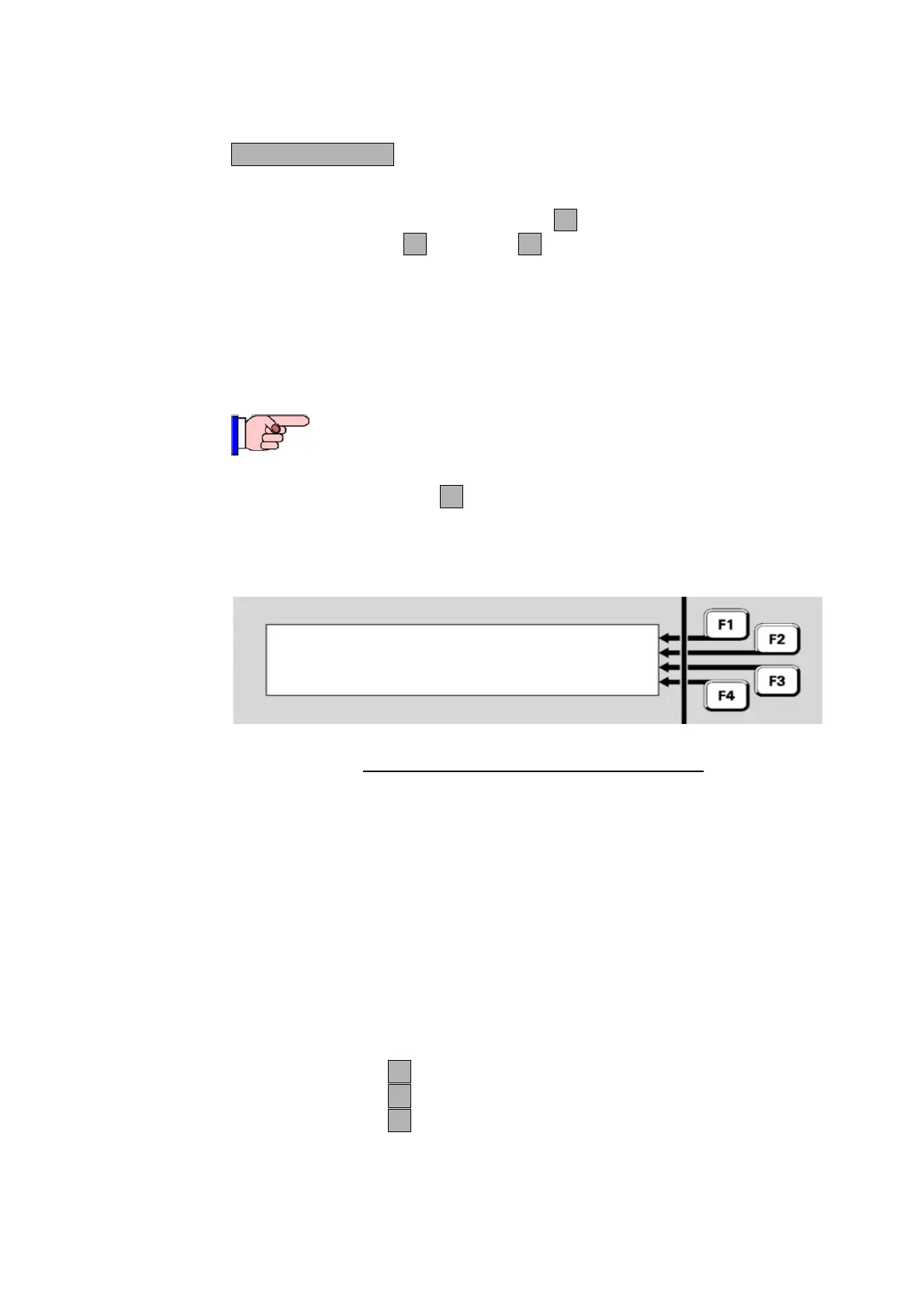
Smoke ALARM Z001|BACK
Confirm Mains Power Off |PREV
CL: 07.8 %m |NEXT
01 Zone Alarms 01:31:07 |ACK ALM
Fig 2-2 – Alarm Additional Information Display
The first line shows the alarm type and alternating zone and point
number.
The second line shows the zone action text.
The third line shows the current level (CL=”current analogue level”) in
appropriate units for the device type, in this example percent per metre
obscuration.
The fourth line shows the number of zones in alarm, and the time at
which this alarm occurred.
Press BACK F1 to return to the Alarm Detail screen.
Press NEXT F2 to step to the next (later) alarm.
Press PREV F2 to step to the previous (earlier) alarm.
Viewing
Additional
Alarm
Information



 To Next Page