Document: LT0344 Vigilant MX1 Operator Manual
Issue 2.4 8 August 2017 Page 6-13
Test options for a zone are:
ALRM TSTF1 – perform an alarm test on this zone.
OPERATEF2 – force all output points controlled by this zone to
operate.
AUTO RSTF3 – put this zone into Auto-Reset test.
FLT TSTF4 – perform a fault test on the zone.
If any of these test options is selected, a confirmation display/prompt will
be displayed. Press OK to confirm that the test should start.
While the test is running, none of the other tests can be started for this
zone. However, tests can be started or stopped on other zones, and
other front panel functions can be used, for example viewing history,
point status recalls, etc.
The zone test can be stopped by resetting the zone. This is most easily
done by pressing the TESTS key then SEARCHF1, to display the list of
items currently being tested, stepping to the desired zone under test by
pressing NEXT, and pressing RESET then OK to confirm the reset.
Do not start any zone tests while the zone is being reset
(resetting is shown on the status screen) as the reset
process will clear the test.
This test generates an alarm in the zone by finding all enabled points that
are mapped to the zone and putting them into a test alarm condition.
Those devices with a physical alarm test capability will have it activated.
Other devices will have an alarm condition simulated by the MX1. An
Alarm Test can be performed on both Enabled and Disabled Zones. The
Enabled zones will be automatically disabled at the start of the test so as
not to activate any outputs.
The zone can be manually enabled during the test so that the flow-on
effects of the alarm can be observed.
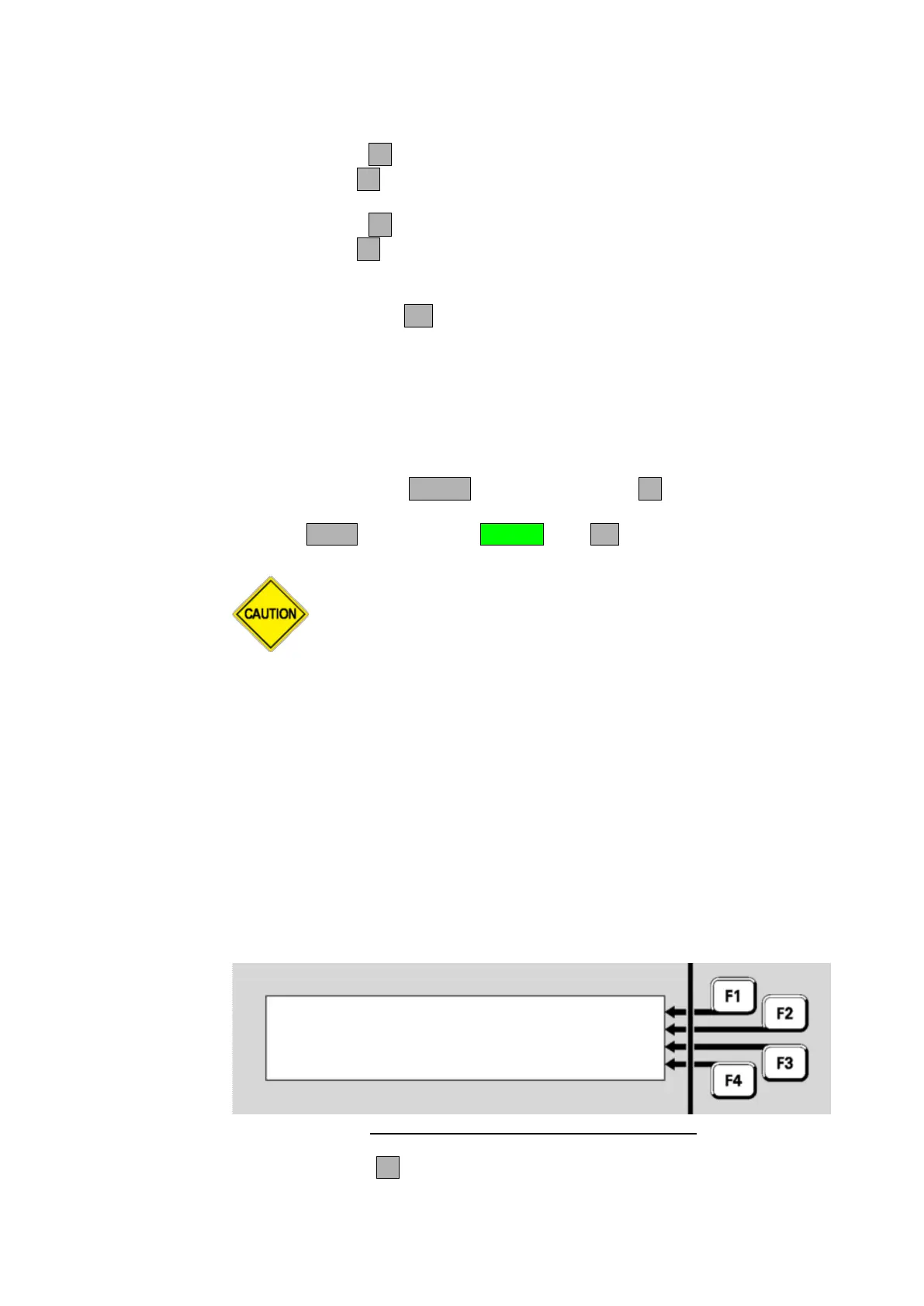
Zone 001 Std Detection G1 |
Office | ENABLE
Alarm | RESET
Disabled AlarmTst |
Fig 6-21 – Zone Alarm Test Status and Menu
Press ENABLE F2 to enable the zone. Note that enabling the zone
while the alarm test is in progress may sound the alarm devices, call the



 To Next Page