Document: LT0344 Vigilant MX1 Operator Manual
Issue 2.4 8 August 2017 Page 6-21
Pressing the DAY OPRNF4 key on any point value display will show
the Day algorithm for that point if the point is on an MX1 panel.
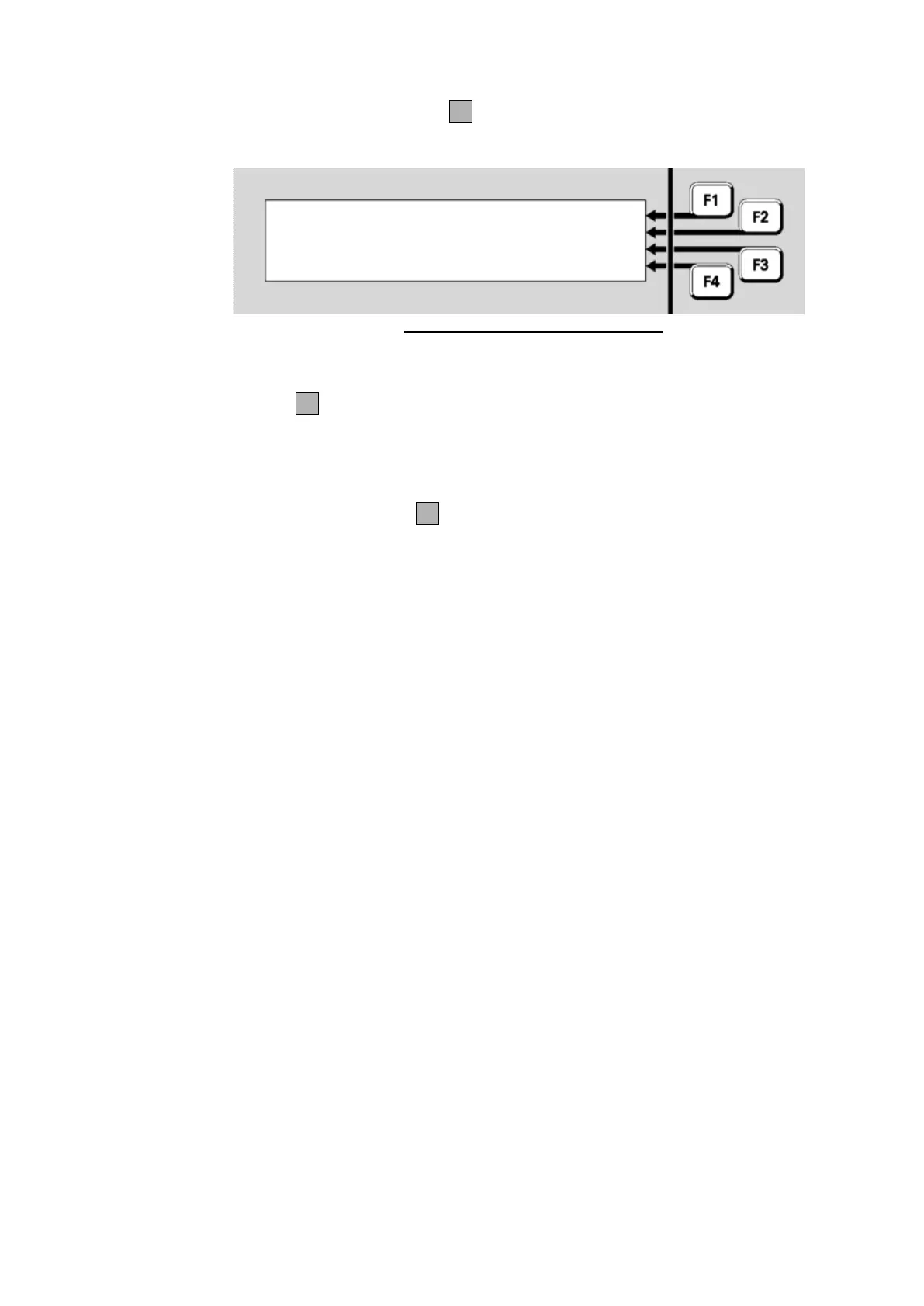
Fig 6-30 – Point Algorithm Settings
On the third line the name of the Day algorithm will be shown – typically
this will describe the detection mode and sensitivity. Then pressing NGT
OPRNF4 will show the name of the Night algorithm (usually this will be
the same as the Day algorithm). The currently used sensitivity settings
are shown in the Point Current Level Display (Fig 6.28).
Pressing the DIRTYF4 key on any point value display will show the
percent dirty values for that point if the point is on an MX4428 panel.



 To Next Page