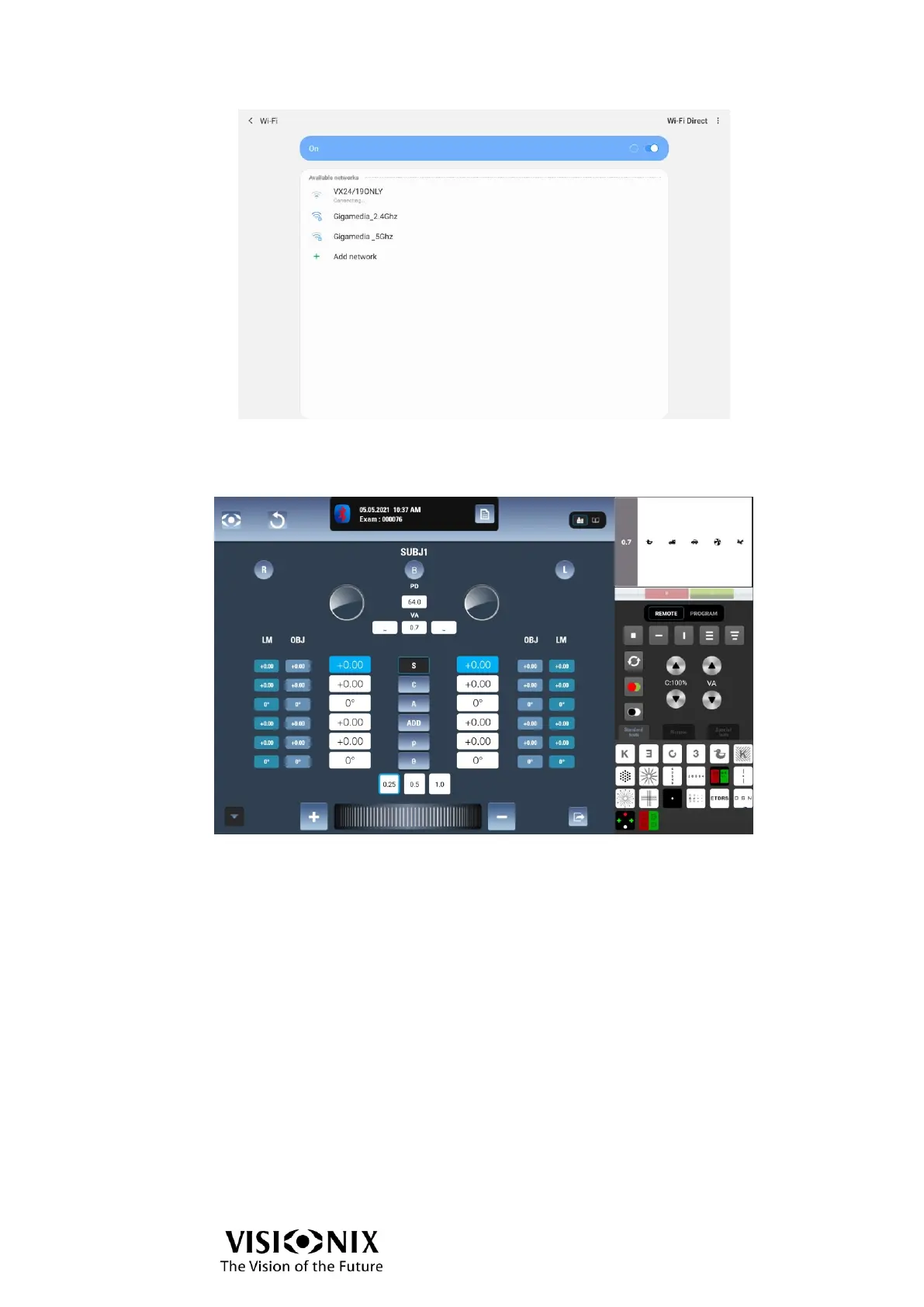
➢ Select Connect.
The two devices are then connected.
You should be able to see what the chart display shows in the top right corner of the
interface.
Procedure related to Configuration 2 (use of VXBox)
Configure VX65
➢ Activate the use of VXBox.
➢ Set the chart ID (use the same ID than the chart display to connect to the VX65).
Connect
➢ Make sure the Wi-Fi stick is connected before switching the chart display on.
➢ Make sure the VXBox is on, and the Wi-Fi stick connected to it.
➢ Go to the settings of the chart display and set the chart ID (see instructions in chart
display user manual).
➢ Go to the Settings menu of the tablet.
➢ Select Wi-Fi and activate it.
➢ Select the Secured network VXLAN.
➢ Enter the WEP key (password) “vsxlanbox”.
➢ Select Connect.



 To Next Page