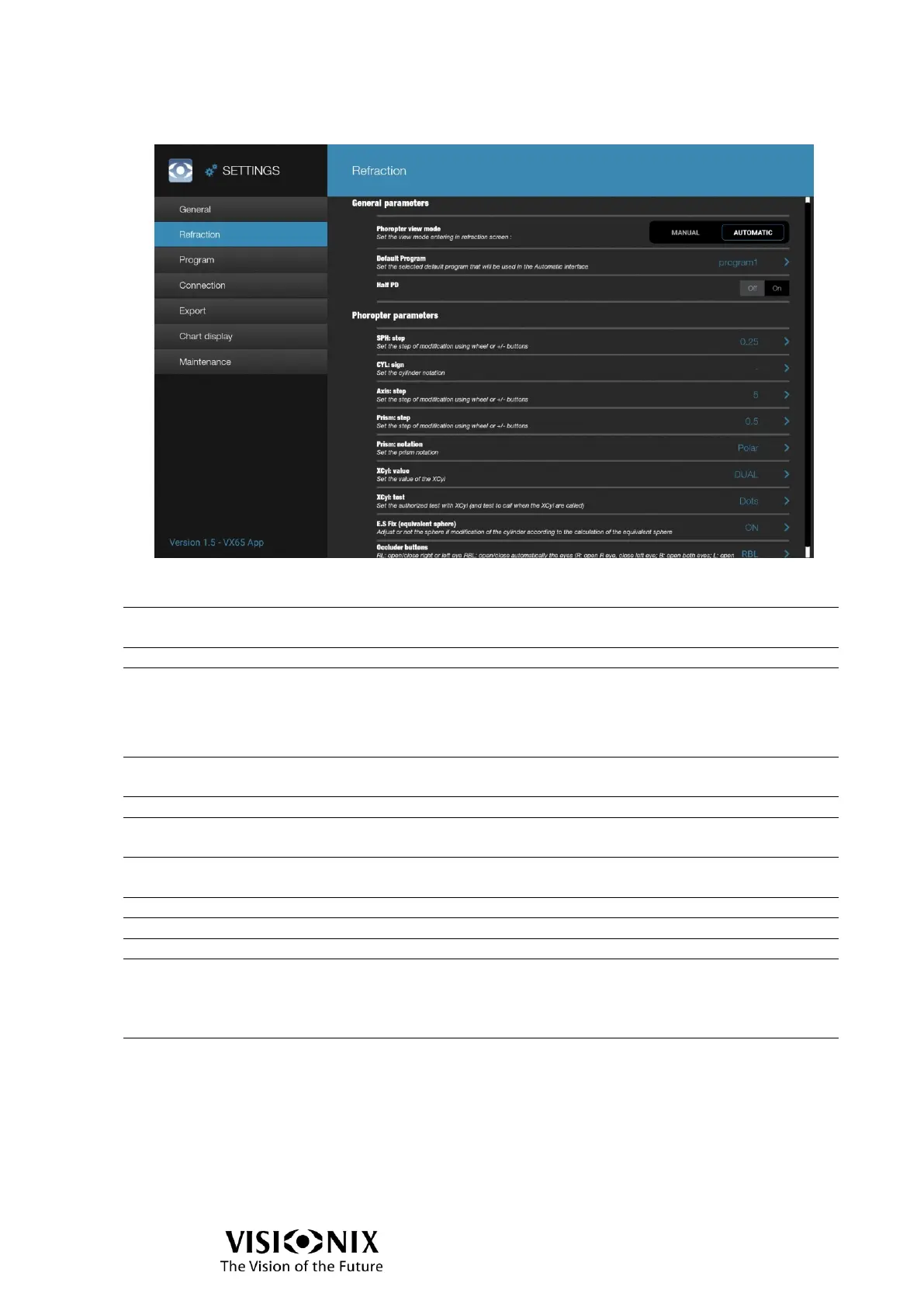
Refraction configuration
General parameter
Select the display of examination interface between Manual
mode (manual phoropter head) and Automatic mode
Select the default program to be run in program mode
Activate or not half PD display
Phoropter parameters when Automatic mode is select
Select the default step of modification of sphere between
0.25/0.50/1.00
Select the cylinder notation between +/-
Select the default step of modification of axis between
1°/5°/10°
Select the default step of modification of sphere between
0.50/1.00
Select the default notation of prism between Cartesian/Polar
Select the default value of XCyl between ±0.25/±0.50/DUAL
Select the default value of XCyl between Dots/Optotype
E.S. fix (equivalent sphere)
Select the equivalent sphere behavior between:
OFF: no sphere adjustment when cylinder is changed
ON: to keep the same equivalent sphere, the sphere is
adjusted when the cylinder is changed during XCyl use
Select the display of occluder buttons in refraction screen
between:
RL: 2 buttons (R & L) to open/close right or left eye
RBL: 3 buttons (R, B & L) to open & close automatically the
eyes.
R: open R eye, close left eye
B: open both eyes
L: close R eye, open left eye



 To Next Page