Activate or not the search of OBJ/LM data by ID in the
VXBox.
It is used when there are several exam rooms.
(Visible only if Use of Multimode is activated)
Select the VX65 ID between 1>9
It is used for the export files, for a better identification of files.
(Visible only if Use of Multimode is activated)
Select the Chart ID between 1>9
Important:
Do not forget to configure the VXBox and the chart display! (ID VXBOX, ID
chart and use of VXBox).
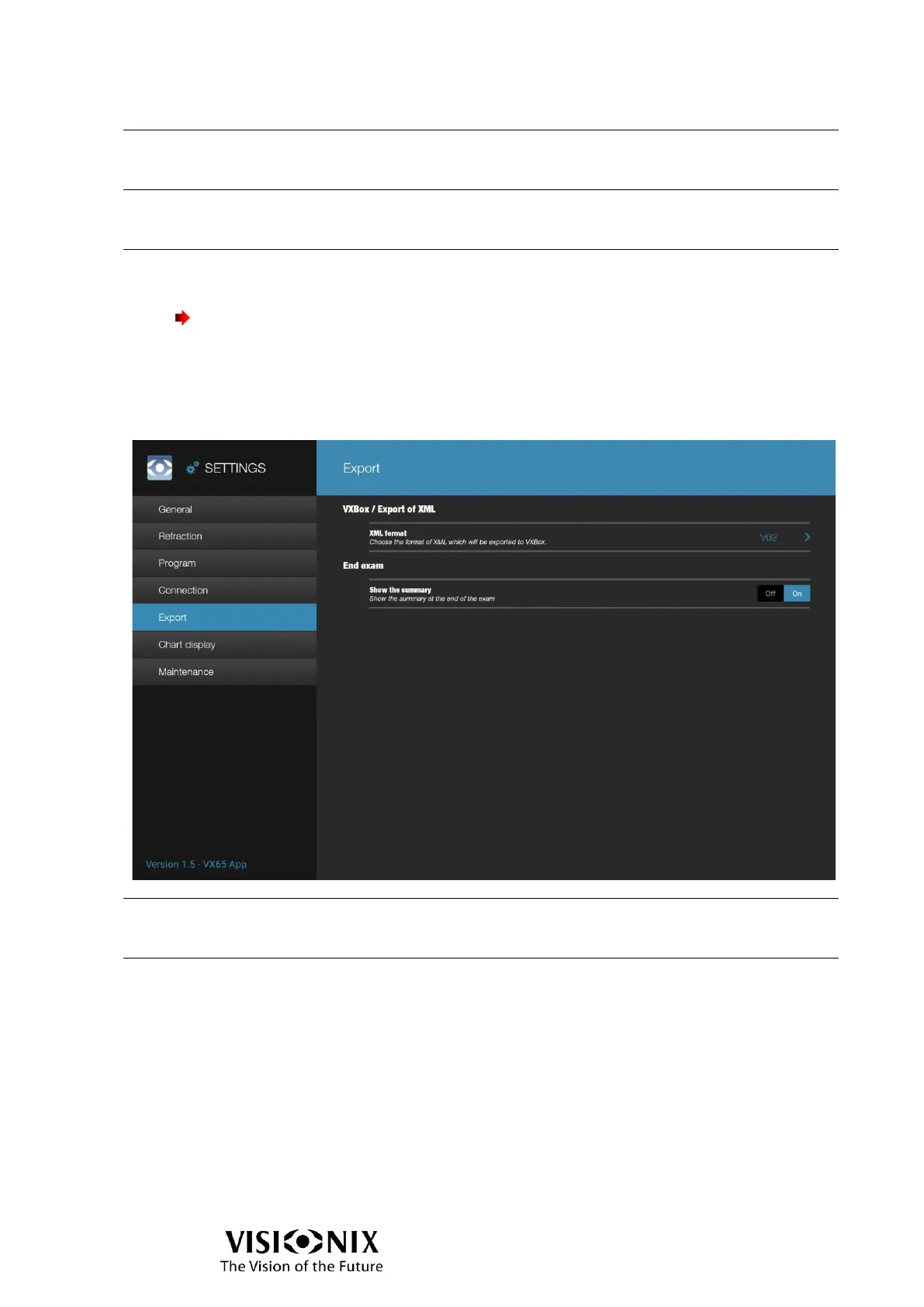
Export configuration
Select the xml format of exportation in the VXBox between
v01 and v02.
➢ This setting has to be defined by a technician.
Display or not the Exam file interface when tap on Export
button.



 To Next Page