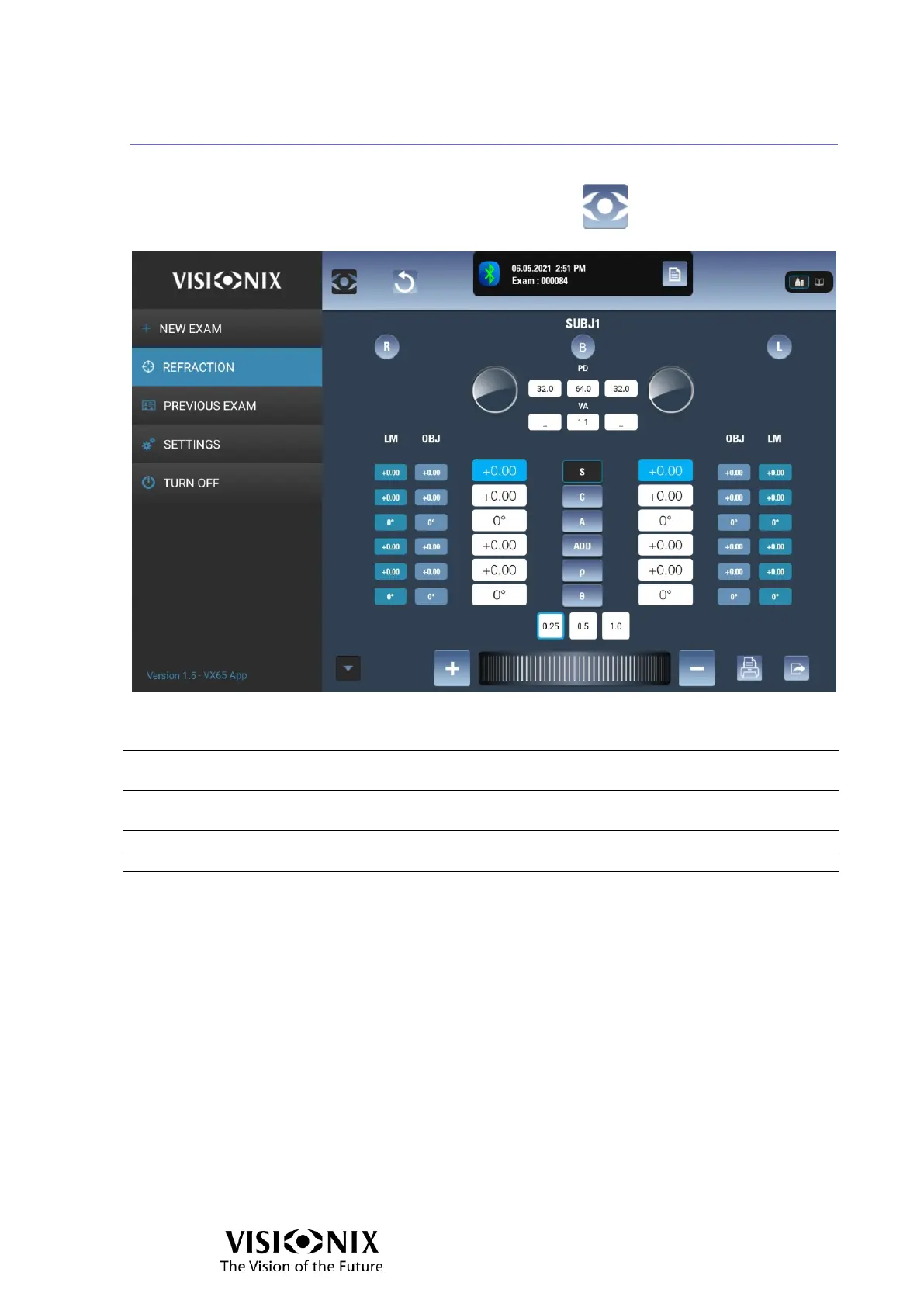
Main Menu
The main menu allows you to switch to a different interface, and to shut down the
system. It can be opened from any interface by selecting .
The main menu contains the following options:
Opens the interface that is designated in the app settings as the New
exam interface.
Opens the examination interface, in which subjective refractions are
performed using the phoropter.
Loads all the data (OBJ, LM, SUBJ) of the previous exam
Opens the Settings interface, in which app settings are managed
Shuts down the tablet app.



 To Next Page