Connecting the tablet to the keyboard (optional)
The pairing procedure needs to be done once, the first time you use the equipment.
To pair the tablet to the keyboard
➢ Make sure the battery of the tablet is fully charged.
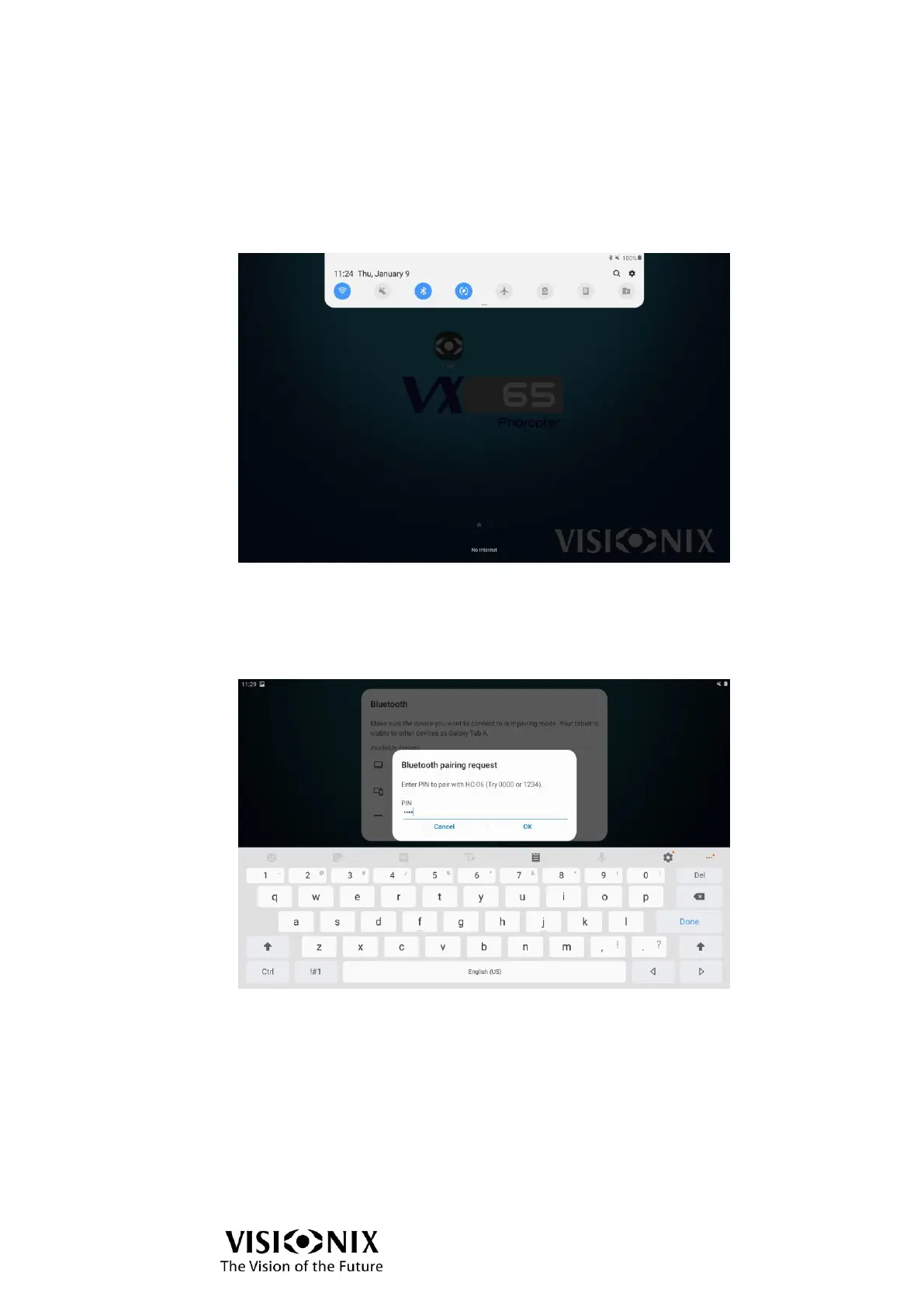
➢ Go to the Settings menu of the tablet.
➢ Activate the Bluetooth.
The tablet searches for the available devices.
➢ Select VX65 PANEL-xxxx.
xxxx are the 4 last numbers of Bluetooth MAC address of keyboard which are indicated on
the label which is stuck under the keyboard.
➢ When a password is requested, enter the following digits: 1234.
➢ Select OK.
The two devices are paired.
To connect the phoropter with the tablet
➢ Launch the VX65 application installed on the tablet.
➢ Go to the Bluetooth menu.
➢ Activate use of the keyboard.
➢ Select VX65 PANEL-xxxx.
➢ Select OK.
The following message is displayed: "Connection OK".
The two devices are then connected.



 To Next Page