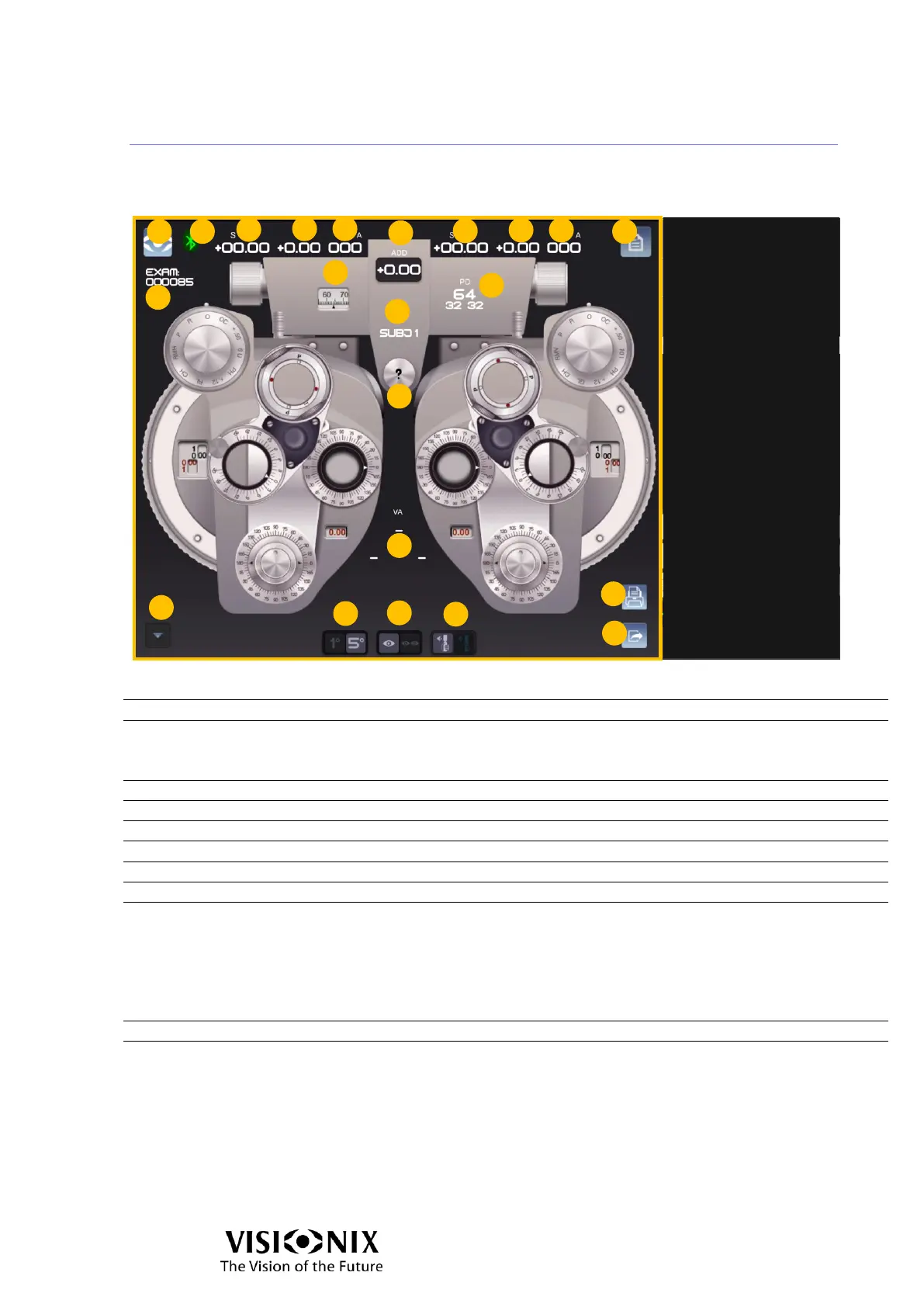
Examination interface: Manual mode
Main buttons & refraction values
Indication of connection with phoropter head
Green: connected
Red: not connected
Sphere (a: right eye; b: left eye)
Cylinder (a: right eye; b: left eye)
Axis (a: right eye; b: left eye)
Addition (applied only in near vision position)
Opens Exam file interface
PD Values
9a: with the ruler
9b:
Top middle: PD value total
Bottom left: Half PD right eye
Bottom right: Half PD left eye
Current selected refraction (could be SUBJ1, SUBJ2, OBJ, LM or Unaided)
Activates the highlight of the different interaction areas with three different colors:



 To Next Page