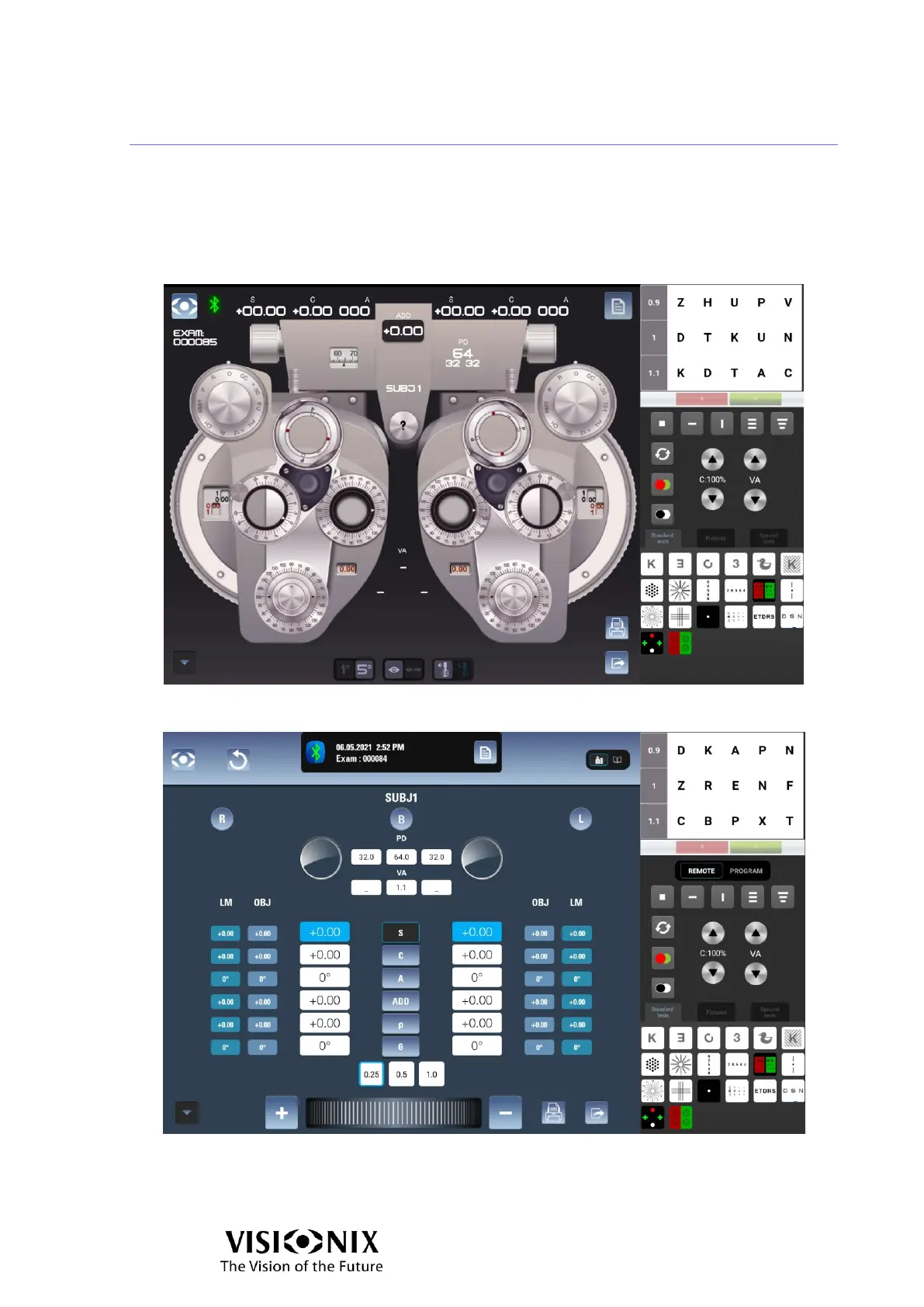
Examination interface: Manual & Automatic modes
The main interface enables you to control both the phoropter head and the chart display:
the left part of the interface is dedicated to the phoropter head, while the right one is
dedicated to the display chart.
2 modes are available: Manual mode and Automatic mode. This setting is configured in the
Settings interface, under Refraction > General parameters > Phoropter view mode.
Examination interface: Manual mode
Examination interface: Automatic mode



 To Next Page