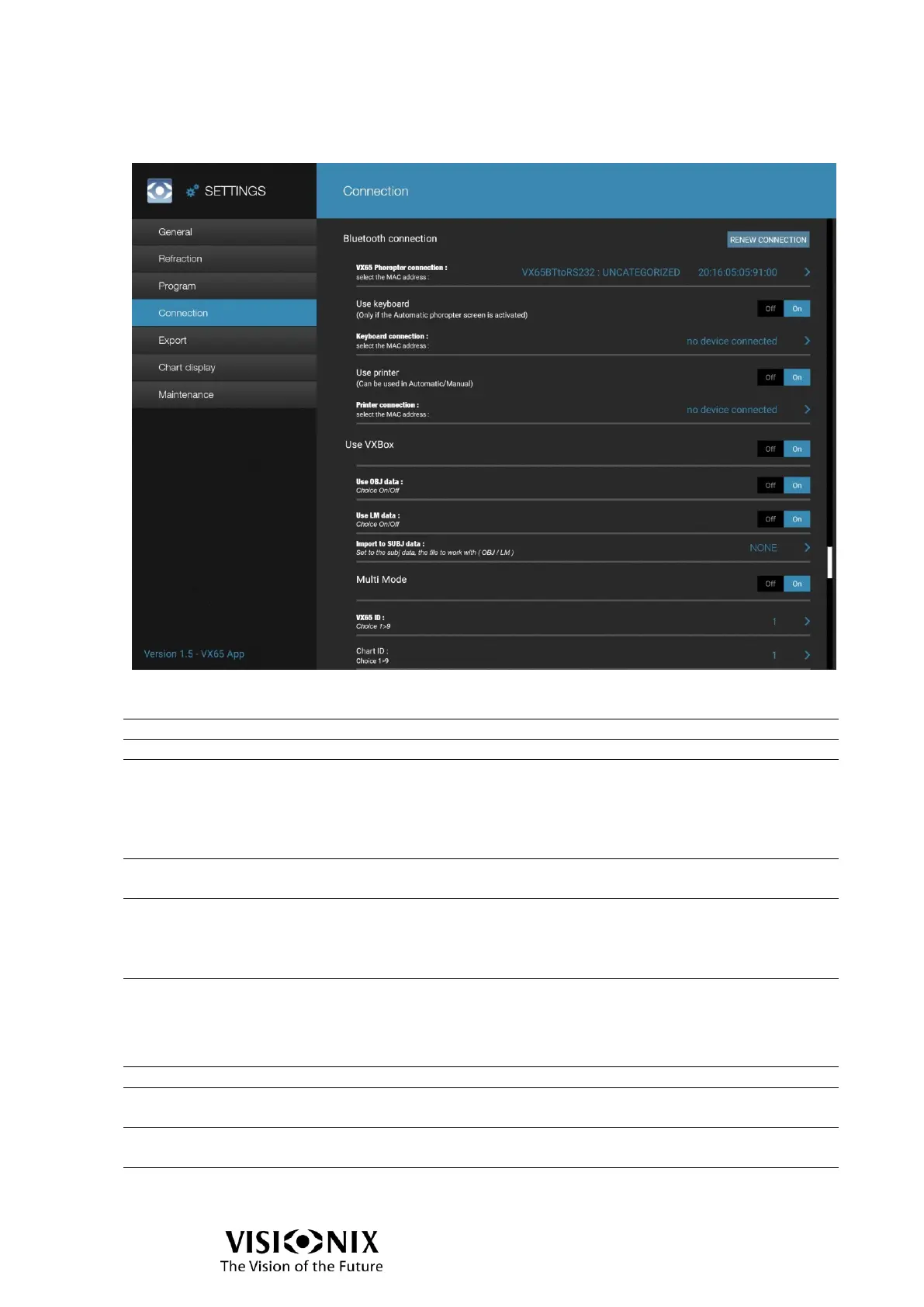
Connection configuration
Bluetooth connection
Close connection and load paired devices from Android
VX65 Phoropter connection
Select the phoropter to connect to.
Activate or not use of keyboard.
When it is activated:
The application will establish connection with keyboard.
The setting is not available when manual mode is selected
(Refraction configuration).
(Visible only if keyboard is activated)
Select the keyboard to connect to.
Activate or not use of external printer.
When it is activated:
The application will establish connection with printer and the
print button is available on the refraction screen.
(Visible only if printer is activated)
Select the printer to connect to.
Activate or not the use of VXBox
(Visible only if Use of VXBox is activated)
Activate or not the search of OBJ data in the VXBox.
(Visible only if Use of VXBox is activated)
Activate or not the search of LM data in the VXBox.
Select the data set to automatically copy in SUBJ1: OBJ, LM



 To Next Page