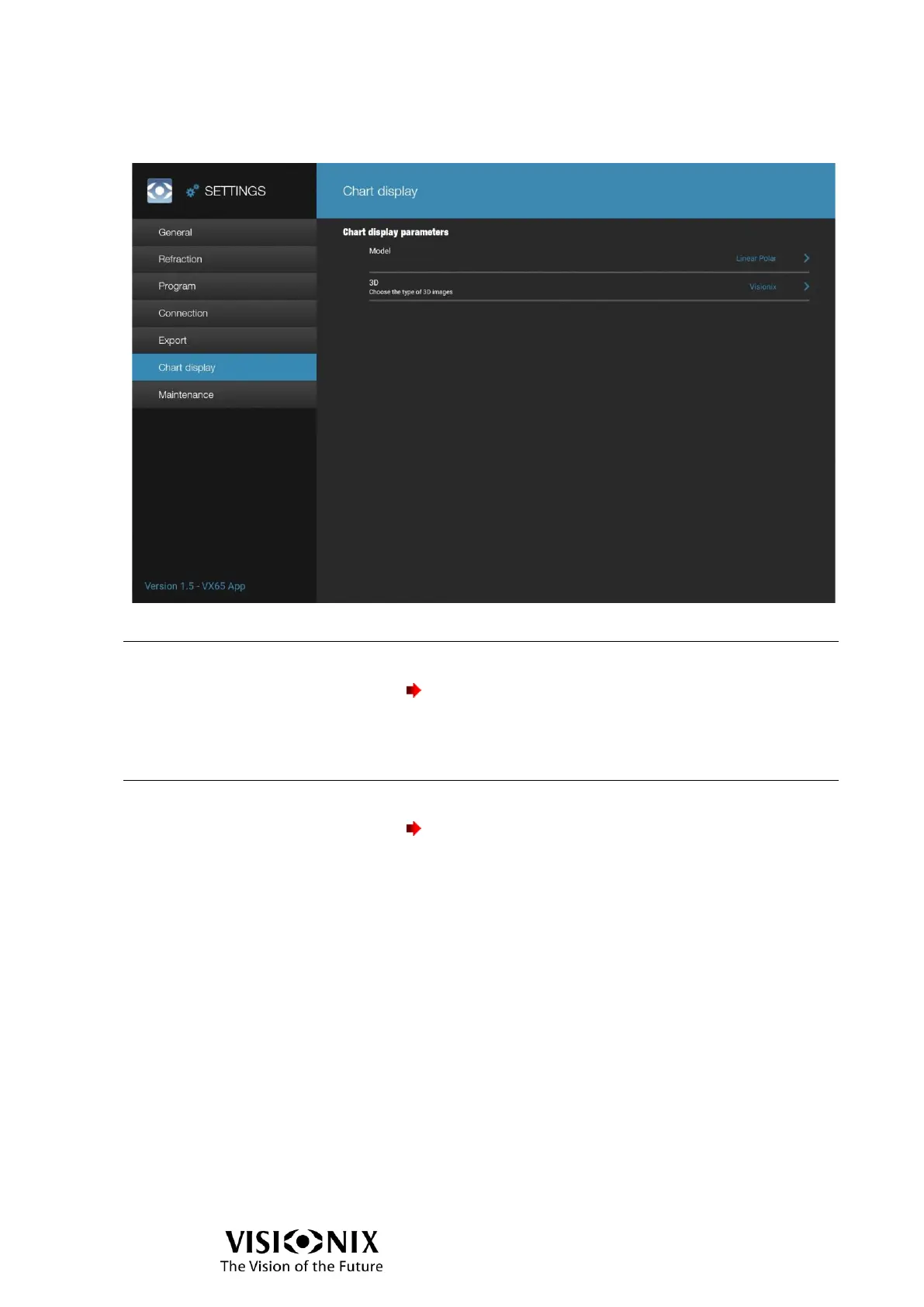
Select the model of chart display between Non pola / Circular
polarization / Linear polarization.
Important, if Non pola is selected:
- few tests will not be available
- the polarized filters will be disabled in the
accessory selector.
➢ This setting has to be defined by a technician.
Select the type of 3D tests between Visionix and Paskal 3D.
➢ This setting has to be defined by a technician.
Important:
Set also the same setting in the chart display!



 To Next Page