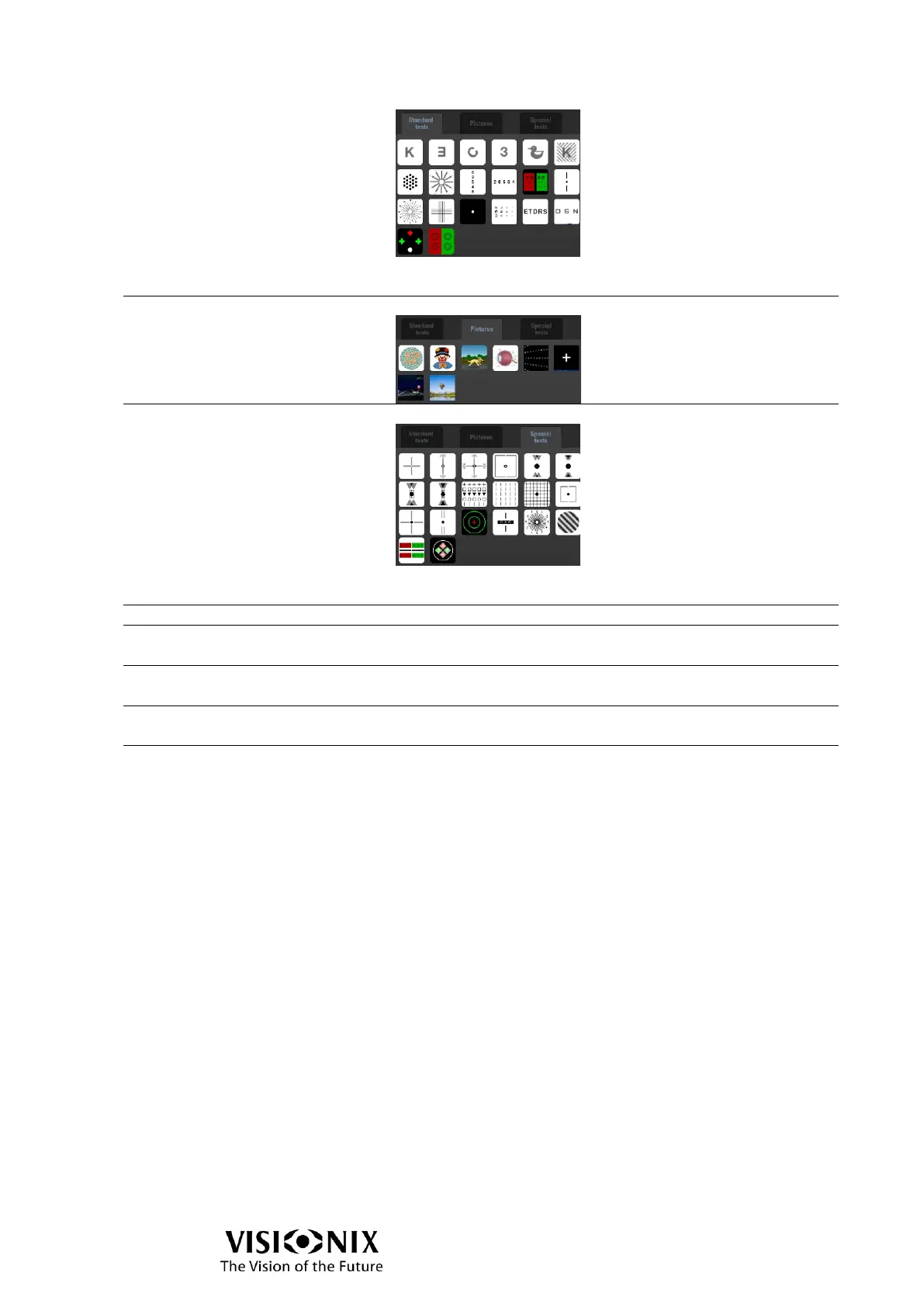
Remark: the last test is not available if chart display
model is non pola.
Enables you to access to the following tests:
Enables you to access to the following tests:
Remark: the 2 last tests are not available if chart display
model is non pola.
Tap on it to call the test on the chart display.
Tap on it to display on “1” the feedback from the red side
of the screen if Red/Green optotype is enabled.
Tap on it to display on “1” the feedback from the green
side of the screen if Red/Green optotype is enabled.
Tap on it to use the VX65 with the full automatic
interface.
Tap on it to use the VX65 with the Program mode which
allows to do exams with pre-defined steps.



 To Next Page