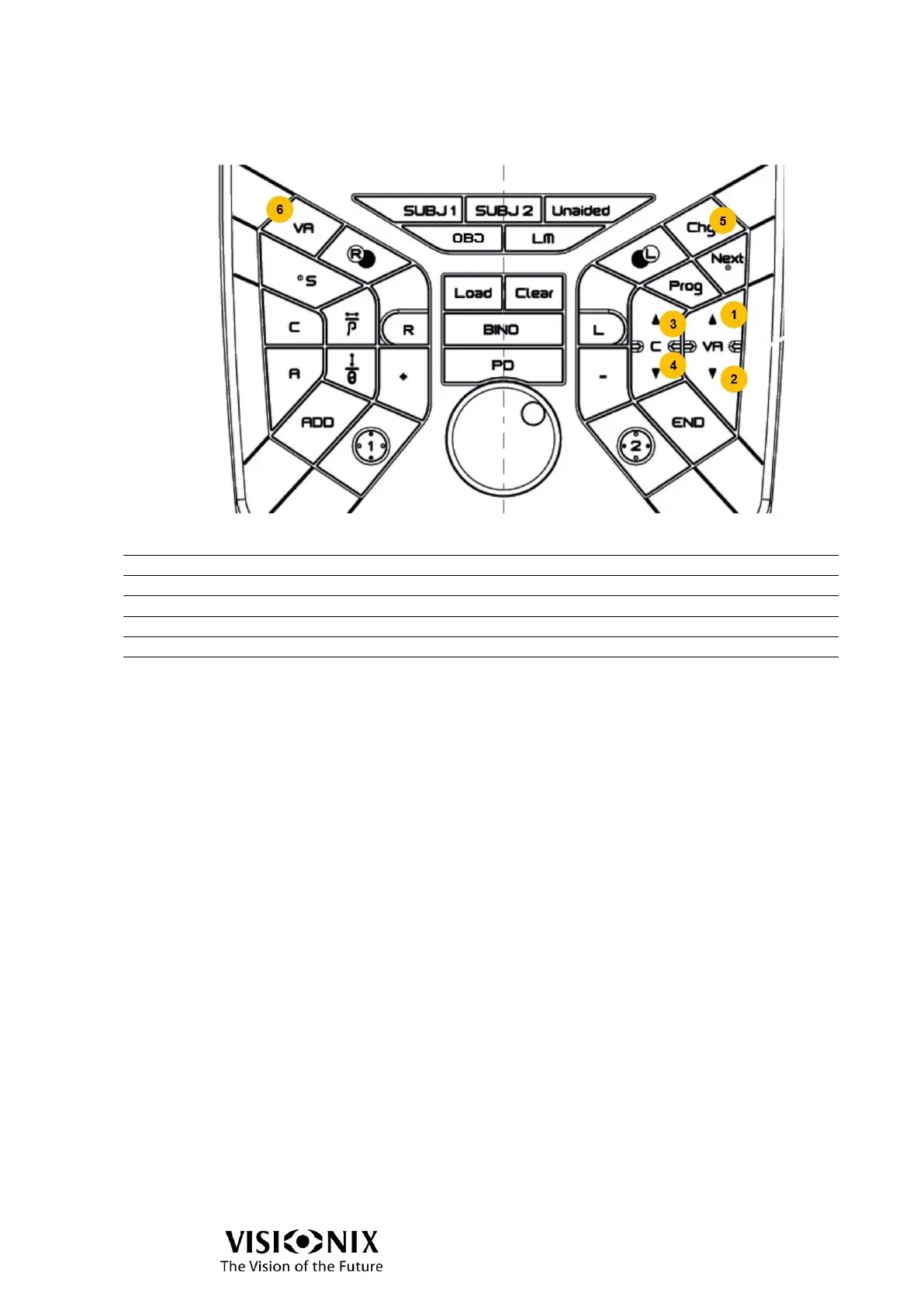
Control the chart display
Switch to lower acuity (larger optotypes)
Switch to higher acuity (smaller optotypes)
Redistribute the optotypes
Save the VA:
If 1 row of optotypes is displayed, save the VA of this
line.
Else, save the best VA.
The VA is saved according to current opened eye(s):
Only right eye is opened: saving in VA right eye
Only left eye is opened: saving in VA left eye
Both eyes are opened: saving in VA both eyes
Remark:
For the tests without optotypes, the buttons on the dock do nothing, except if equivalent
buttons are activated on application in the area of control of chart display.



 To Next Page