Operation
7.3 Driving the vehicle
108
Operator’s Manual | 4080T Basic Line | 1000408123 | 05/2019 | [en]
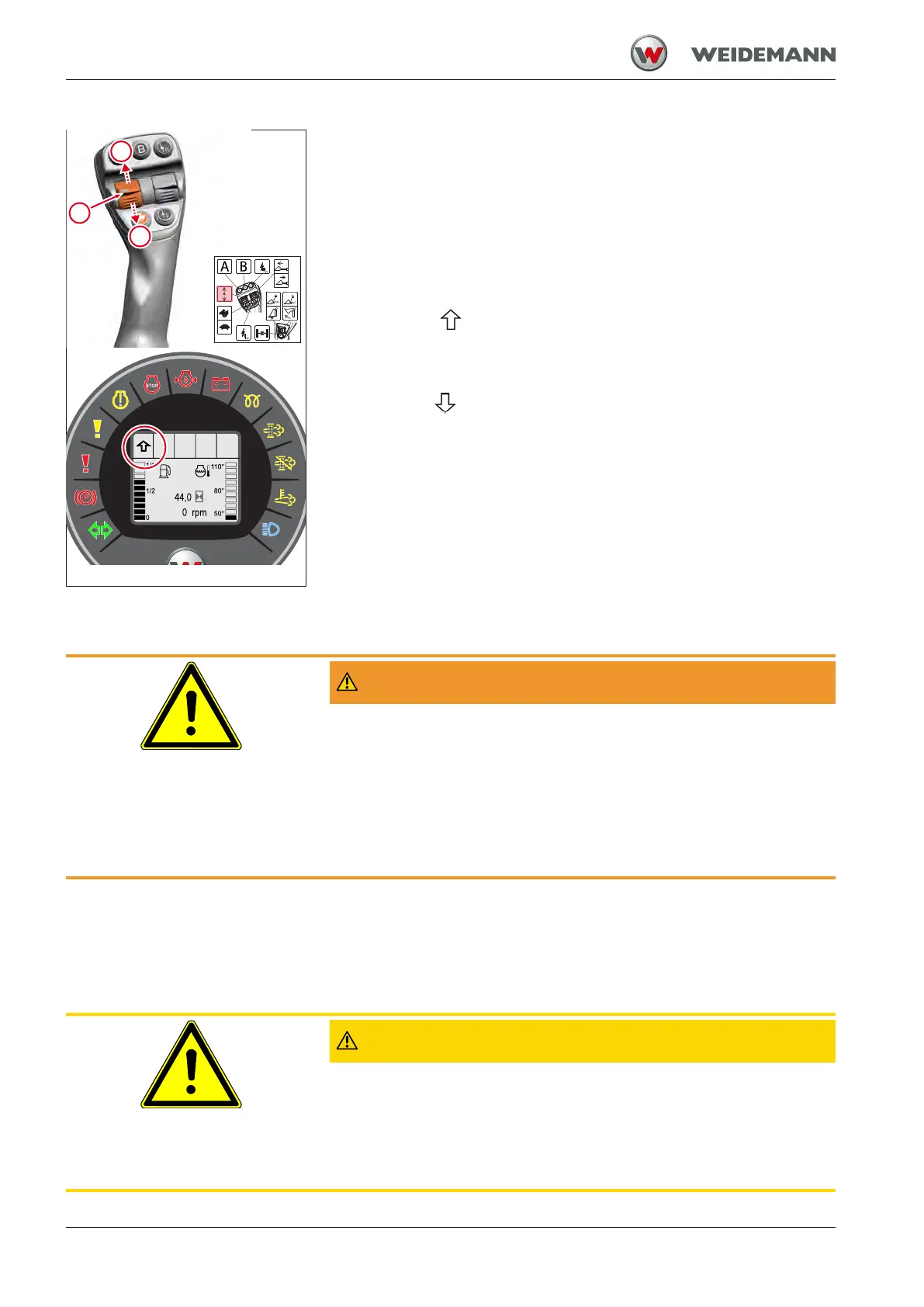
Fig.85: Switching the drive direction
Use the switch to select the drive direction of the vehicle. After starting
the engine, the direction switch is in zero position 0, regardless of the
switch position.
▪ Set switch to zero position 0.
ð No direction symbol in the display.
ð No direction of travel switched on.
▪ Move the switch to position I.
ð Symbol
appears in the display.
ð Direction of travel forward switched on.
▪ Move the switch to position II.
ð Symbol
appears in the display.
ð A warning tone sounds as an option.
ð Reverse driving direction switched on.
7.3.3
Reversing warning buzzer
WARNING
Accident hazard due to persons in the danger zone!
Persons who are in the danger zone of the vehicle or suddenly enter it
can be injured by working movement or the moving vehicle. This may
result in accidents that could result in serious injury or death.
► Interrupt work immediately if persons enter the danger zone.
► Adjust the mirror correctly. Use visual aids such as, e.g. a camera.
► Observe extreme caution when reversing.
A warning tone sounds when the reverse drive direction is switched on.
The sound is intended to warn people in the vicinity of the vehicle when
the reverse drive direction is switched on.
7.3.4
Accelerating the vehicle with pedal
CAUTION
Risk of accident through malfunctions of the accelerator pedal!
Dirt accumulation and objects in the area of the accelerator pedal can
result in malfunctions and accidents.
► Do not place any loose objects in the cab.
► Keep cab clean.


 To Next Page