Operation
7.3 Driving the vehicle
110
Operator’s Manual | 4080T Basic Line | 1000408123 | 05/2019 | [en]
7.3.6
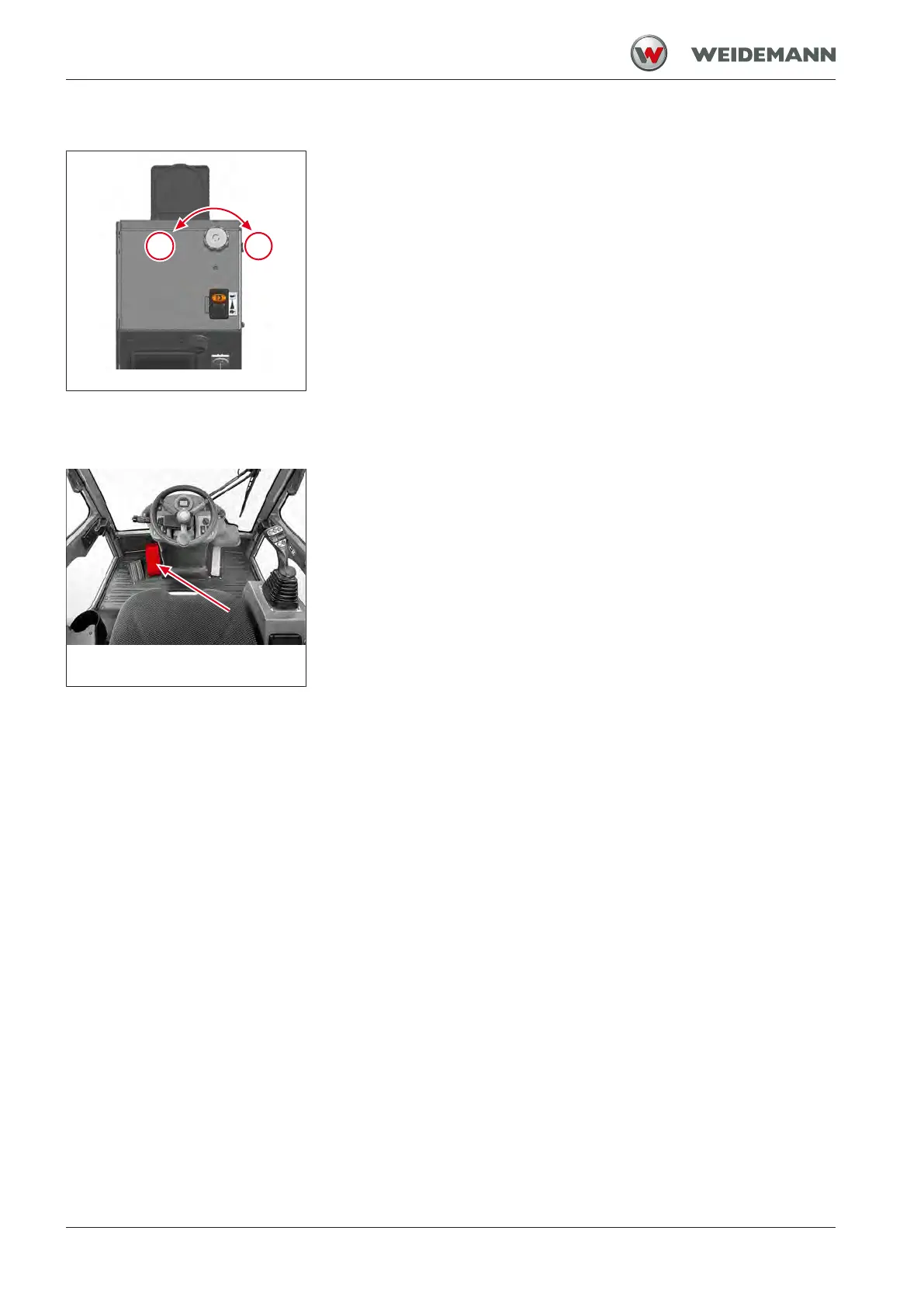
Operating hand-inching
Fig.88: Operating hand-inching
The Hand-inching function can only be used if the crawler travel mode is
selected. With the manual override function, the driving speed can be in-
dividually adjusted, independent of the engine speed, without having to
constantly operate the brake/inching pedal.
▪ Move the scroll wheel in direction I.
ð Travel speed of the vehicle is reduced.
▪ Move the scroll wheel in direction II.
ð Travel speed of the vehicle is increased.
7.3.7
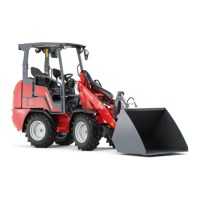
Braking, stopping and parking the vehicle
Fig.89: Braking the vehicle
Press pedal to change the travel speed independently of the engine
speed. The first part of the pedal travel reduces the drive system, and
then the braking system is engaged. By pressing the pedal, the displace-
ment of the pump can be reduced steplessly, without material wear, until
the vehicle comes to a standstill. This allows very slow driving even at
high engine speeds.
1. Reducing the speed of the engine.
ð Travel speed of the vehicle is reduced.
2. Press the pedal.
ð The vehicle brakes.
3. Keep pressing the pedal.
ð The vehicle stops.
4. Set the switch for the drive direction zero position.
ð The drive system is in neutral position.
5. Apply the parking brake.
ð Parking brake control light lights up in the display.
ð The drive interlock is activated.


 To Next Page