510736498
5
EN
blueMatic EAV4 / EAV4+ Installation, Operating and
Maintenance Instructions
Aug. Winkhaus GmbH & Co. KG ∙ Berkeser Straße 6 ∙ 98617 Meiningen
T +49 369 3950 - 0 ∙ www.winkhaus.com ∙ Subject to technical changes
Notice: While an admin administers the lock via Bluetooth®, no
user can access it.
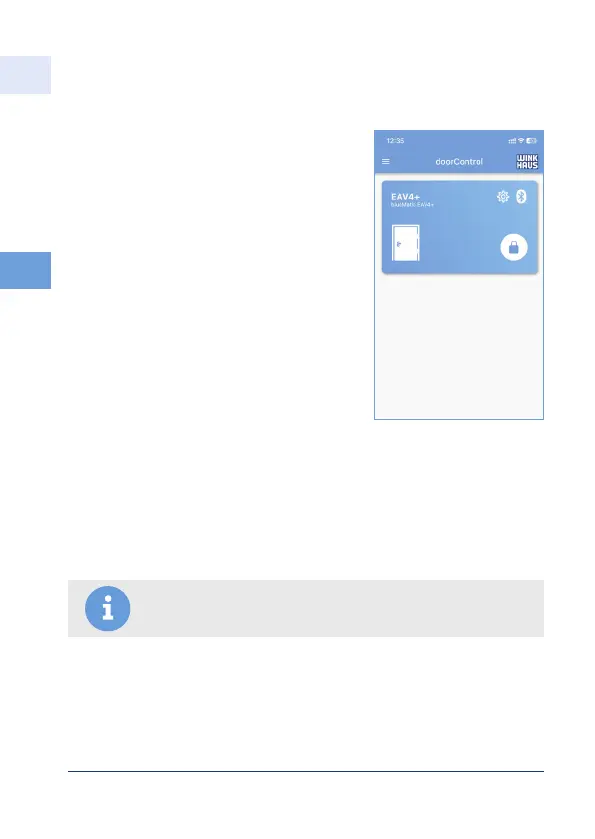
• The lock has successfully been set up.
• Up to 25 doors/locks can be taught in.
• Users, groups and associated time profiles
must be created separately for each lock.
• Bluetooth®:
– Only one user (or admin) can connect to the lock (not several at the same
time)
• WLAN:
– several users or admins possible
– Several users/admins possible with "same login" (password/ID)
(e.g. when using smartphone and tablet)
5.2.5 Completion of "Set up new lock"
5.2.6 Lock control by users and admins



 To Next Page