Basic Configuration DRS5116
Wren
2003. 09. 06 (v 1.0)
83
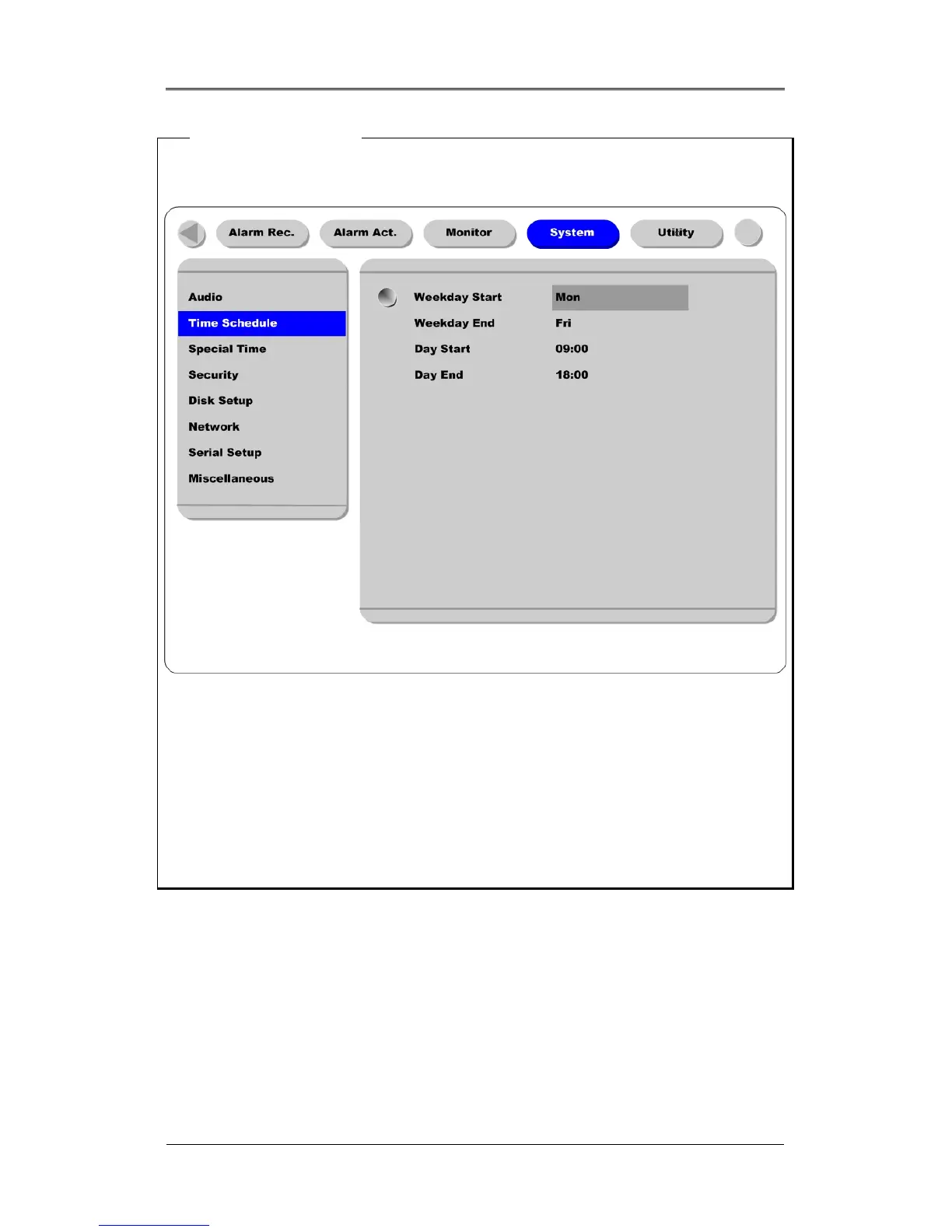
<Setting Time
Schedule>
Used to set time schedule, move to “System” menu.
Weekday Start/End
Press the [ENTER] button to access the Time Setting. Set the range for “Weekday” between Monday
and Sunday using the [◄◄/►►] buttons. “Weekend” is set automatically based on the “Weekday”
range.
Day Start/End
Set the range for “Day” using the up/down buttons. The “Night” range is set automatically based on the
“Day” range.
Recording Speed/Quality
All conditions except “Custom”, synchronize “Speed (fps)” and “Quality” automatically:
No Record
Low ~ 1fps/Q5
Standard ~ 5fps/Q5
High ~ 15fps/Q5
Custom ~ fps and quality can be set separately



 To Next Page