Basic Configuration DRS5116
Wren
2003. 09. 06 (v 1.0)
84
Special Time Recording
This menu is used to designate different recording conditions during “Special Times.” The “Special
Time” is designated under the “System” tab.
There are five conditions; No Rec./Low/Standard/High/Custom (same as above).
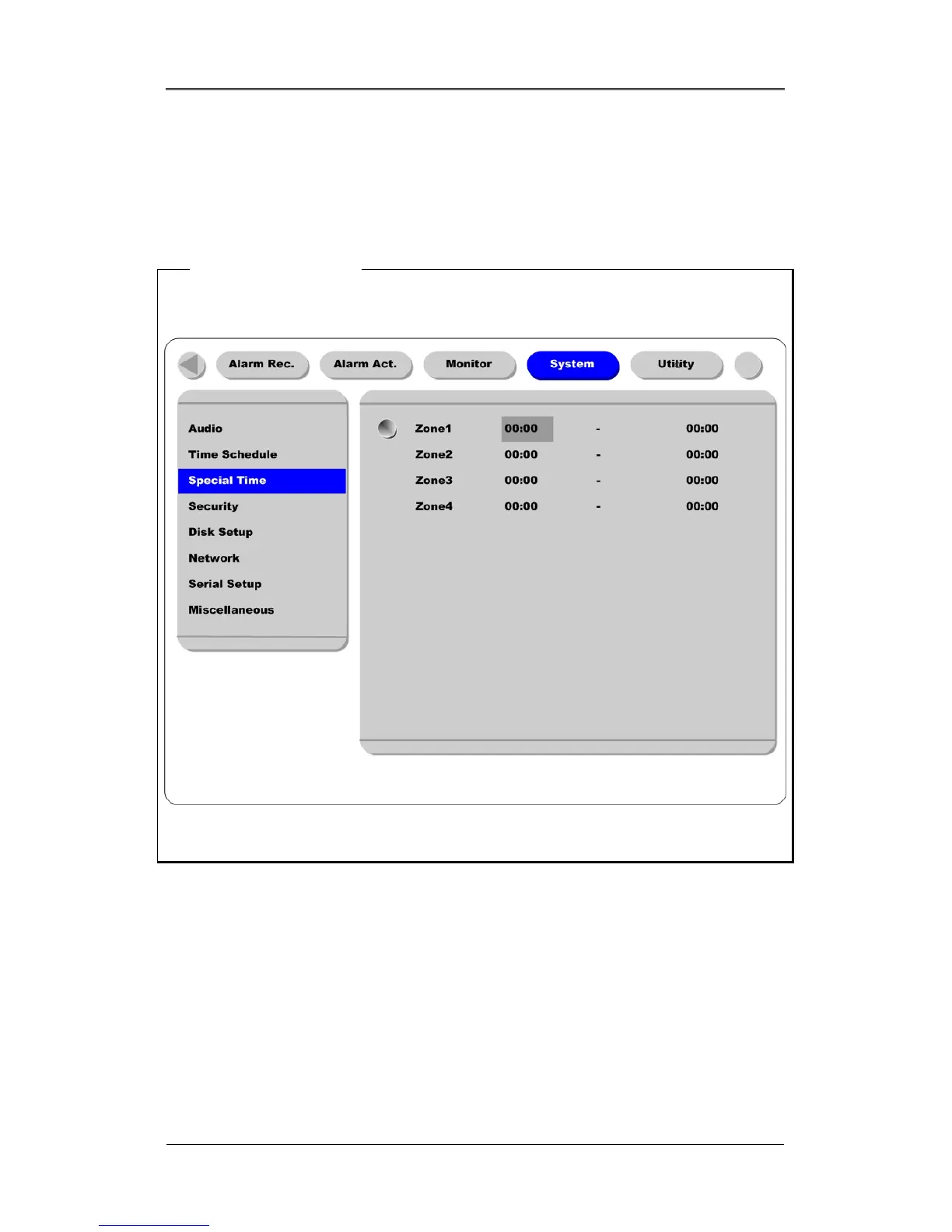
<Setting Special Time>
To set ”Special Time,” move to “System” tab.
Up to four zones can be designated as “Special Time.”
Event Recording
Press the [ENTER] button to access the Event Recording feature. Set “On/Off” using the [◄◄/►►]
buttons.
Event recording condition is set under the “Alarm Recording” tab.
This setting is used to configure the DRS to record data according to an alarm condition, such as Motion
Detection (MD), sensors, etc.



 To Next Page