KCU116 Board User Guide 80
UG1239 (v1.2) September 28, 2018 www.xilinx.com
Chapter3: Board Component Descriptions
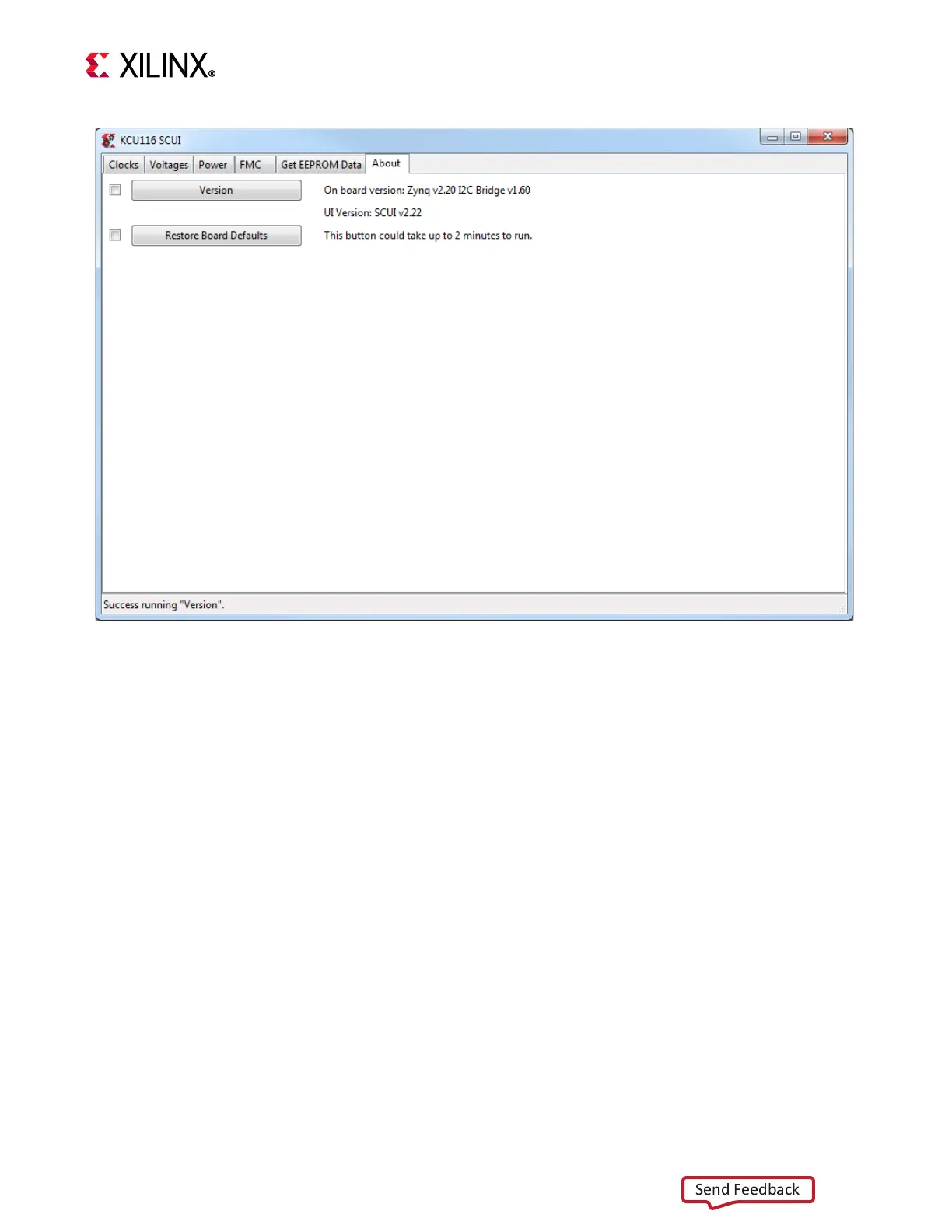
On first use of the SCUI, go to the FMC > Set VADJ > Boot-up tab and click USE FMC
EEPROM Voltage. The SCUI buttons are grayed out during command execution and return
to their original appearance when ready to accept a new command. See Figure 3-32.
See the KCU116 System Controller Tutorial (XTP465) [Ref 16] and the KCU116 Software
Install and Board Setup Tutorial (XTP464) [Ref 17] for more information on installing and
using the system controller utility.
For additional information on the Zynq-7000 SoC device I
2
C controller, see the Zynq-7000
SoC Overview Data Sheet (DS190) [Ref 2] and the Zynq-7000 SoC Technical Reference
Manual (UG585) [Ref 12].
X-Ref Target - Figure 3-32
Figure3‐32: KCU116 SCUI








 To Next Page