79 / 99 www.xovis.com
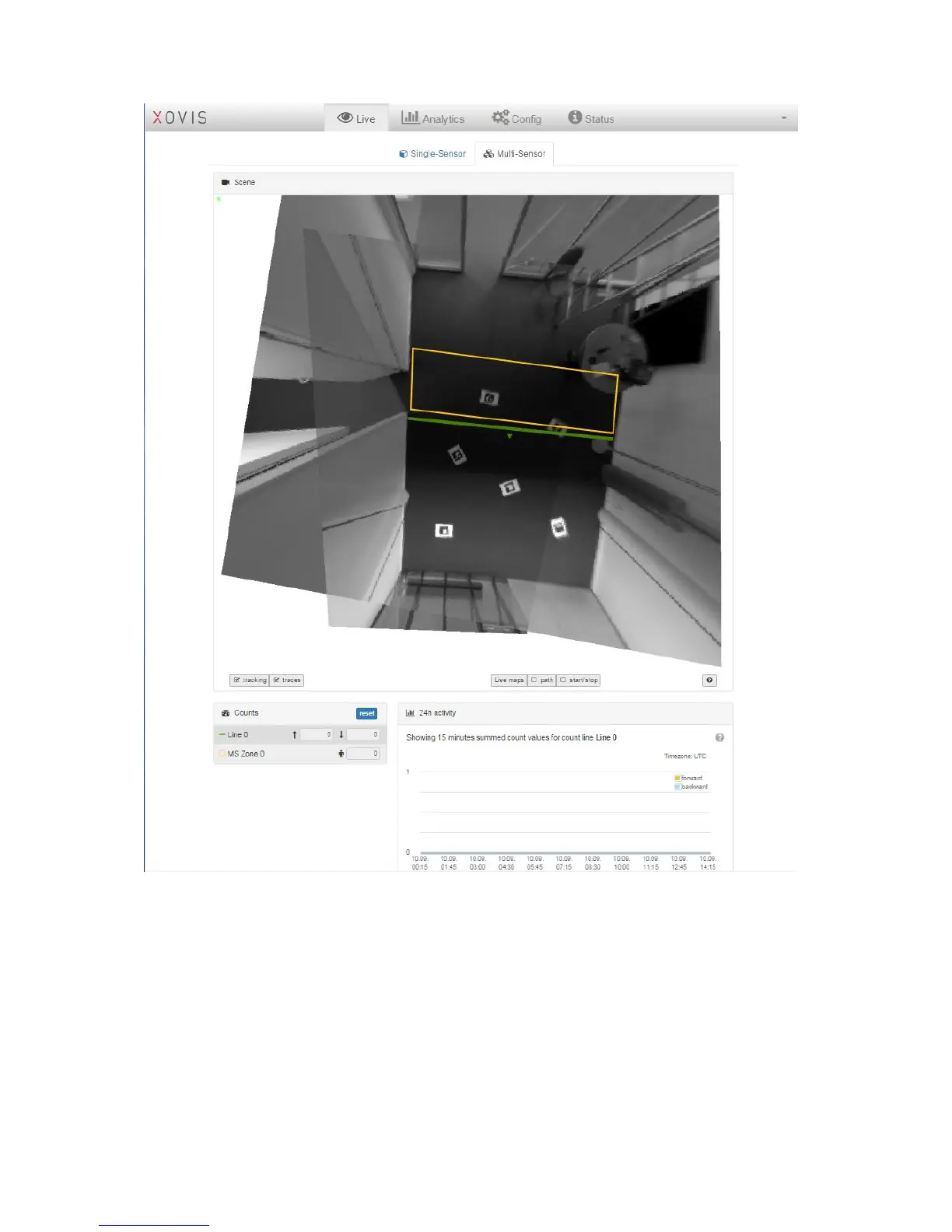
The multisensor page on the “Live”-view contains the same four sections as known from the
singlesensor page:
Scene
The “Scene” view shows the stitched still image of the multisensor. It is possible to activate
the tracking (shows the bubbles), the traces and the live maps “path” and “start/stop”.
Counts
The section “Counts” will show the counts of the count lines and zones of the multisensor.
24h activity
The section “24h activity” will show the activities of the last 24 hours with 15 minute
granularity.



 To Next Page