NK=^Äçìí=íÜáë=áåëíêìÅíáçå=ã~åì~ä
fåëíêìÅíáçå=j~åì~ä=`êçëëÄÉ~ã=PQM=ÉåMOE`loF =V=çÑ=NPQ
qóéçÖê~éÜáÅ~ä=ÅçåîÉåíáçåë
1.2. Typographical conventions
For the description of software, the following typographical conventions are used:
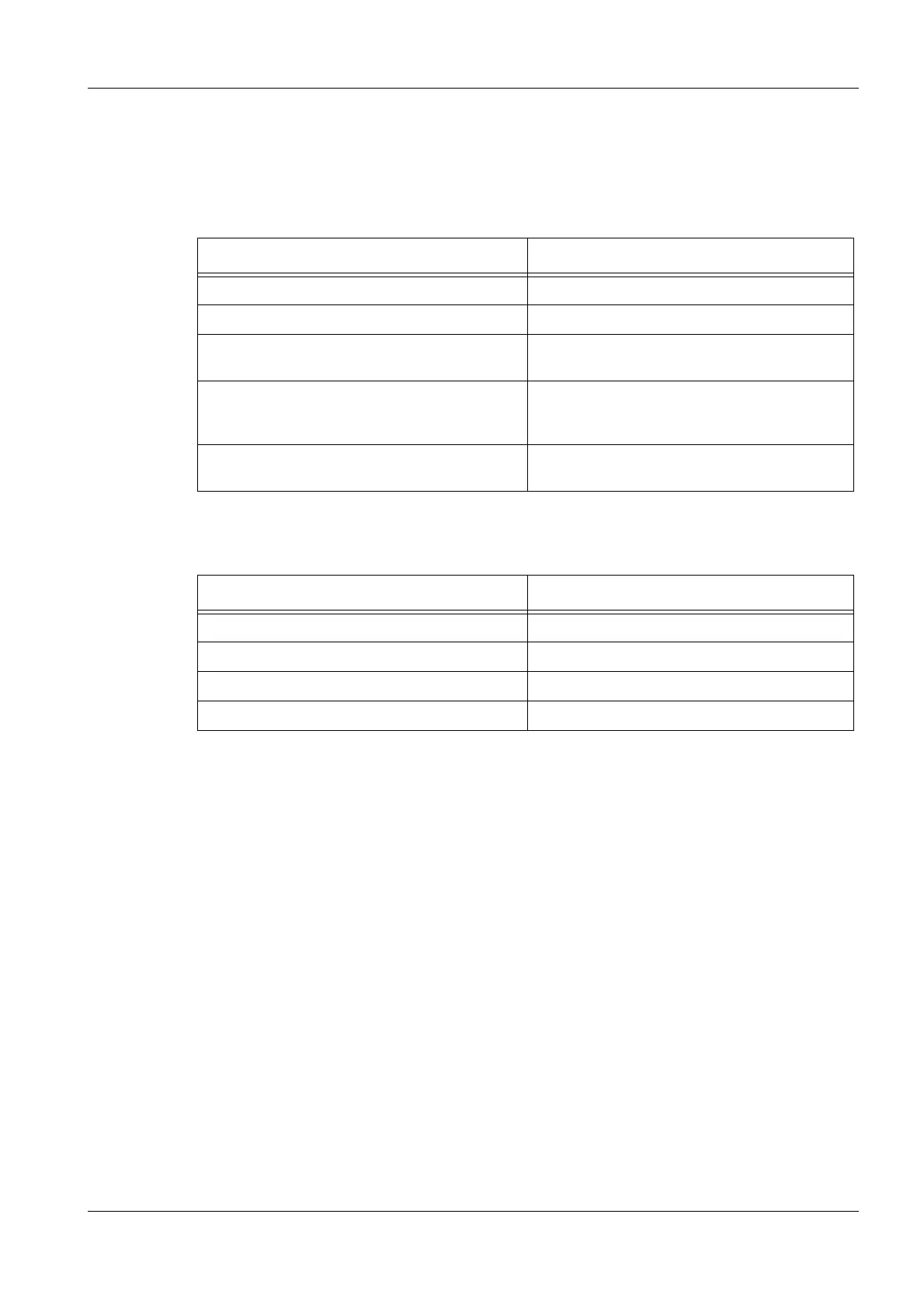
Typography Meaning
Push <ENTER>. Push the ENTER key on the keyboard.
Type <key1, key2> Type key 1 first, then type key 2 on the keyboard.
Type <Ctrl + Alt + Del>. Simultaneously type CTRL key, ALT key and DEL
key on the keyboard.
Click the Magnification icon.
On the menu, select File/Exit.
Icons, buttons, and menus are printed in bold.
In the EHT target field, enter 10 kV. Values to be selected are printed in italics.
Text Meaning
Click... Press the left mouse button.
Right-click... Press the right mouse button.
Double-click.... Press the left mouse button twice.
Right double-click... Press the right mouse button twice.


 To Next Page