VO=çÑ=NPQ fåëíêìÅíáçå=j~åì~ä=`êçëëÄÉ~ã=PQM=ÉåMOE`lo F
SK=léÉê~íáçå
`êçëëÄÉ~ã=çéÉê~íáçå
6.8. Crossbeam operation
It is assumed that the operator is already familiar with general functions of SmartSEM
®
and the
operation of the FESEM.
IMPORTANT
For general information about SmartSEM
®
refer to the Software Manual SmartSEM
®
.
For more information about crossbeam operation refer to the SmartFIB online help.
6.8.1. Preparing the workstation
Before you can make use of the CrossBeam
®
functions, you have to prepare the workstation.
6.8.1.1. Getting started
Procedure
1 Switch on the workstation.
2 Start the SmartSEM
®
user interface and log in.
3 Initialise the specimen stage.
4 Load the specimen chamber with an appropriate specimen.
5 Evacuate the specimen chamber.
6 Switch on the SEM:
a Switch on the gun.
b Switch on the EHT.
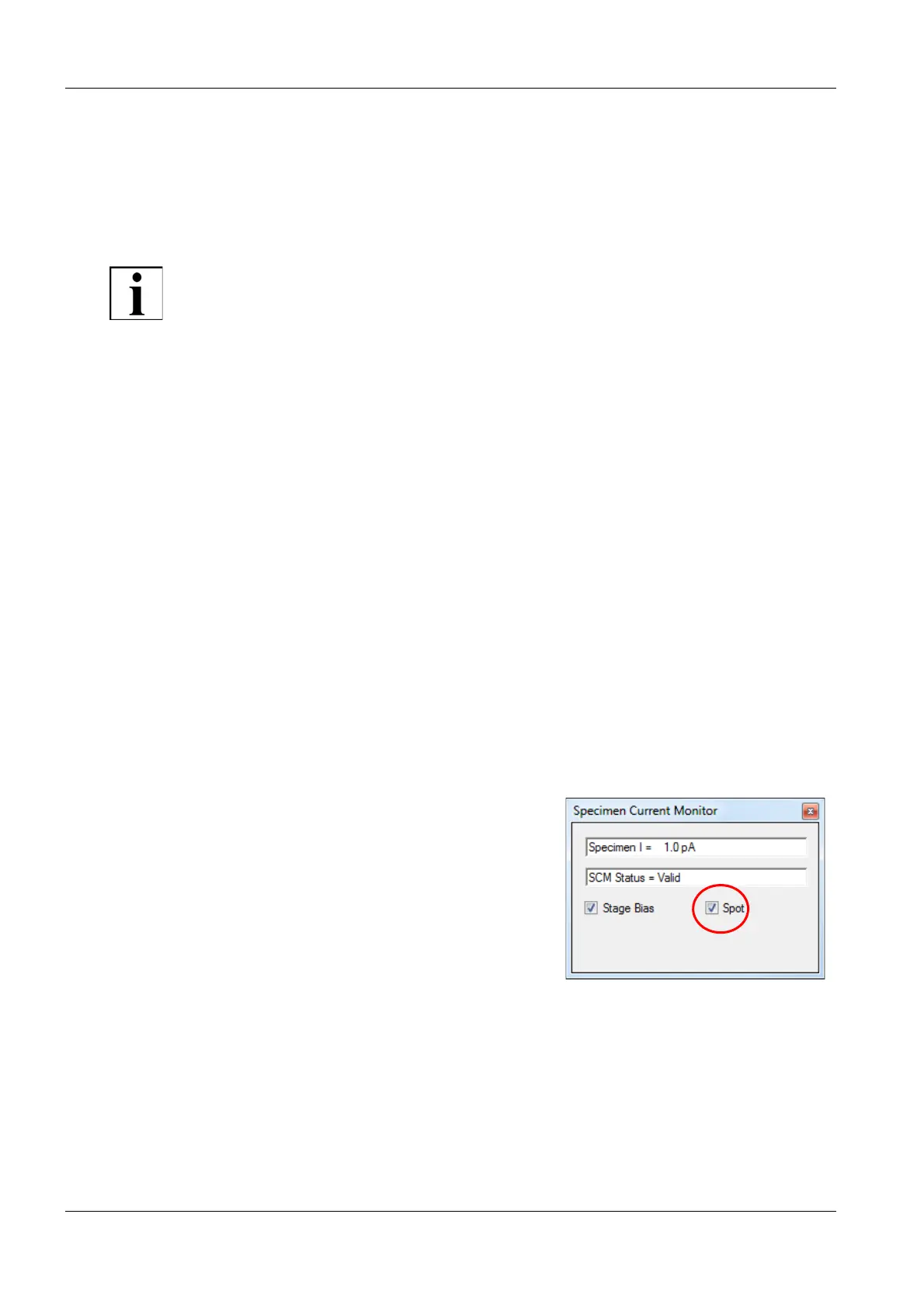
7 Ensure the Specimen Current Monitor is switched off:
a From the menu, select Tools/Goto Panel.
b Double-click Specimen Current Monitor.
c Deactivate the SCM On checkbox.
This ensures that the touch alarm function
is active.
8 Bring the image into focus.


 To Next Page