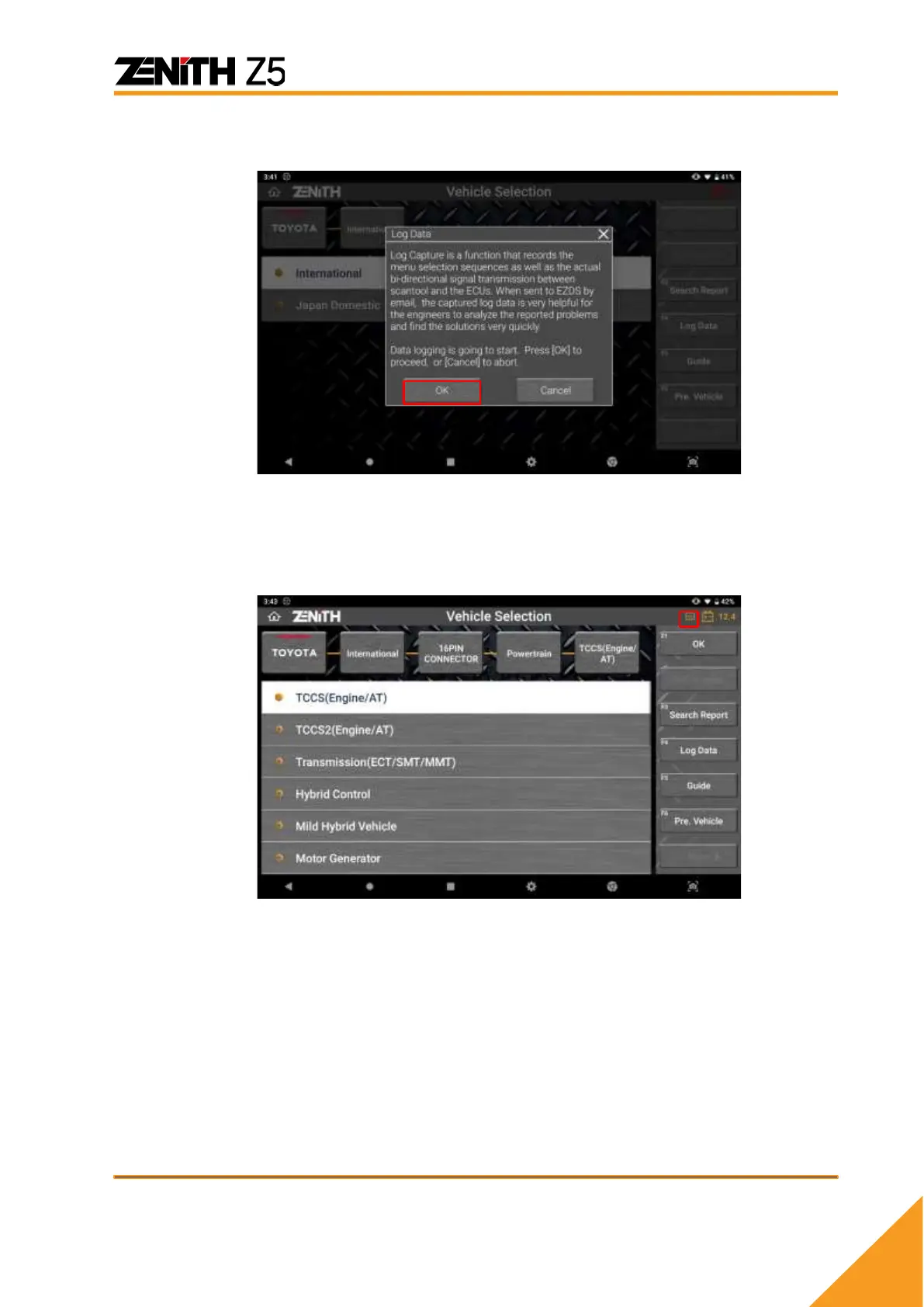
A short introduction to Data Log function pops up, and you can read and select
[OK] to proceed.
B. Repeat the function
When the Log Data Mode has started, the tape recorder sign in the top left corner
of the screen indicates that the data transmission between Z5 and the vehicle
control system is being logged.
Please repeat the same function until you encounter the same symptom or
function failure you experienced previously.



 To Next Page