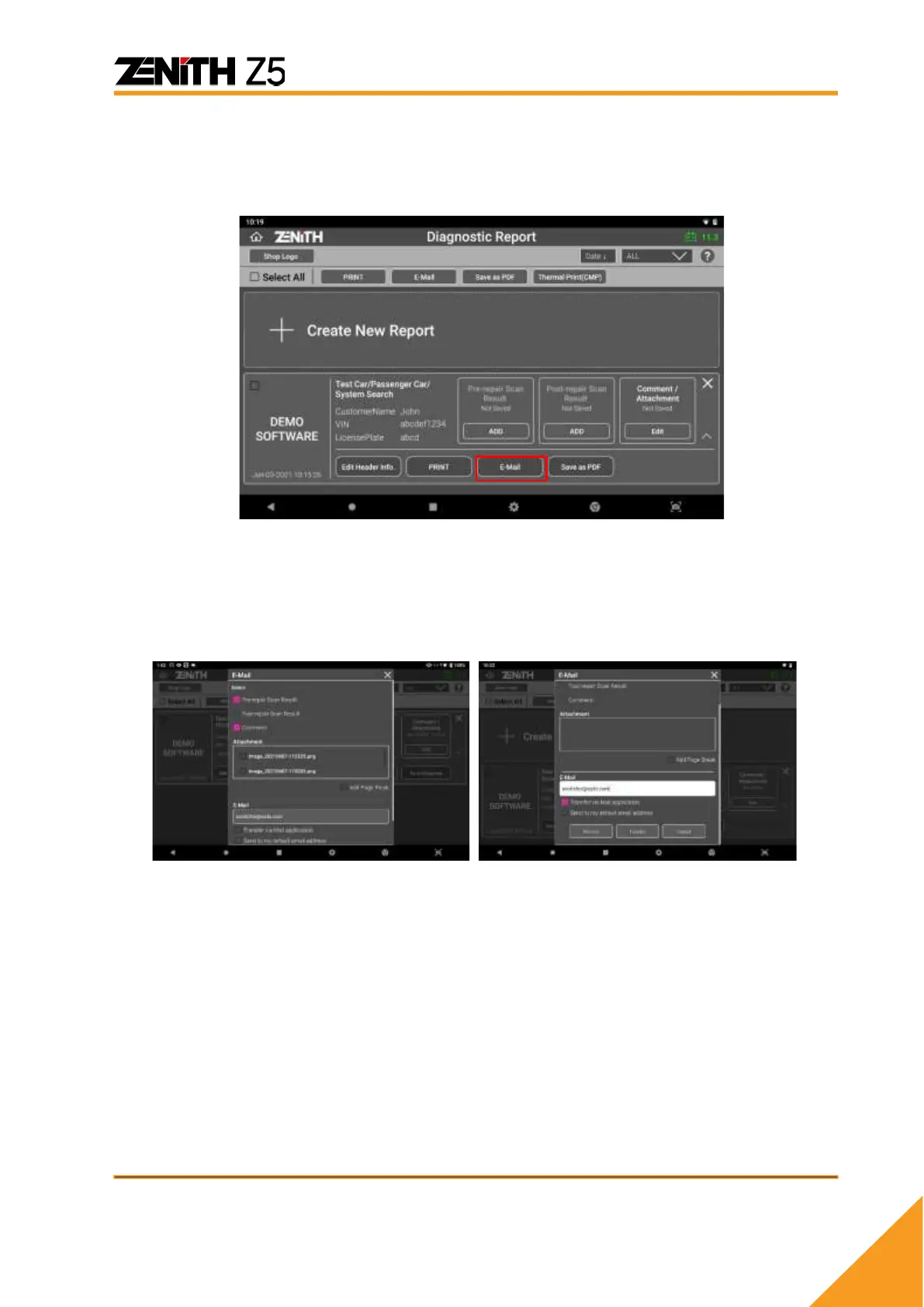
⚫ Email
With connection to the internet, you can send the report as an E-mail to the entered
address.
Once [E-Mail] button is selected, you can select desirable items in the report by
selecting the checkbox next to the items. If [Add Page Break] is checked, the report will
be saved separately for each item with identical header information on top of the report.
After E-mail address is entered, selecting [Transfer] button will complete the task.



 To Next Page