⚫ Additional Commands
START
Select a system to conduct more diagnostic functions from the systems list in the
left half of the screen, and touch [START] to enter the system.
STOP
Select [STOP] to abort System Search function. This option is activated only when
System Search is running.
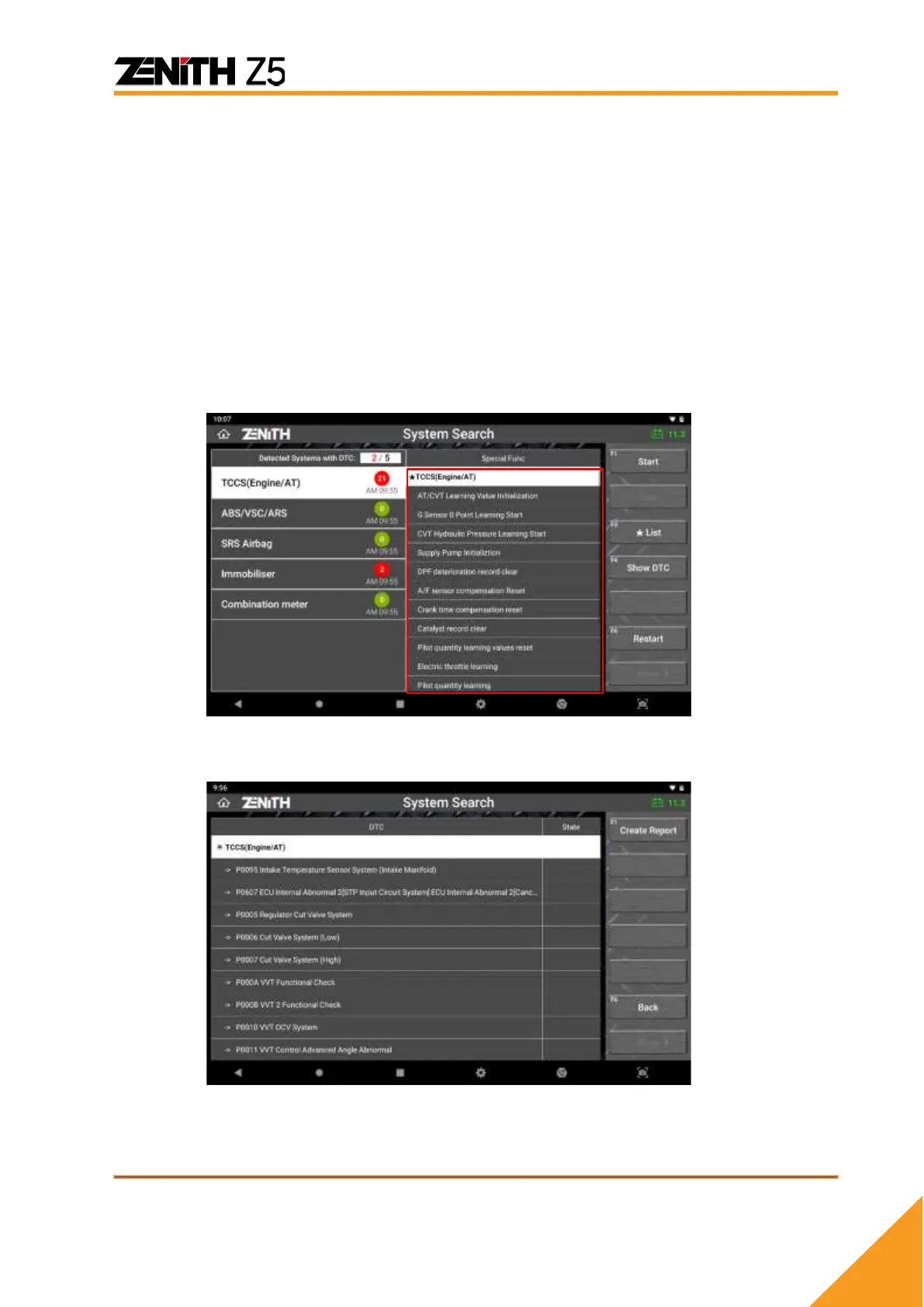
★LIST
Select [★LIST], and the Z5 shows the details of the special functions available with
the detected systems in the right half of the screen.
⚫ SHOW DTC
Displays the DTCs found in each control system with the code and description.



 To Next Page