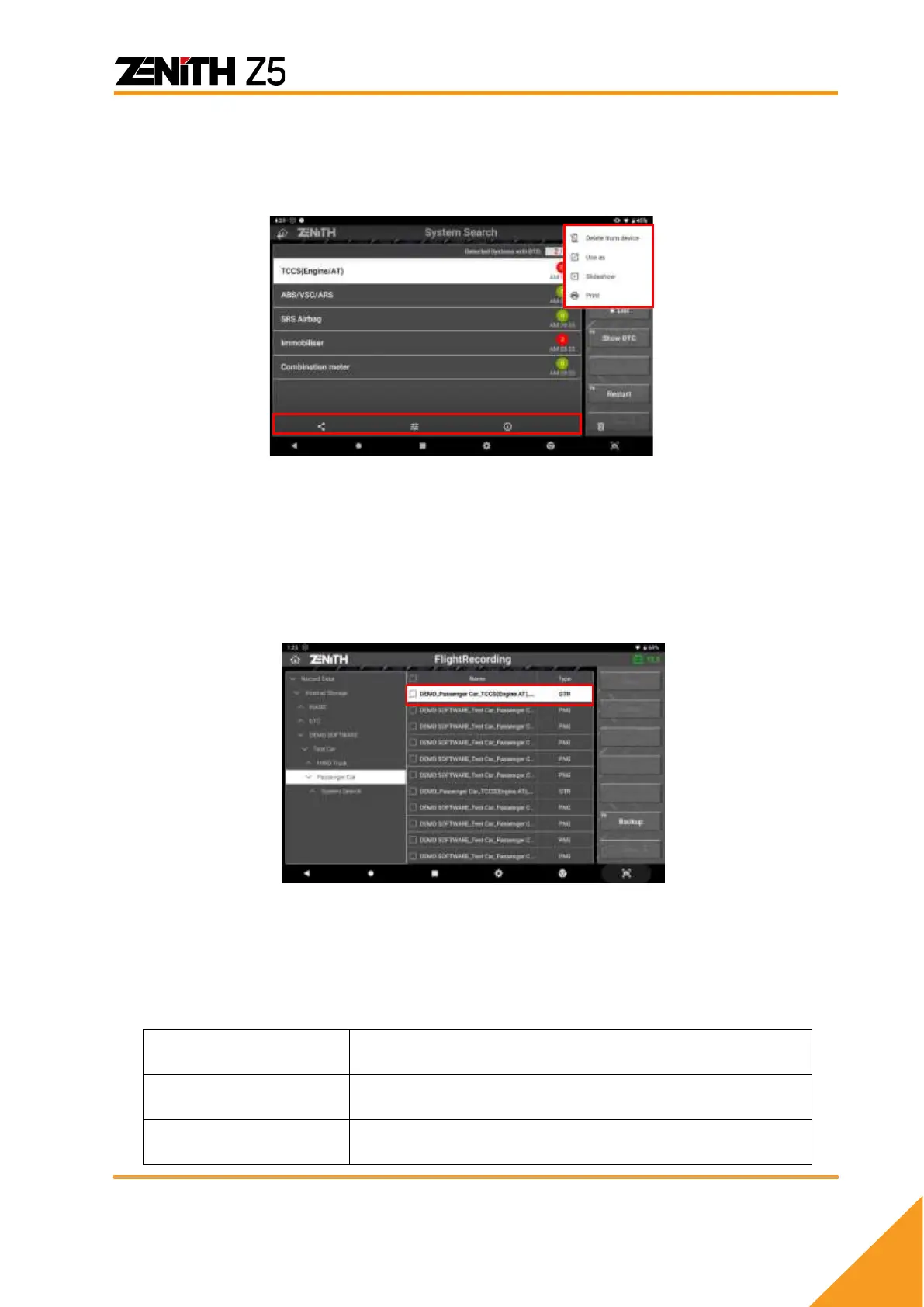
⚫ Image File
Select a PNG file among the saved file list Then the Gallery application runs to open
and show the selected PNG file on the screen.
You can print or share the file by selecting the additional function buttons in the top
right corner of the screen. Please refer to the next chapter for printing function details.
⚫ Recorded Data Loading
Select the GTR file in the selecteda2 storage folder and select the “OPEN” button.
Then the Record function is activated, and you can replay the recorded live data
parameters in text mode as shown below.
⚫ Replay Control
If the data readings of multiple frames have been saved by selecting Consecutive
Record or Selected Items Record when saving the data, you can replay the frames of
saved data forward or backward using the buttons on the left of the screen.



 To Next Page