<4 Graphs>
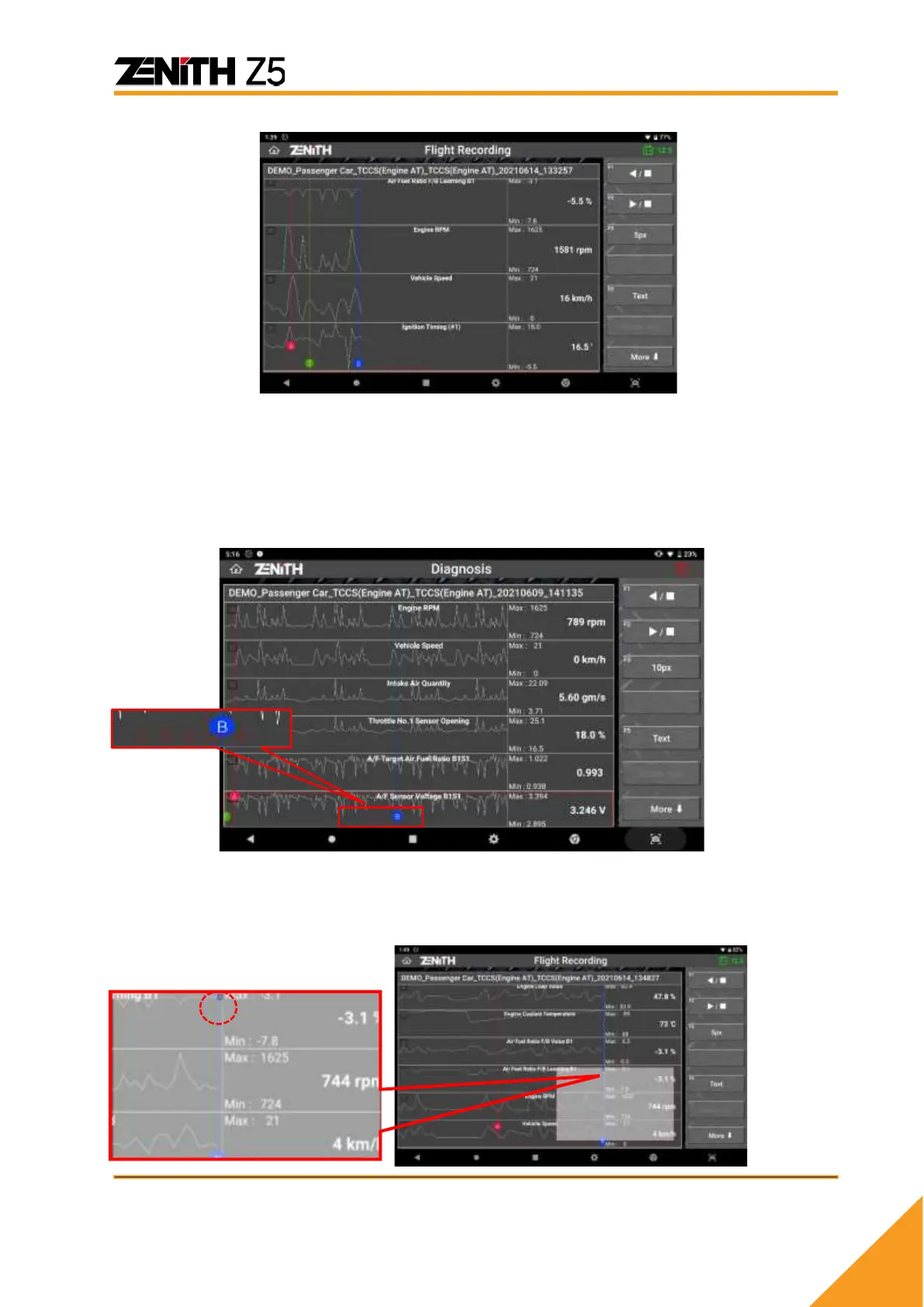
⚫ Cursor
Cursors are available when replaying the recorded data in graph mode. Touch the red
dot and drag it to change the horizontal position of Cursor A, and do the same on a
blue dot for Cursor B. Then the time difference between Cursor A and B is indicated on
the left of the screen.
⚫ Current Frame Indication
When replaying forward and reverse, the horizontal location of the current frame is
indicated on the map that appears on the left right corner of the screen for quick
reference.
⚫ Recorded Data Review - Spreadsheet mode



 To Next Page