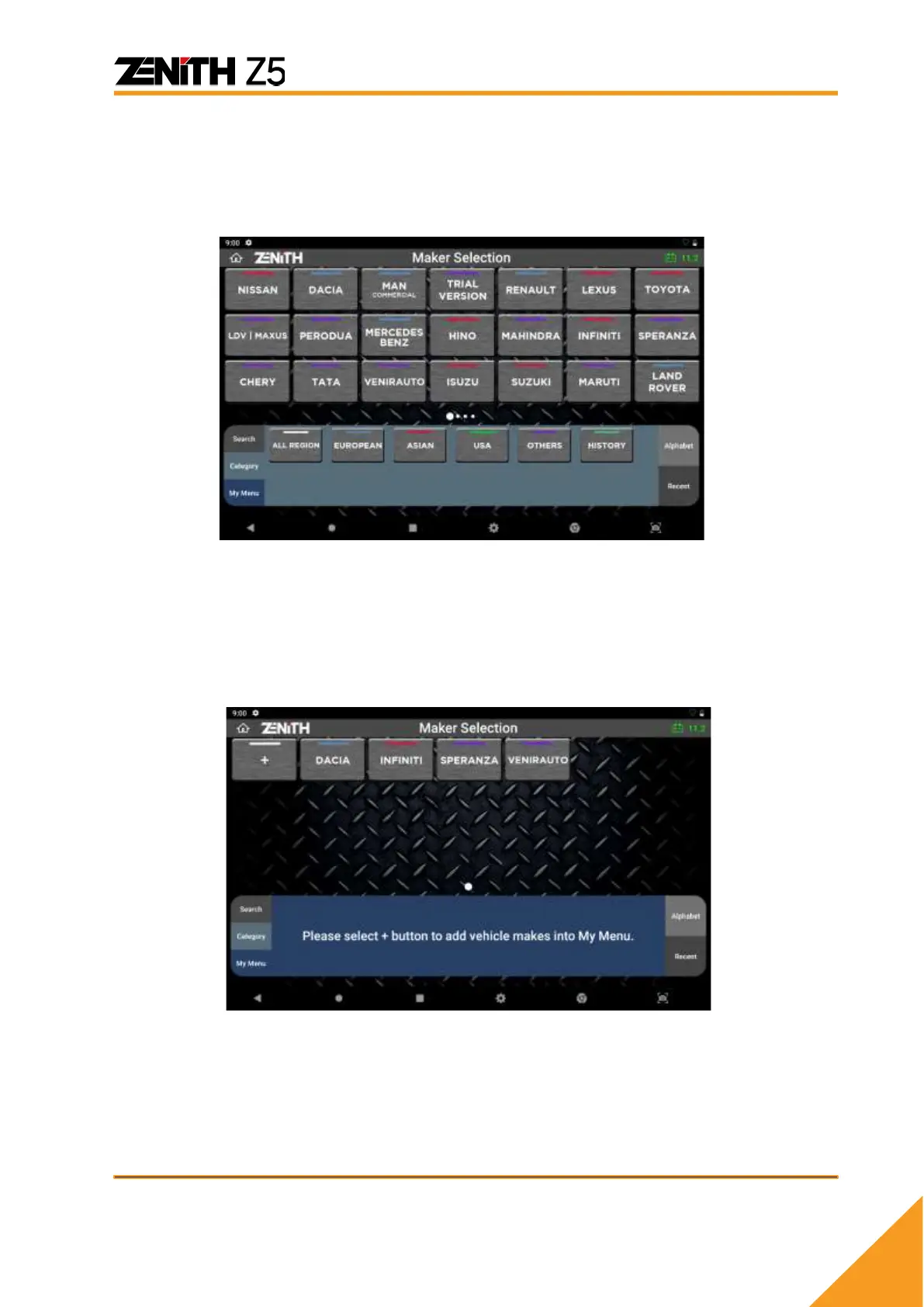
⚫ Search
[Search] feature allows sorting the carline software according to the first letter. After
selecting the first letter, the software can be sorted further using features in the
[Region] tab.
⚫ Region
[Region] feature sorts the carline software according to its region such as ‘All Region’,
‘Asian’, ‘Australia’, ‘European’, ‘USA’, and ‘Other’. In addition, ‘History’ feature displays
recently diagnosed vehicle/ accessed system/ function path, offering a shortcut to
access the system without navigating menu from scratch.



 To Next Page