⚫ Custom Graph Mode
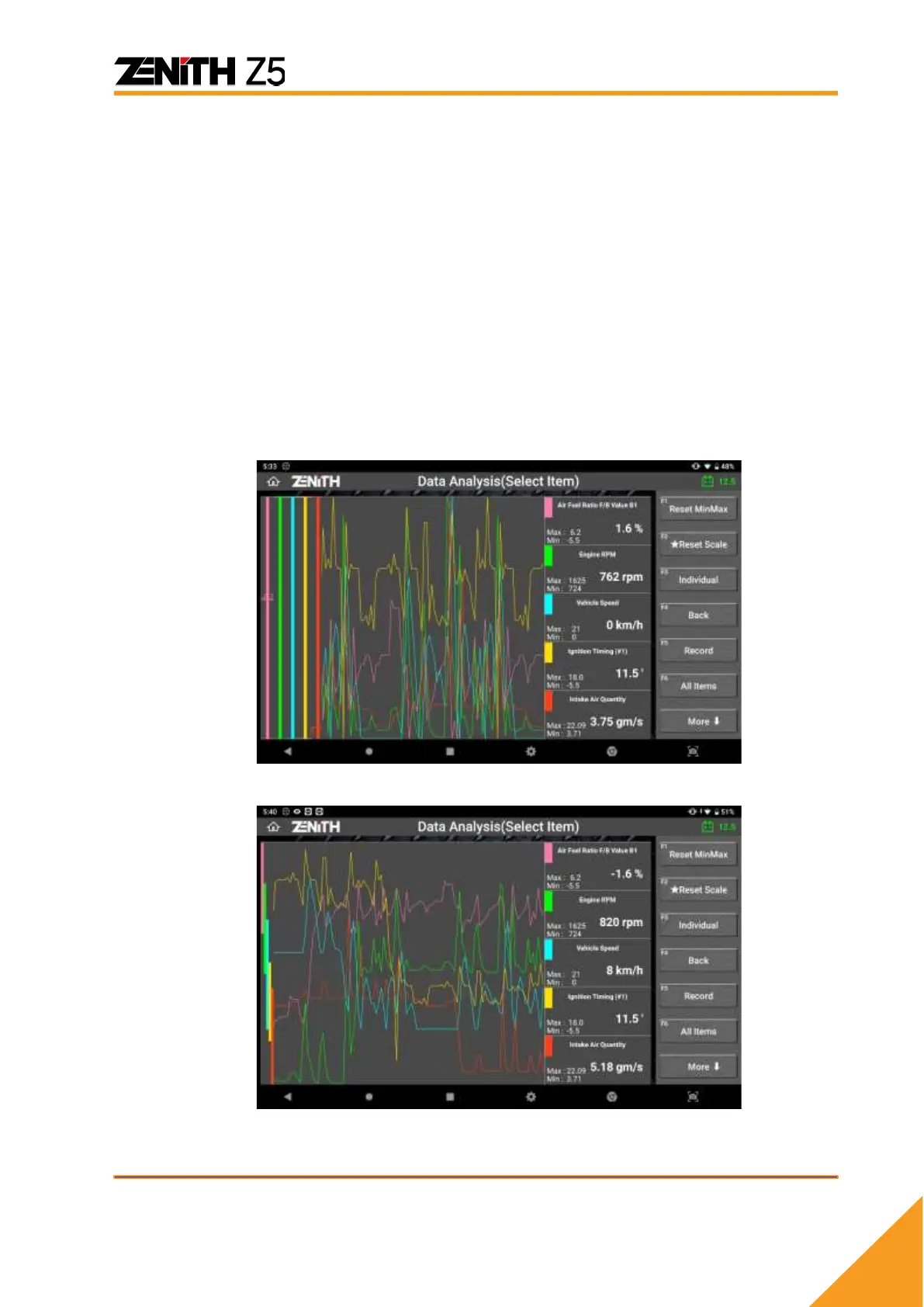
Custom mode runs when [ Overlap ] is selected.
In custom mode you have freedom to move the graph of each parameter horizontally
and resize the vertical scale of each graph individually. Capability to customize the
scale and the position of each graph offers more intuitive approach to make efficient
analysis of the parameters.
➢ Resize
Use your 2 fingers and place them on the vertical line of the corresponding color of
the parameter you want to resize. Widen or narrow the gap between the 2 fingers
to make the graph larger or smaller.
➢ Move
Touch the vertical line of the corresponding color with a finger or the stylus pen
and drag it up and down to place the graph in the desired vertical location.
<Custom mode graph with no adjustment>
<Custom mode graphs resized and separated>



 To Next Page